<img height="1" width="1" style="display:none" src="https://www.facebook.com/tr?id=920006783769328&amp;ev=PageView&amp;noscript=1">
Documentation

Multi Cards Slider


This Multi Cards Slider module features a dynamic central card that elevates when active, allowing you to showcase custom images alongside detailed text and action links for each item. Designed for seamless navigation via directional arrows, it also includes a flexible control panel to easily adjust multi-stop background gradients and colors.

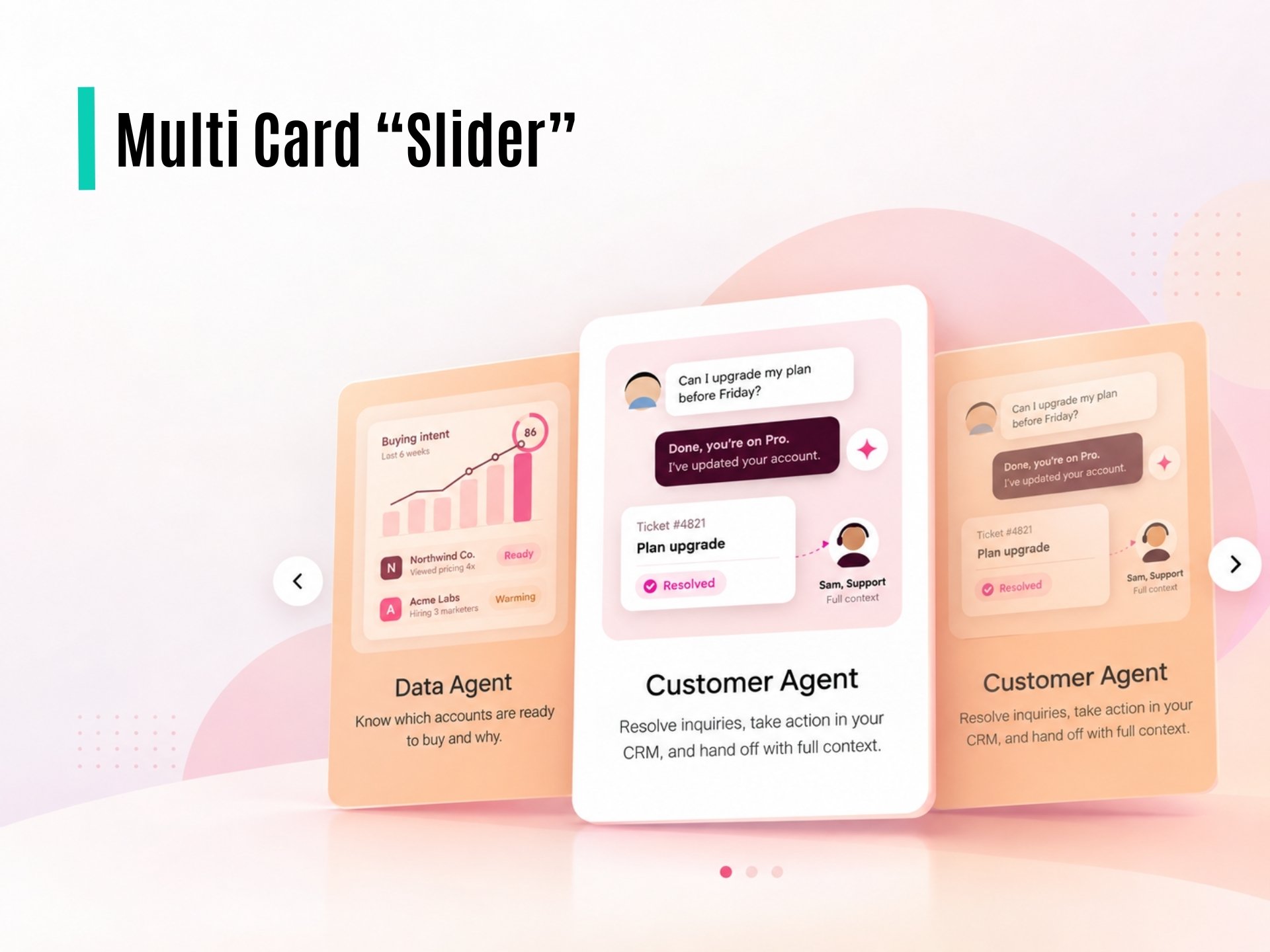
Multi Card “Slider”

What is the Multi Cards Slider Module?

The Multi Cards Slider Module is a customizable card-based section designed to highlight key services, features, products, or offerings in a visually structured layout.

Based on the provided design, the module includes:

  • Multiple featured cards displayed in a responsive grid layout.
  • Custom icon or image for each card.
  • Card title to highlight the primary feature or service.
  • Short description for additional context.
  • Customizable feature list with bullet points.
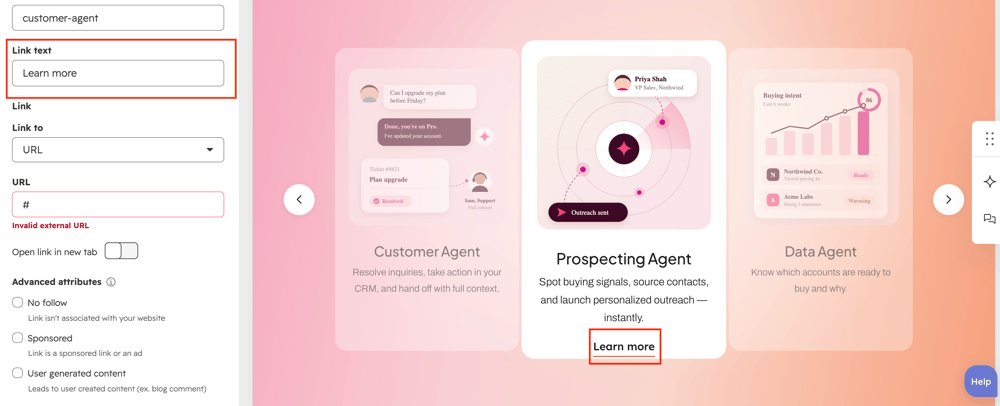
  • Call-to-action link/button, such as “Learn More,” with an optional arrow icon.
  • Individual card styling, including border, spacing, background, and hover effects.
  • Responsive design to support desktop, tablet, and mobile layouts.

Each card can be managed independently, allowing content editors to add, remove, reorder, or customize cards based on the page requirements. This module is suitable for showcasing service categories, product benefits, development offerings, or other key business features.

How does the Multi Cards Slider functionality work?

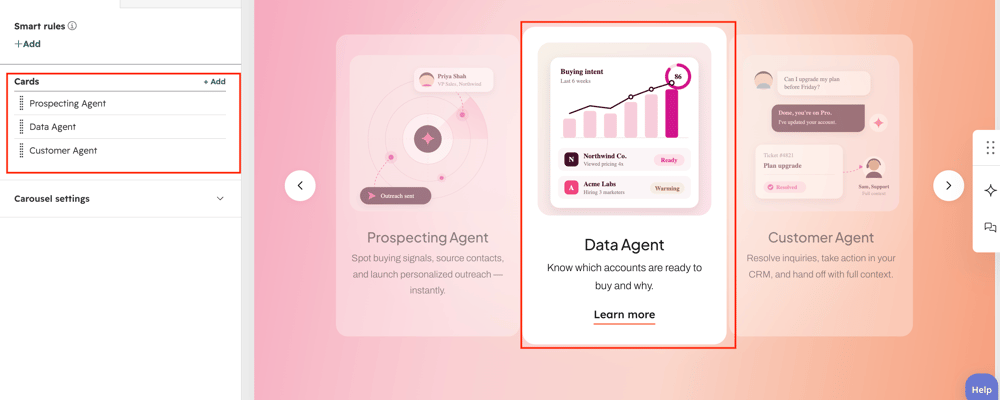
  • Dynamic Card Management: Add, remove, and reorder cards dynamically based on the content requirements without modifying the module code.
  • Section Content Options: Add a preheading, heading, and description to introduce the featured cards section and provide additional context.
  • Custom Card Content: Configure an individual title and description for each card to highlight different services, features, or offerings.
  • Custom CTA Button: Add a customizable button to each card with editable button text and destination link.
  • Content Style Customization: Update the styles of the preheading, heading, description, card content, and buttons, including typography, colors.
  • Responsive Design: The card layout automatically adapts across desktop, tablet, and mobile devices to ensure a consistent user experience.


What customization options are available with the Multi Cards Slider Module?

Below is a list of all the customization options available for the Multi Cards Slider.

Content

Drag and drop the Multi Cards Slider into your desired location on the page.

Cards-grp

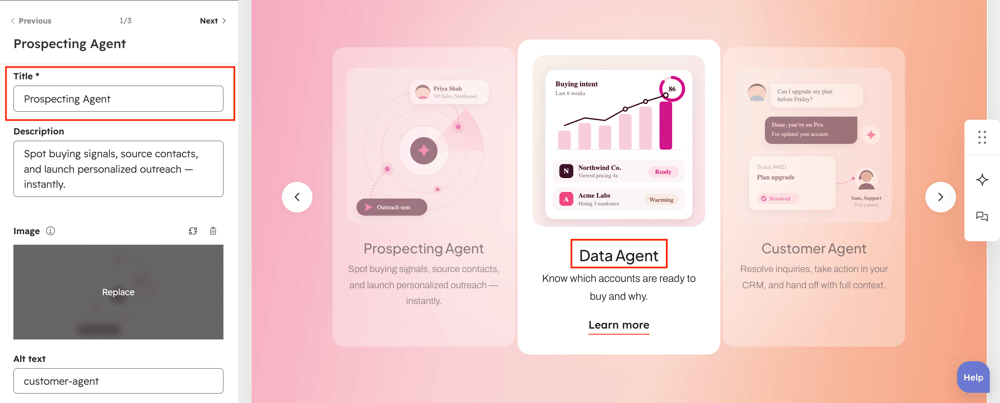
User can add the title text on each cards in respective text field.

Card-title

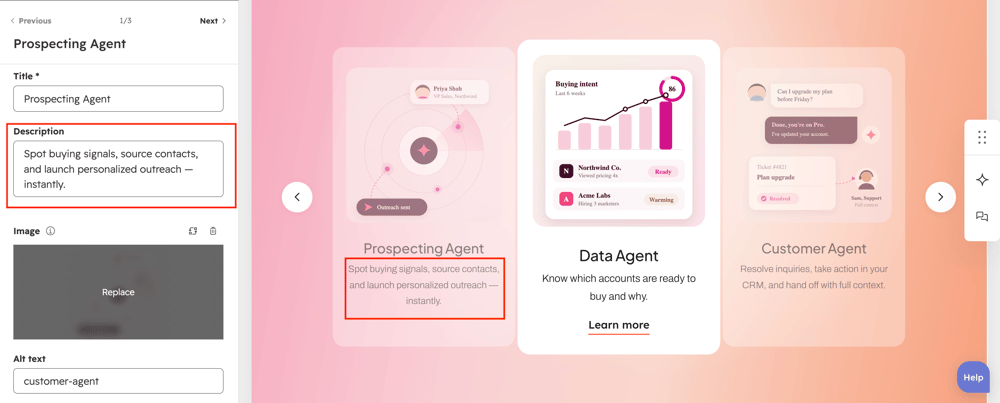
User can add each card description on respective text field.

Card-desc

User can add the heading on the respective text field.

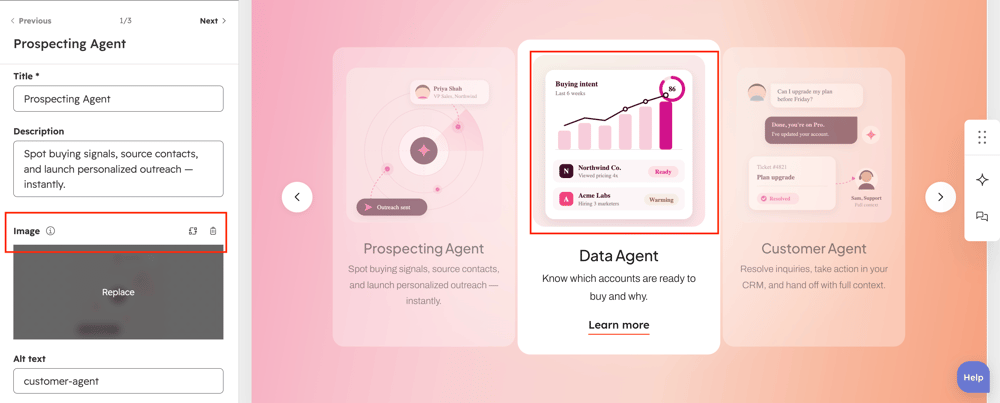
card-img

User can add the image on each cards using image field.
Card-link

User can add button title and navigation link on each cards using text and link filed.

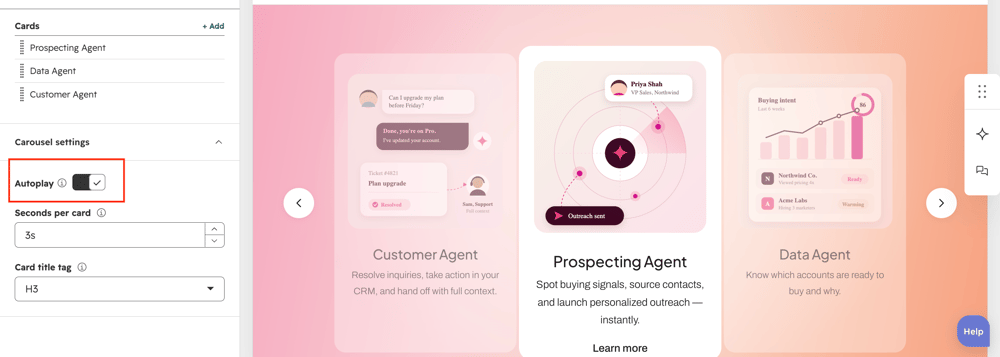
enable-autoplay

User can enable/disable slider auto play option using toggle.

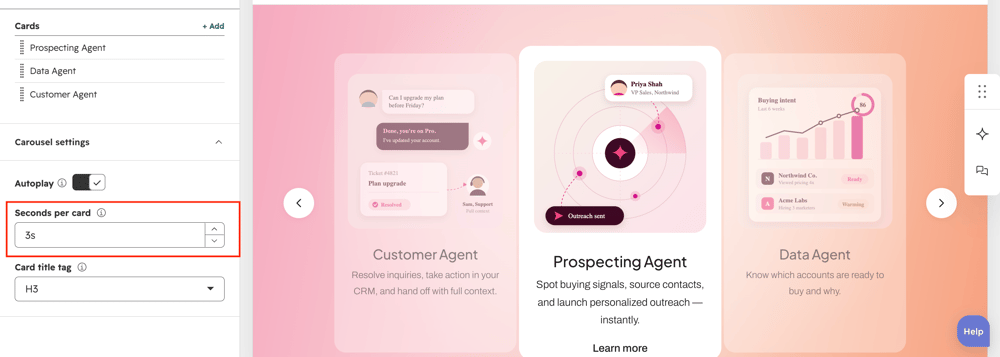
time-delay

User can control the slider moving speed using respective text field.

Cards-grp

User can add multiple cards using repeated field.

What customization styles options are available with the Multi Cards Slider Module?

below list of customization style options are available for Multi Cards Slider Module.

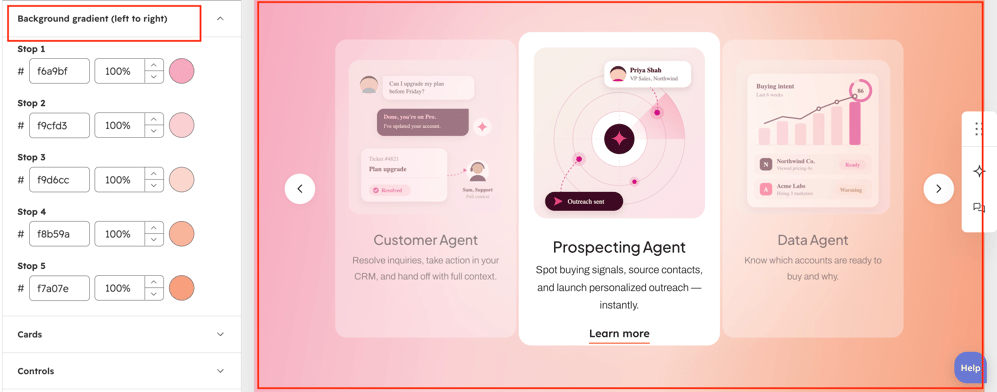
card-sec-grUsers can change slider section background color on full color or gradient color.
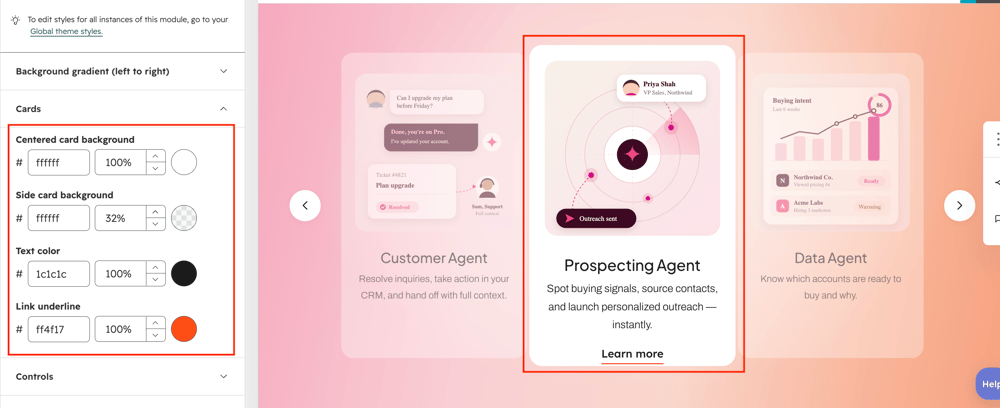
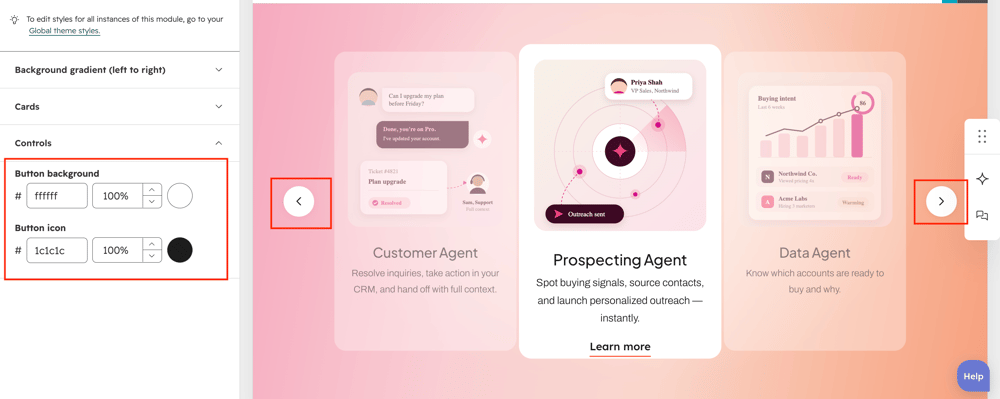
 card-bg-3

Users can change center elevated card and side card background color using respective color filed.

card-bg-3

Users can change heading and description color using respective text color field.

card-bg-3

Users can change button link color using respective link color field.

Button-style

User can change the navigation button icon color and background color using respective color filed.


How can I get support?

If you're still having trouble or have any questions or feedback, contact at  hello@amwhiz.com