<img height="1" width="1" style="display:none" src="https://www.facebook.com/tr?id=920006783769328&amp;ev=PageView&amp;noscript=1">
Documentation

Scroll Stack Cards


The Scroll Stack Cards module creates an engaging, sticky scrolling experience where each card is revealed and stacked as the user scrolls. The animation plays smoothly in both directions, making it ideal for presenting sequential content such as features, services, timelines, or product highlights in a visually interactive format.
Scroll Stack Cards

What is the Scroll Stack Cards Module?

The Scroll Stack Cards module is an interactive content section that creates a sticky scrolling experience. As users scroll down the page, each card smoothly stacks into view one by one, keeping the content engaging and easy to follow. When users scroll back up, the cards unstack in reverse, providing a seamless two-way scrolling animation.

How does the Scroll Stack Cards Module functionality work?

The Scroll Stack Cards module creates a smooth, interactive scrolling experience by stacking cards as users navigate through the page. As the user scrolls down, each card becomes pinned and stacks on top of the previous one, bringing the next piece of content into focus. This sequential animation helps present information in a clear and engaging way.

When users scroll back up, the animation plays in reverse, with each card unstacking smoothly to reveal the previous card. This creates a seamless experience in both scrolling directions.

Each card supports customizable titles, descriptions, buttons, and images, with image alignment options including left, right, top, or bottom. The module is fully responsive and is ideal for presenting features, services, products, timelines, processes, or other step-by-step content in a visually engaging format.

What customization options are available with the Scroll Stack Cards Module?

Below is a list of all the customization options available for the Scroll Stack Cards

Content

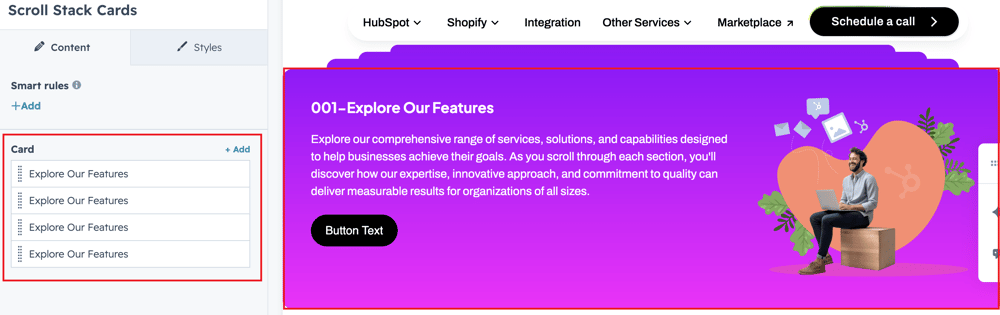
Drag and drop the Sticky Card Slider into your desired location on the page.

cards

The drag and drop the module default show review Scroll Stack Cards group to change the content.


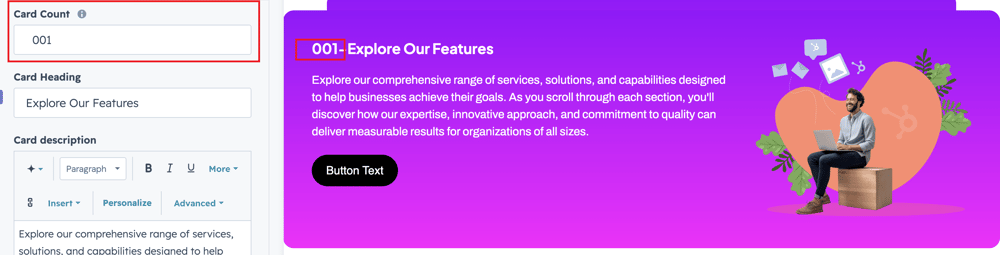
count


Add a number for the respective text field to clearly indicate its purpose and guide users in entering the appropriate content.

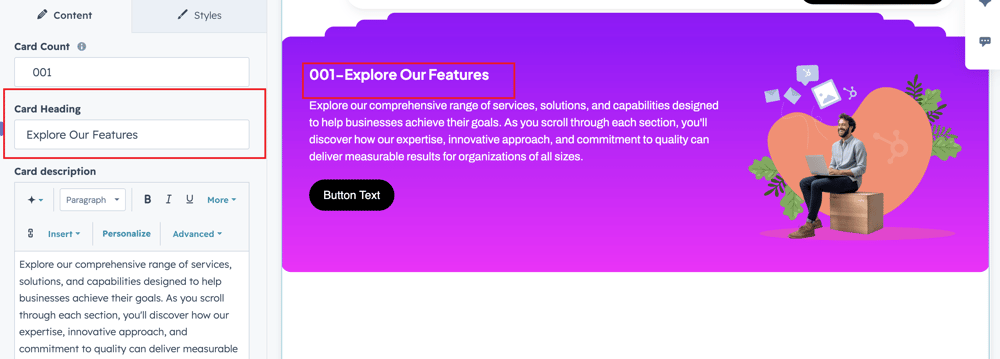
card-title-1

Add a title for the respective text field to clearly indicate its purpose and guide users in entering the appropriate content.


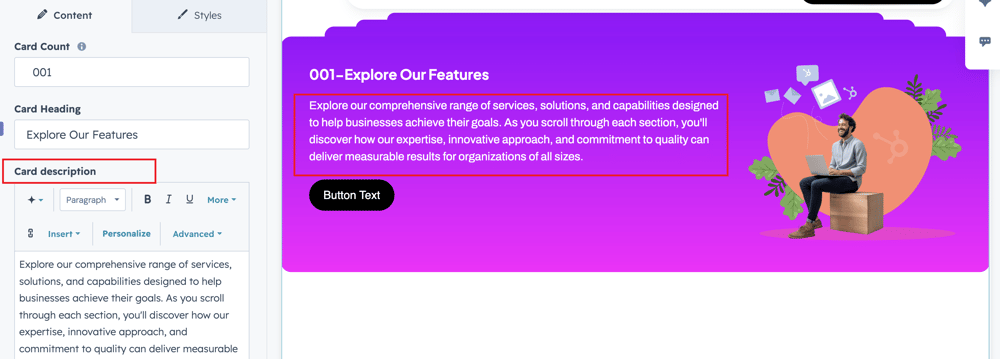
card-description

Users can also add description in the respective text field.


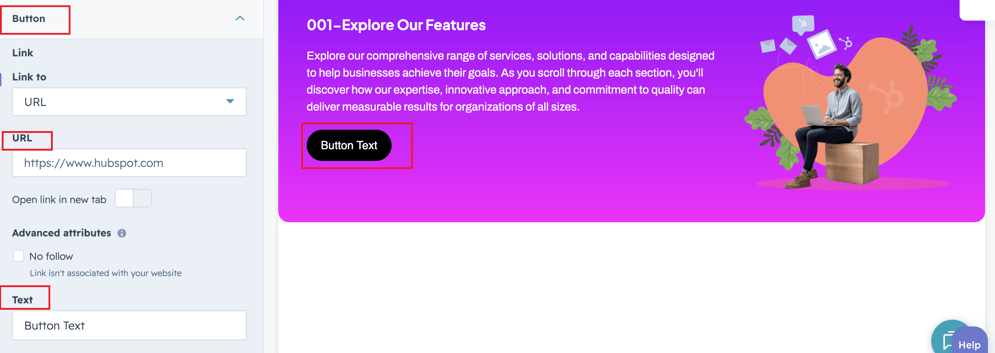
button-text

Users can also add button text and naviagtion link  in the respective button fileds.

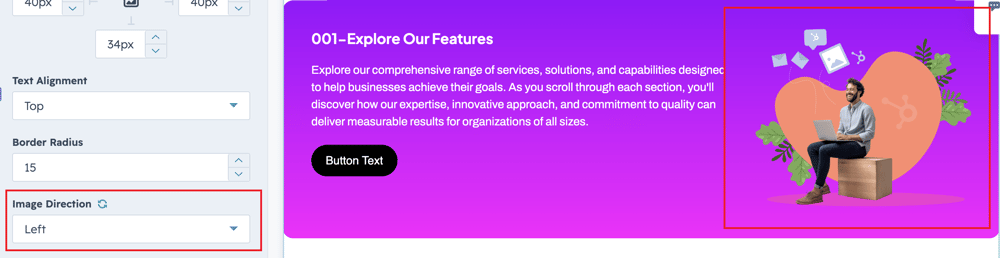
image-position

User can select the image position in the dropdown options field.

What customization styles options are available with the Scroll Stack Cards Module?

below list of customization style options are available for Vertical Image Slider Module.

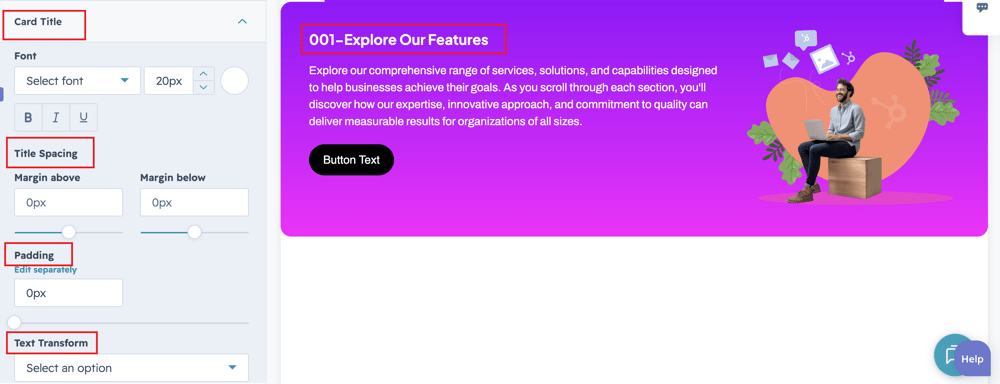
title-styleusers can change heading font, color and text transformation.
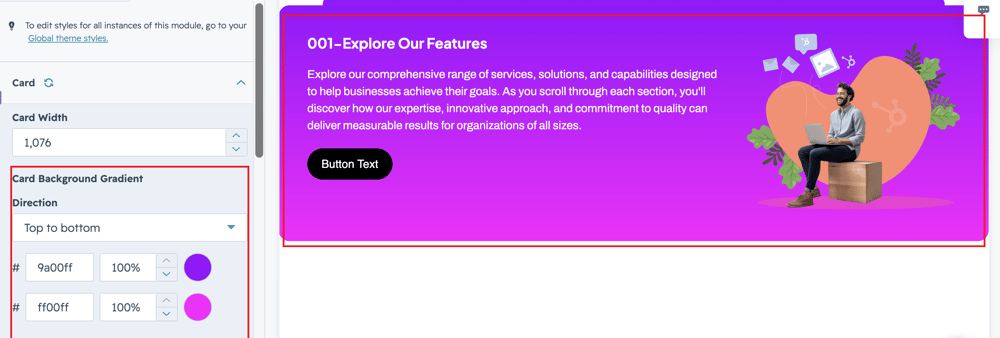
card-back-color

users can change the background gradient color to the scroll cards.

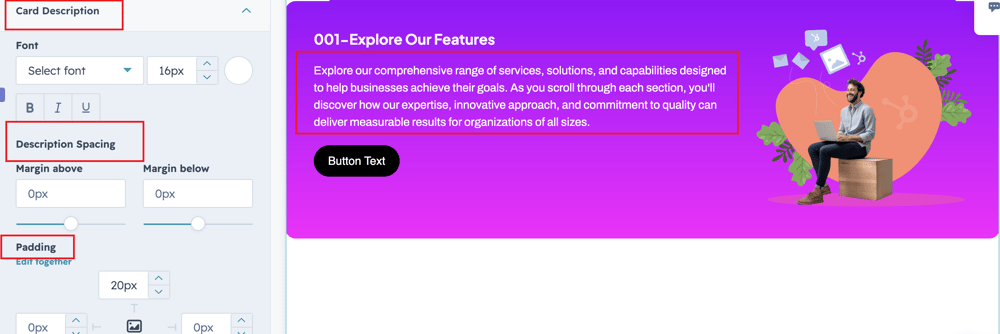
description-style

Users can change the description font, color and spacing.

button-style

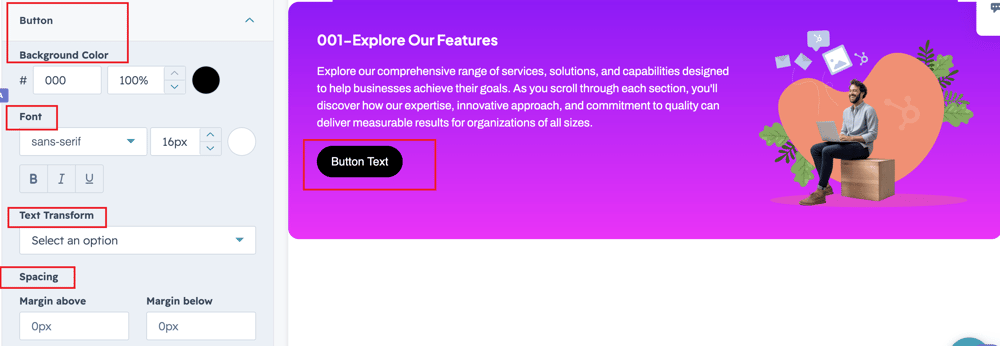
User can change button styles like font, background color,color and spacing.

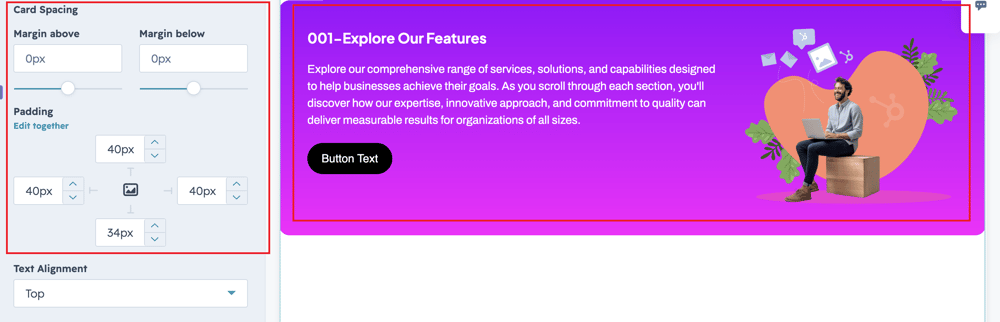
card-space

User can change the cards spacing like padding and margin.

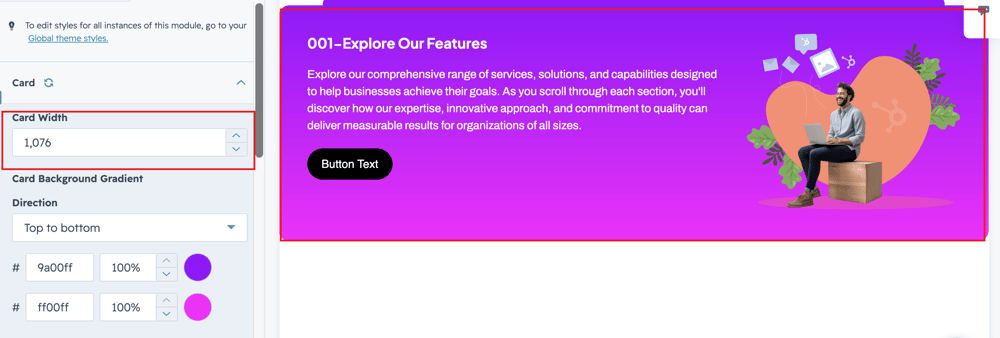
card-width

Users can change the width of the card depends up on screen size.

image-position

Users can change the image position like left,right,top and bottom direction.

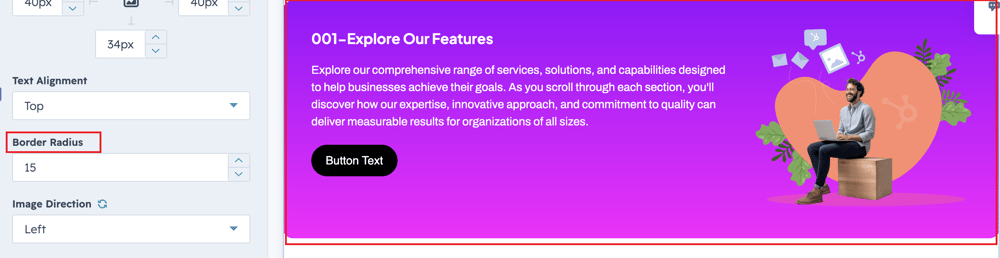
card-corner-1

Users can change the cards corner radius in the respective style field.

How can I get support?

If you're still having trouble or have any questions or feedback, contact at  hello@amwhiz.com