<img height="1" width="1" style="display:none" src="https://www.facebook.com/tr?id=920006783769328&amp;ev=PageView&amp;noscript=1">
Documentation

Sticky Card Slider


The sticky card slider module displays a two-column layout where an image on the left remains fixed (sticky) while the content on the right scrolls. It's designed to enhance visual storytelling and maintain a strong visual anchor as users navigate through multiple sections of content.
Sticky Card Slider

What is the Sticky Card Slider Module?

The sticky card slider module displays a two-column layout where an image on the left remains fixed (sticky) while the content on the right scrolls. It's designed to enhance visual storytelling and maintain a strong visual anchor as users navigate through multiple sections of content.
How does the Sticky Card Slider Module functionality work?

The Sticky Card Slider module is designed to create an engaging storytelling experience by combining a fixed content area with scrollable cards. As the user scrolls through the page, the content on the left side remains sticky at the top of the screen, ensuring that the key message or image stays visible at all times. Meanwhile, the right side displays a sequence of cards, each taking up the full height of the viewport and appearing one after another as the user scrolls. This creates a step-by-step reveal effect where users can focus on each value, feature, or message in order, while still being anchored by the sticky left content. Once the last card has been viewed, the sticky section naturally scrolls out of view along with the rest of the page. On scrolling back up, the interaction works in reverse, with the sticky left content reappearing and the right cards moving back into view. This functionality ensures a smooth, immersive, and responsive layout across desktop and mobile devices, making it ideal for showcasing company values, product features, or process steps in a visually compelling way.

What customization options are available with the Sticky Card Slider Module?

Below is a list of all the customization options available for the Dynamic Video Gallery Module

Content

Drag and drop the Sticky Card Slider into your desired location on the page.

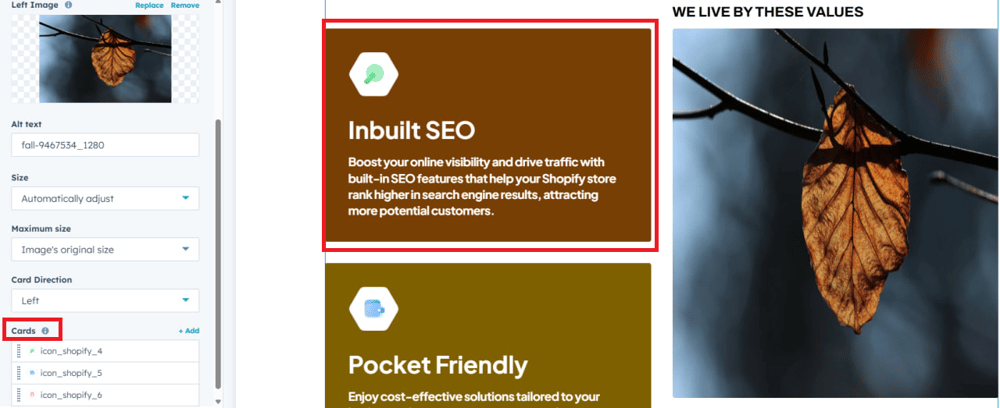
cards-group

The drag and drop the module default show review Sticky Card Slider group to change the content.


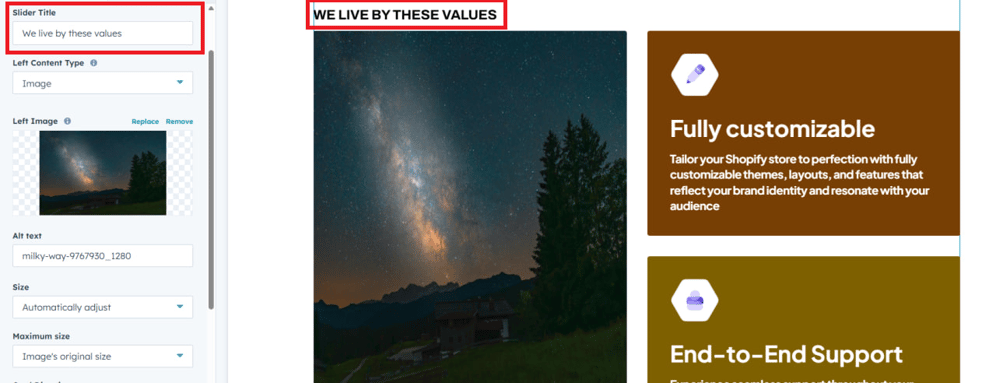
Title


Add a descriptive title for the respective text field to clearly indicate its purpose and guide users in entering the appropriate content.

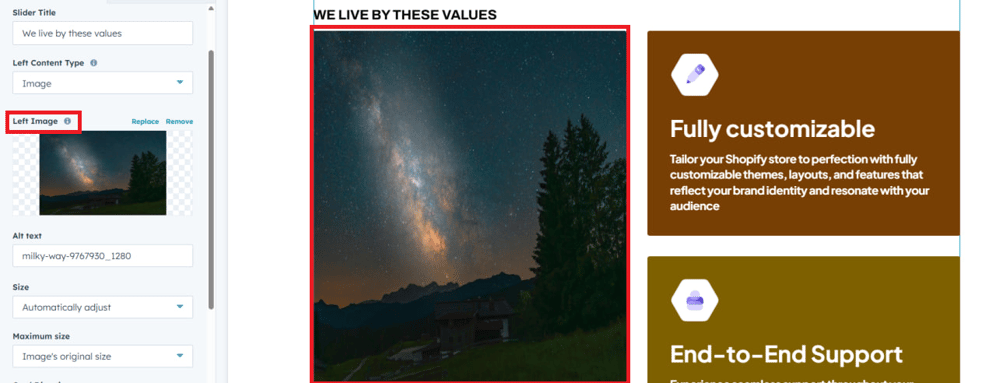
image-1


In this image field user can add left side sticky  image 
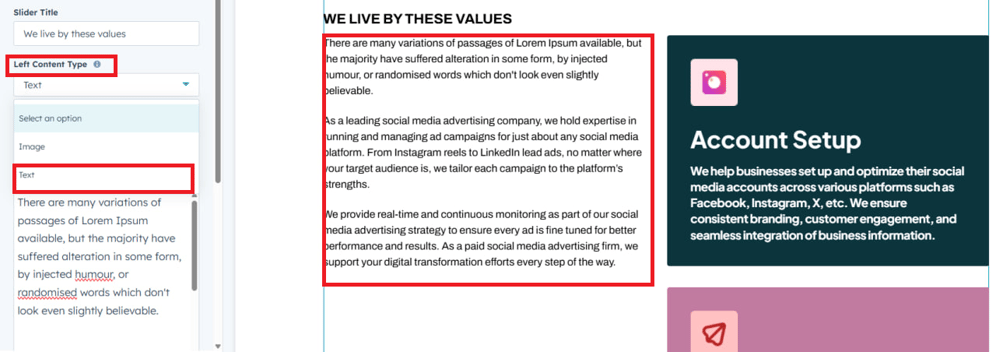
type_text

Users can also choose text as the left-side content type for more flexibility in displaying information.

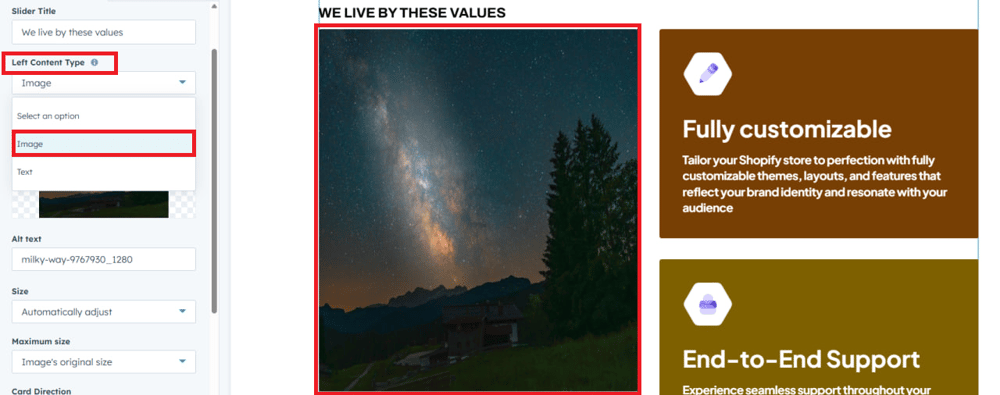
Type_image

Users can also choose an image as the left-side content type, allowing greater flexibility in presenting information

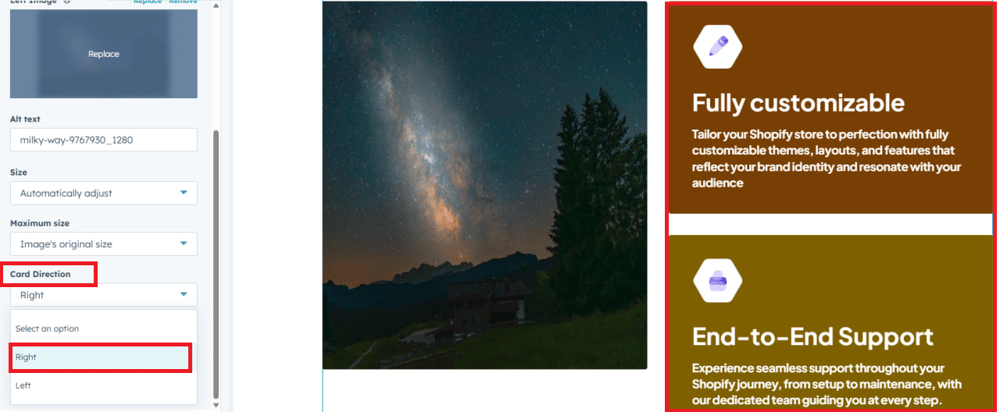
card-right

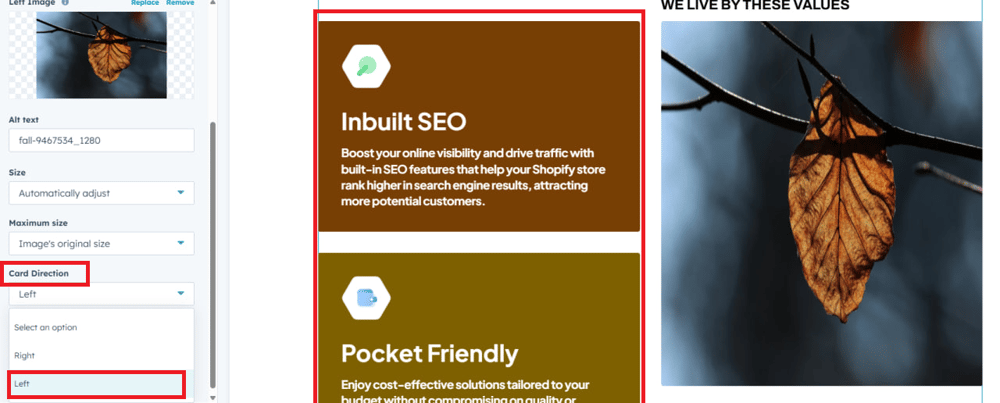
In this dropdown, users can select to align the cards to the right for customized layout control.

card-left

In this dropdown, users can select to align the cards to the left for customized layout control.

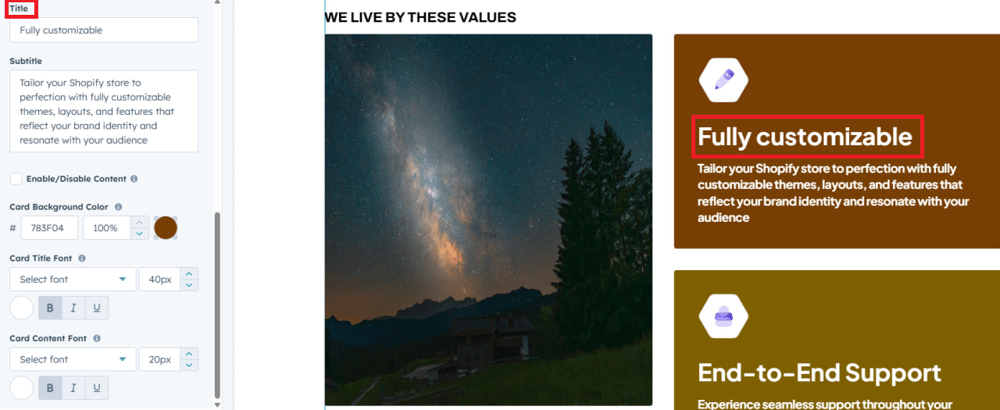
card-title

In this text field user can add title for card title.

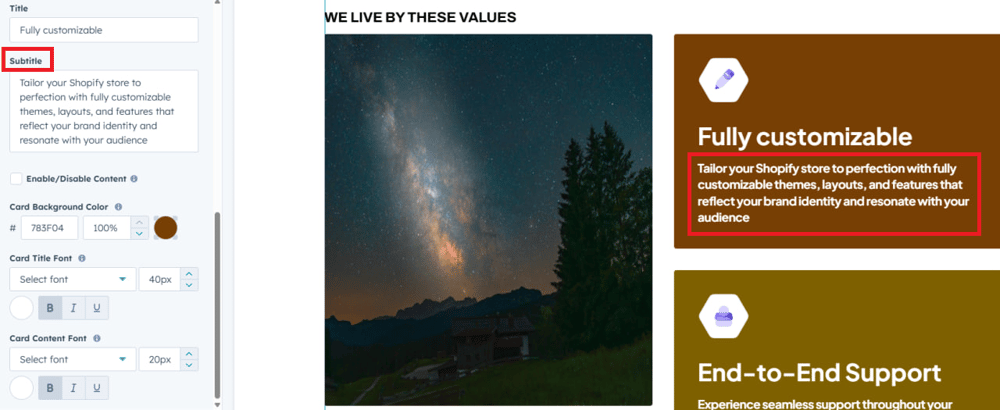
card-content

In this text field user can add sub content for card content.

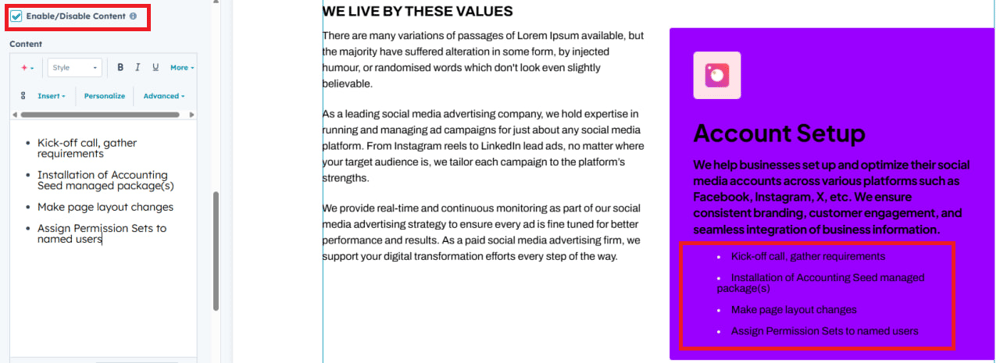
Additional-content

In this check box user can add Additional formatted text to below card content.

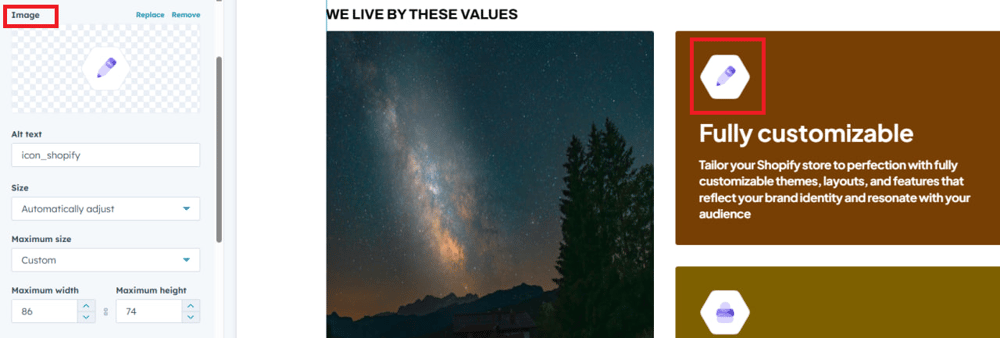
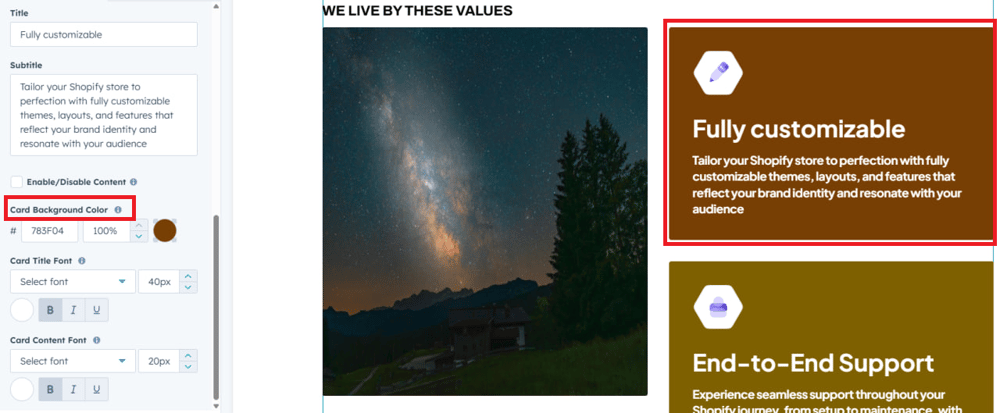
card-iconIn this image field user can add icon or images in the cards.
responsive-slider

β€œOn responsive devices, the card slideshow images and sticky scroll functionality will be disabled for a simpler user experience.”

What customization styles options are available with the Sticky Card Slider Module?

below list of customization style options are available for Sticky Card Slider Module.

card-bgusers can add background color for each cards.
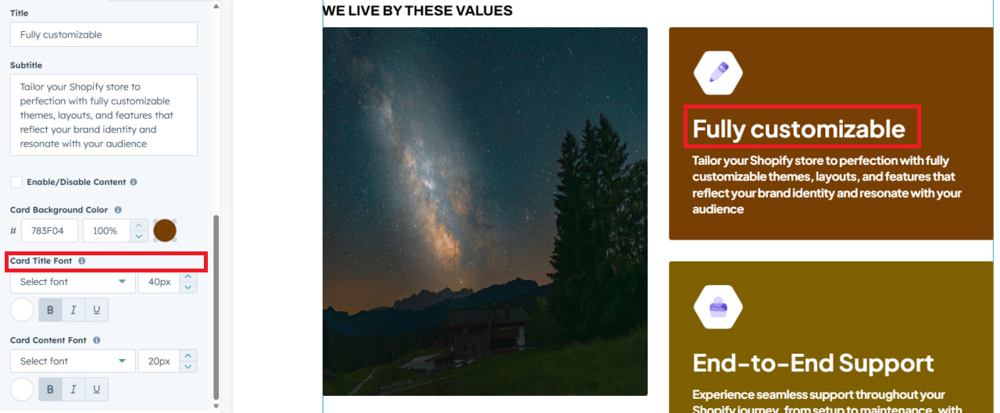
Title-font


users can change the cards title fonts size and color for each cards.

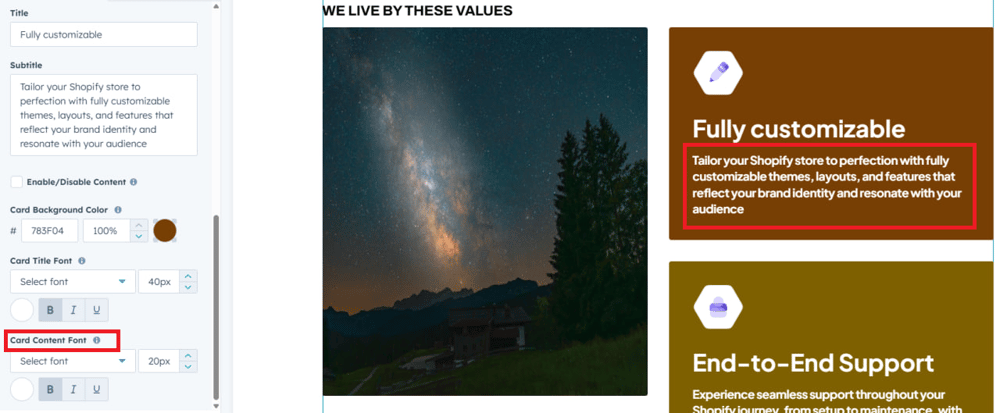
content-font

Users can change the card content fonts and color for each cards.

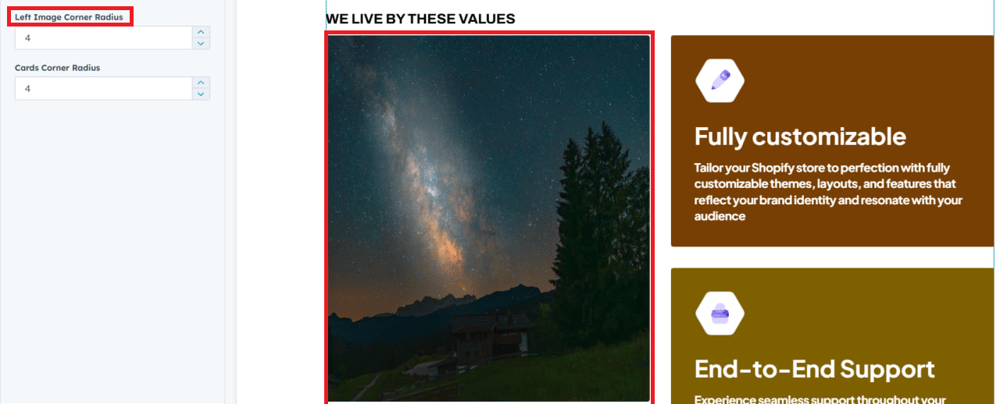
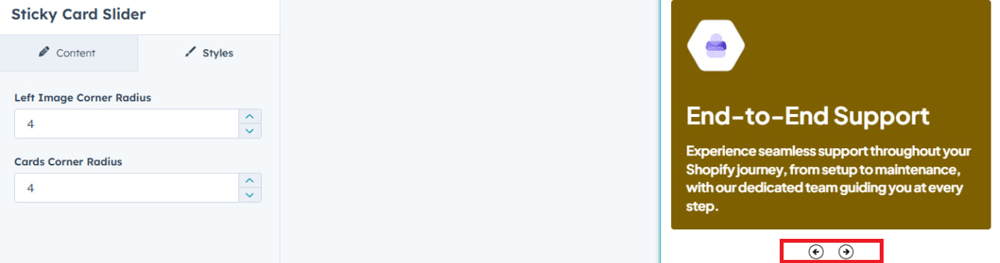
image-corner

User can change the image corner radius.

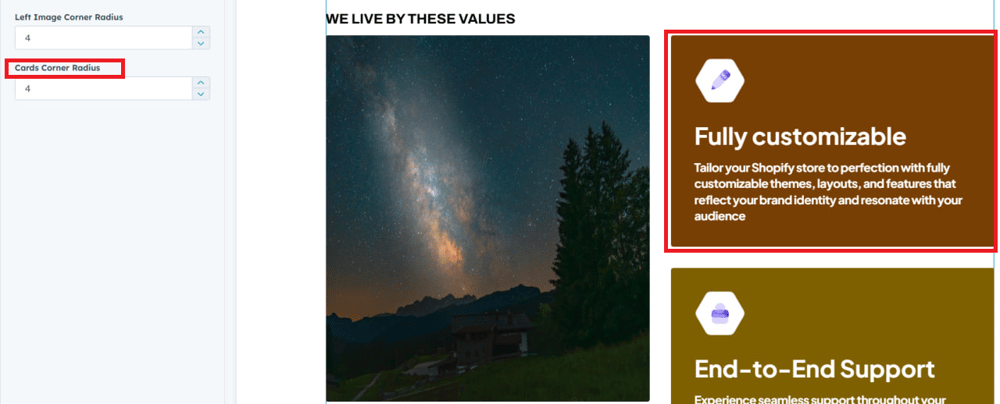
card-corner

User can change the cards corner radius.

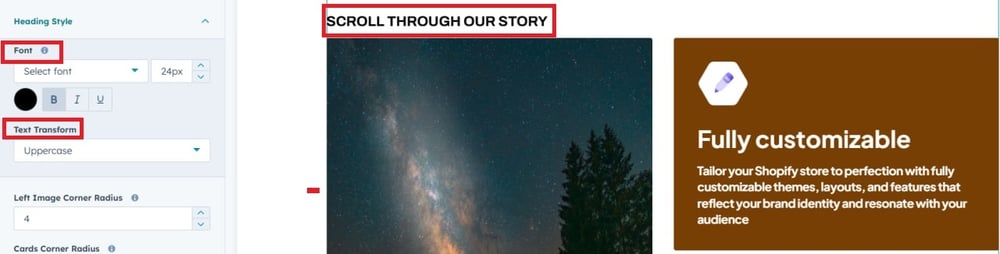
Heading Style

User can change heading font, text transform and color.

How can I get support?

If you're still having trouble or have any questions or feedback, contact at  hello@amwhiz.com