
-1.png?width=134&height=66&name=amwhiz-logo%20(1)-1.png)


A Chatbot Answers Questions. It Doesn't Know What Happened in Your CRM Five Minutes Ago.
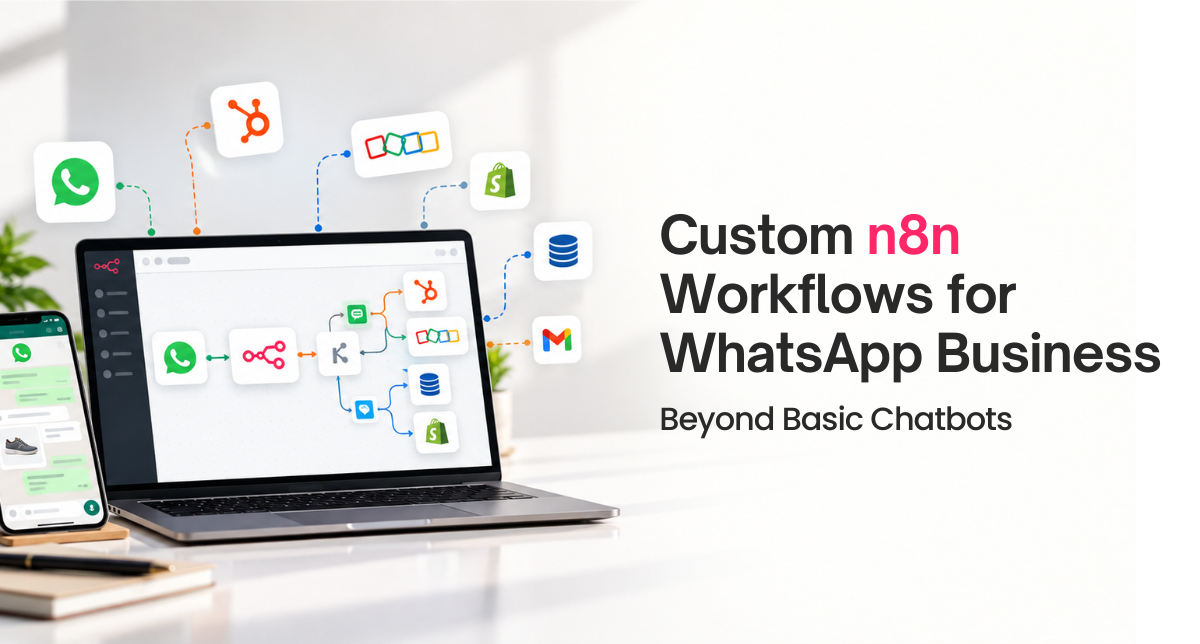
Most businesses get their first WhatsApp Business automation as a chatbot: a decision tree answering FAQs. That's a reasonable starting point, and it's also where most businesses stop, even after the chatbot stops being enough. n8n WhatsApp Business workflows go further, connecting WhatsApp to whatever CRM, e-commerce platform, or internal system already holds the context a conversation actually needs. Amwhiz builds these beyond-chatbot workflows for clients who've outgrown the decision tree, and here's what that actually looks like.
What Can a Custom n8n WhatsApp Workflow Do That a Chatbot Can't?
The Short Answer
A standard WhatsApp chatbot answers based on a fixed decision tree or a knowledge base, with no awareness of what's happening in your CRM, order system, or support platform. A custom n8n workflow connects WhatsApp Business to those systems directly, so a message can trigger a lookup in HubSpot, an order check in Shopify, or a ticket creation in your support tool, and the reply reflects real, current data instead of a generic scripted answer. The difference matters most for anything transactional: order status, account details, or support that needs context a chatbot's knowledge base was never going to contain.
Five Things We Build Beyond the Chatbot
1. CRM-Aware Replies
When a customer messages in, the workflow looks up their record in HubSpot or Zoho and replies with actual account or order status instead of a generic response, and can flag the conversation to a specific rep who already owns that relationship.
2. Event-Triggered Outbound Messages
Rather than only reacting to inbound messages, the workflow sends WhatsApp messages triggered by events elsewhere, a deal closing in HubSpot, an order shipping in Shopify, an appointment reminder from a scheduling system.
3. Multi-Step Transactional Flows
Booking a slot, confirming an order change, or collecting a document, handled as a guided multi-step exchange where each reply is validated and the result gets written back into the system of record, not just logged as a chat transcript.
4. Smart Escalation to a Human Agent
The workflow can detect when a conversation needs a person, based on sentiment, specific keywords, or simply running past the automated flow's scope, and hand off to an agent with full context already attached instead of the customer repeating themselves.
5. Cross-Channel Consistency
Logging every WhatsApp interaction back into the same CRM record that tracks email and web activity, so a support or sales rep sees the full history in one place instead of WhatsApp living as a disconnected channel.
Where a Basic Chatbot Is Still the Right Choice
Not every business needs this. If your WhatsApp presence is mostly answering the same five FAQs, a straightforward chatbot from a WhatsApp Business solution provider is faster and cheaper to set up, and a custom n8n build would be solving a problem you don't have yet. The signal that it's time to go further is usually when the chatbot keeps escalating to a human because it doesn't have access to the data the answer actually requires.
How Amwhiz Helps
Amwhiz builds custom WhatsApp Business workflows connected to HubSpot, Shopify, and Zoho, including the CRM logic and message template approvals needed to run transactional messaging correctly. We're also honest when a client's current chatbot is actually still the right fit and a custom build isn't worth the investment yet.
Frequently Asked Questions About Custom WhatsApp Workflows
Do we need to rebuild our existing chatbot from scratch?
Not always. In many cases we extend the existing chatbot by adding an n8n layer behind it that supplies real data, rather than replacing the whole conversational flow.
Does this require a specific WhatsApp Business API provider?
n8n connects to WhatsApp Business through Meta's Cloud API directly or through a business solution provider like Twilio or 360dialog. We work with whichever provider a client already has or recommend one during scoping.
Can this handle multiple languages?
Yes. Message templates and reply logic can be built per language, and the workflow can route based on a customer's stated or detected language preference.
How does this stay compliant with WhatsApp's messaging policies?
Outbound messages outside a customer-initiated window rely on pre-approved templates, and the workflow is built to respect WhatsApp's messaging window rules rather than sending free-form text where a template is required.
What ongoing maintenance does a custom workflow need?
Template updates, occasional logic changes as your business evolves, and monitoring for API changes from WhatsApp or the connected platforms. Clients on a support arrangement have this handled proactively.
Conclusion
A chatbot is a reasonable first step on WhatsApp Business, but it has a ceiling: it can only ever be as helpful as the script it was given. A custom n8n workflow removes that ceiling by giving WhatsApp access to the same live data your CRM and order system already have.
If your chatbot keeps punting conversations to a human because it doesn't have the answer, that's the signal it's time to build past it.
Book a free consultation to scope a custom WhatsApp workflow.
Amwhiz is a certified HubSpot, Shopify, and Zoho implementation partner that also builds custom n8n automations for content, sales, and ops workflows. Visit our WhatsApp integrations page or email sales@amwhiz.com to get started.



