-1.png?width=134&height=66&name=amwhiz-logo%20(1)-1.png)


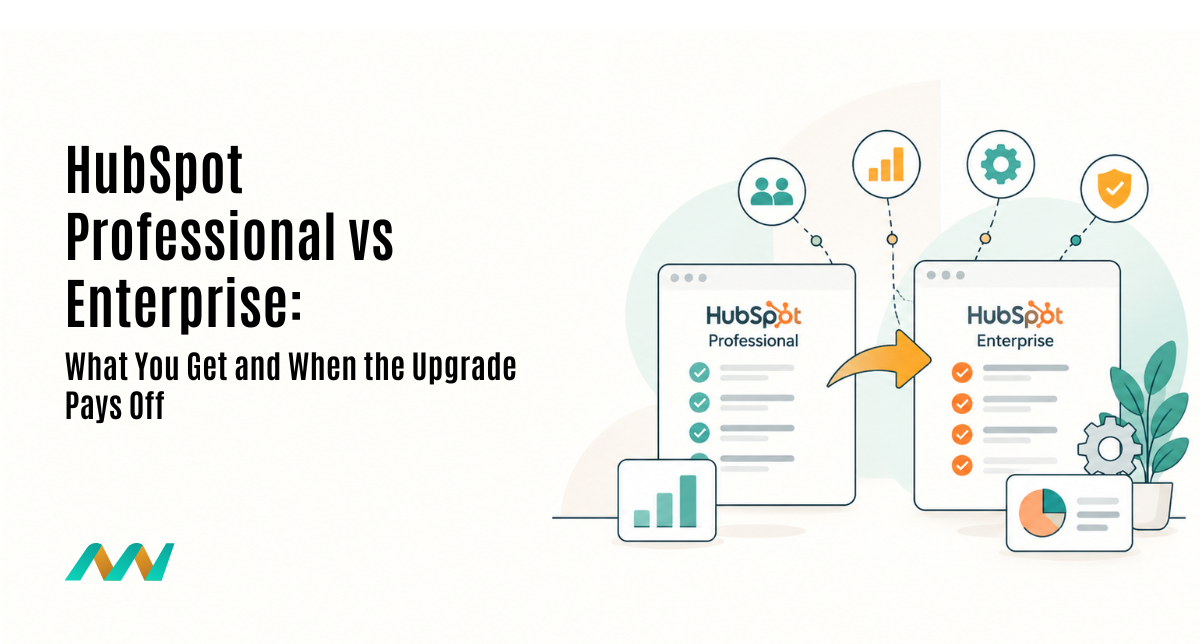
HubSpot Enterprise costs roughly 1.7 to 4.5 times more than Professional, and the upgrade pays off when you need features Professional cannot provide: custom objects, permission sets and property-level access controls, sandboxes, and multi-brand management. If your data fits contacts, companies, deals and tickets and one admin team manages the portal, Professional is usually enough.
This guide compares the two tiers side by side, explains the four Enterprise features that most often justify the jump, and gives you a short decision checklist for Marketing, Sales, Service and Data Hub so you can make the call with evidence rather than a sales pitch.
Key takeaways
- Price gap: Sales and Service Hub go from USD 90 to USD 150 per seat per month, and Marketing Hub from USD 800 to USD 3,600 per month, at list price with annual billing.
- Custom objects are Enterprise-only: if your business runs on records such as projects, properties, policies or shipments, this alone often decides it.
- Governance is the other big driver: permission sets, property-level access, sandboxes and brands all need Enterprise.
- Upgrade one hub, not all: most companies only need Enterprise on the hub where the gap actually hurts.
What is the difference between HubSpot Professional and Enterprise?
Professional is built for teams that need serious automation, reporting and sales or service tools on HubSpot's standard data model. Enterprise adds the structure larger or more complex businesses need: a custom data model, fine-grained access control, safe testing environments and multi-brand management.
In practice, Professional answers the question “can we automate this?” while Enterprise answers “can we model, control and scale this safely?” Many teams feel the difference only when they start working around missing features, as covered in our guide to the signs you have outgrown DIY HubSpot.
| Area | Professional | Enterprise |
|---|---|---|
| Data model | Standard objects, custom properties, association labels | Adds custom objects |
| User access | Teams and standard user permissions | Adds permission sets and property-level view/edit access |
| Testing | Build changes in production | Standard sandboxes, deploy up to 300 changes at a time |
| Multi-brand | One brand setup | Brands included with Marketing Hub Enterprise |
| HubSpot Credits | 3,000 per month | 5,000 per month |
How much more does HubSpot Enterprise cost?
At list price with annual billing, Enterprise costs about 67% more per seat on Sales and Service Hub, and about 4.5 times more on Marketing Hub. The one-time onboarding fee also rises.
| Hub | Professional | Enterprise | Onboarding (Pro / Ent) |
|---|---|---|---|
| Sales Hub | USD 90/seat/mo | USD 150/seat/mo | USD 1,500 / 3,500 |
| Service Hub | USD 90/seat/mo | USD 150/seat/mo | USD 1,500 / 3,500 |
| Marketing Hub | USD 800/mo, 2,000 contacts | USD 3,600/mo, 10,000 contacts | USD 3,000 / 7,000 |
| Data Hub | USD 720/mo | From USD 2,000/mo | Check with HubSpot |
For a 15-person sales team, moving Sales Hub from Professional to Enterprise adds about USD 10,800 a year in licences, plus the higher onboarding fee. That is the number the new features need to beat.
Do you need Enterprise for HubSpot custom objects?
Yes. HubSpot's own documentation lists custom objects as available only on Enterprise subscriptions, across Marketing, Sales, Service, Data, Content and Revenue Hub. Workflows, lists and reports on those objects are gated the same way.
Custom objects matter when your business revolves around something that is not a contact, company, deal or ticket. Typical examples include:
- Projects, sites or installations linked to several deals
- Properties, units or listings in real estate
- Policies and claims in insurance
- Shipments, dealer locations or equipment in manufacturing and distribution
- Programmes, courses or cohorts in education
Professional teams often fake these with custom properties or extra pipelines, and reporting suffers. Our complete guide to HubSpot custom objects explains when a real object is worth it, and this case study shows how custom objects centralised shipping addresses and projects for faster deal management.
What do Enterprise permissions add?
Enterprise adds permission sets, which let you define a role once and apply it to many users, and property-level controls that restrict who can view or edit sensitive fields such as margin, salary or health data.
This matters most when several teams, regions or partners share one portal, or when compliance requires you to prove who can see what. Our breakdown of HubSpot's enhanced permission sets covers the admin side in detail.
If you only need one extra team to see certain records, Professional can sometimes cope with a workaround, such as the secondary owner property approach for cross-team access. Once workarounds multiply, Enterprise is usually cheaper than the admin time.
What are HubSpot sandboxes and brands, and who needs them?
Sandboxes
A standard sandbox is a copy of your portal's setup where you build and test workflows, properties and pipelines before pushing them live. HubSpot's documentation on sandboxes and deploying changes lists them as Enterprise-only, with up to 300 changes deployed at a time. If a broken workflow could email thousands of customers or corrupt deal data, you want a sandbox.
Brands (formerly business units)
Brands let one portal run separate brands with their own domains, email settings, subscription types and assets. The feature is included with Marketing Hub Enterprise or available as an add-on. It suits groups with several product lines or regional companies, and ties in with HubSpot's multi-account management for business units.
Should you upgrade to Enterprise? A checklist for each hub
Upgrade the hub where the gap is real. If you tick two or more items for a hub, Enterprise is worth a proper business case.
Marketing Hub
- You market two or more brands or regions with separate domains and subscription types
- You have more than 10,000 marketing contacts and need higher send limits
- Several teams build campaigns and you need to control who edits what
Sales Hub
- Your deals depend on records HubSpot does not have natively, such as projects or dealers
- Regional or partner teams must see only their own data and fields
- You change pipelines and automation often and need to test first
Service and Data Hub
- Service: support data includes sensitive fields that only some agents may see
- Service: you run tickets against assets, contracts or installations
- Data: you need custom objects synced with other apps, or more webhook triggers and credits than Professional includes
When is Professional the smarter choice?
Professional is the right tier for most small and mid-size teams. It is also the smarter choice when your problem is adoption or process, not missing features. Upgrading a messy portal simply gives you a more expensive messy portal.
- Fix the data model and pipelines on Professional first
- Document which workarounds cost the most time each month
- Price those workarounds against the Enterprise uplift
- Upgrade only the hub where the numbers work, with an architecture plan
If you do upgrade, design the data model before building. Our guide on designing a HubSpot CRM architecture that scales walks through the decisions to make first.
Why choose Amwhiz for your HubSpot upgrade decision?
Amwhiz is a HubSpot Diamond Solutions Partner with in-house developers who build custom objects, permission models, UI extensions and integrations every week. We audit your portal, show you which gaps Enterprise closes and which can be solved on Professional, and then implement the upgrade with sandbox testing, so you only pay for the tier you really need.
Weighing an upgrade? Book a session with our HubSpot consulting services team for an honest Professional vs Enterprise review.
Talk to a HubSpot Diamond Partner
Get a free 30-minute review of your HubSpot setup, plan and seat mix with our certified team.
Book a free consultationFrequently asked questions
Is HubSpot Enterprise worth it?
It is worth it when you need custom objects, permission sets, property-level access, sandboxes or multi-brand management. If your data fits HubSpot's standard objects and one team manages the portal, Professional usually delivers better value.
Can I get custom objects on HubSpot Professional?
No. HubSpot lists custom objects as an Enterprise feature across all hubs. Professional teams can use custom properties, association labels and extra pipelines, but these do not fully replace a custom object.
How much more is HubSpot Enterprise than Professional?
At list price with annual billing, Sales and Service Hub rise from USD 90 to USD 150 per seat per month, and Marketing Hub from USD 800 to USD 3,600 per month. Onboarding fees also increase.
Can I upgrade only one HubSpot hub to Enterprise?
Yes. You can mix tiers across hubs, for example Sales Hub Enterprise with Marketing Hub Professional. Check how seats are priced first, because HubSpot may charge some seats at the highest tier you own.
Do HubSpot sandboxes need Enterprise?
Yes. Standard sandboxes are available on Enterprise subscriptions. They let you build and test changes in a copy of your portal and then deploy them to production.



