-1.png?width=134&height=66&name=amwhiz-logo%20(1)-1.png)


Amwhiz, an authorized Zoho partner, is regularly asked whether a growing business should start with...
Amwhiz, an authorized Zoho partner, sets up employee self-service portals in Zoho People that take routine requests off your HR team. This step-by-step guide explains what a self-service portal does and how it is built.
What Is an Employee Self-Service Portal?
The Short Answer
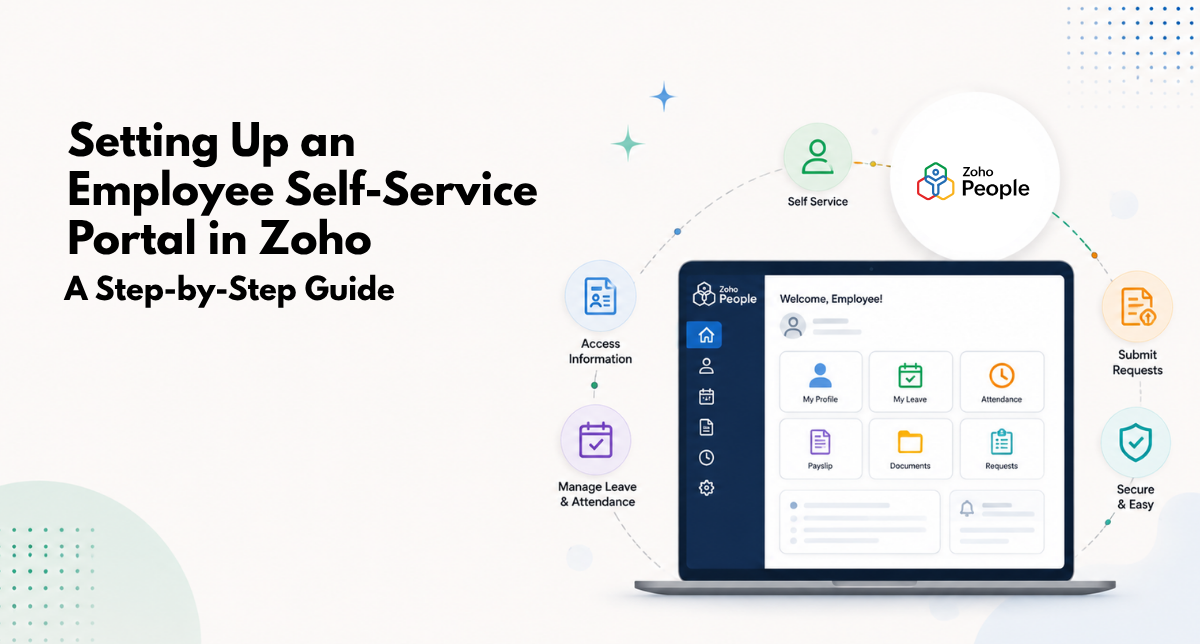
An employee self-service portal in Zoho People is a secure space where employees handle routine HR tasks themselves: applying for leave, viewing payslips, updating their details, submitting expenses, and checking company policies. Instead of emailing HR for every small thing, employees serve themselves, and HR is freed from a constant stream of repetitive requests. Setting it up means defining access, configuring modules, and building the right approval flows.
The benefit runs both ways. Employees get instant answers and control over their own information, while HR reclaims the hours spent answering the same questions and processing routine forms. It is one of the highest-return HR changes a growing business can make.
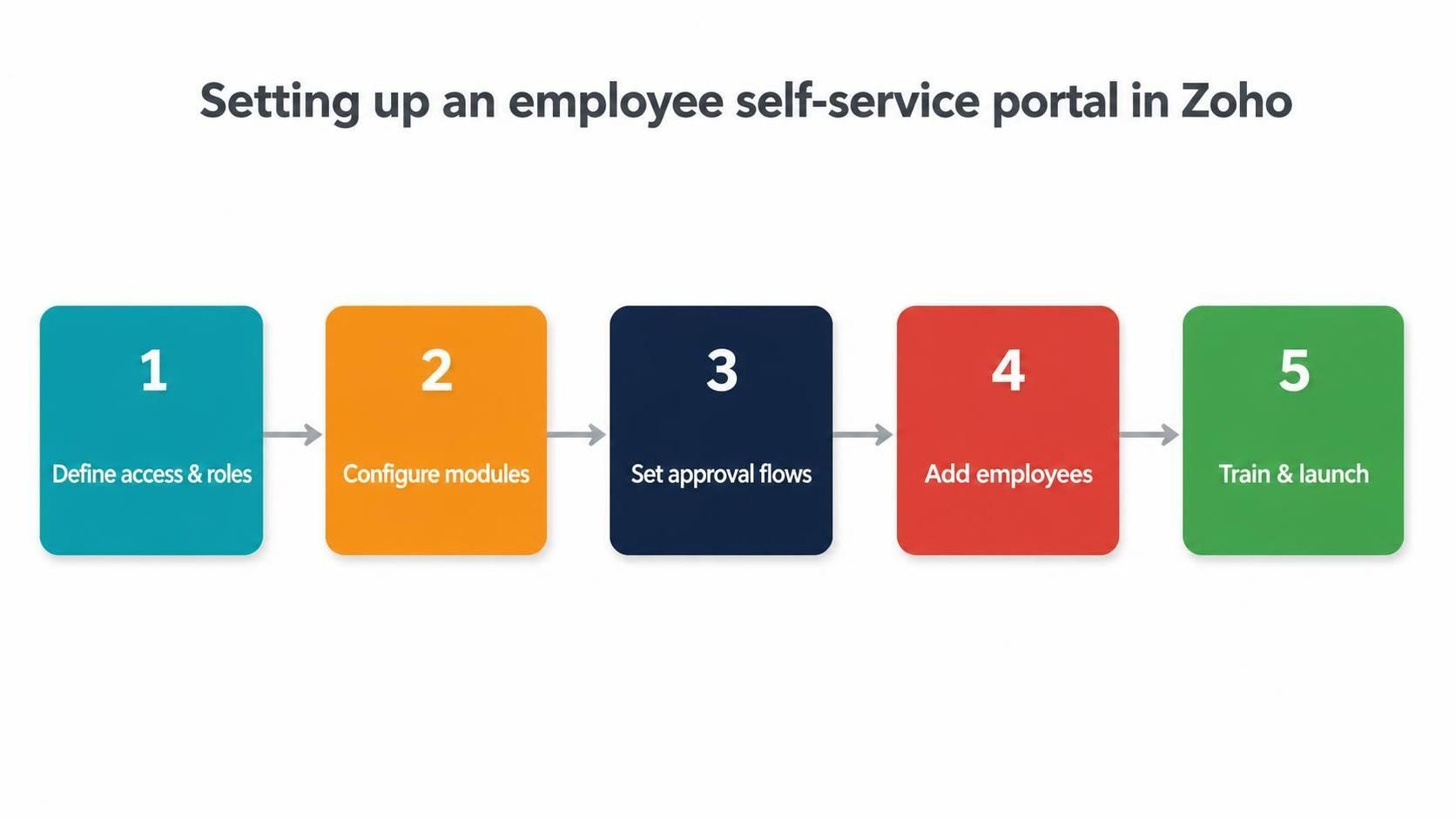
Setup runs from defining access and modules through approval flows to training and launch.
Step One: Define Access and Roles
The first step is deciding who can see and do what. Zoho People uses roles and permissions so employees, managers, and HR each get an appropriate view. Employees see their own records, managers see their teams, and HR sees the organisation. Getting this right protects sensitive data while giving everyone the access they need.
This stage is about security as much as convenience. Payslips, personal details, and performance data are sensitive, so the portal must show each person only what they should see. A careful permission structure is the foundation everything else sits on.
Step Two: Configure the Modules
Next, you switch on and configure the self-service modules that matter for your business: leave, attendance, payslips, personal information, expenses, documents, and policies. Each module is set up to reflect your rules, so when an employee applies for leave or submits an expense, it follows your process automatically.
You do not have to enable everything at once. Many businesses start with the highest-volume requests, usually leave and payslips, and expand the portal over time. Starting focused makes the launch simpler and adoption faster.
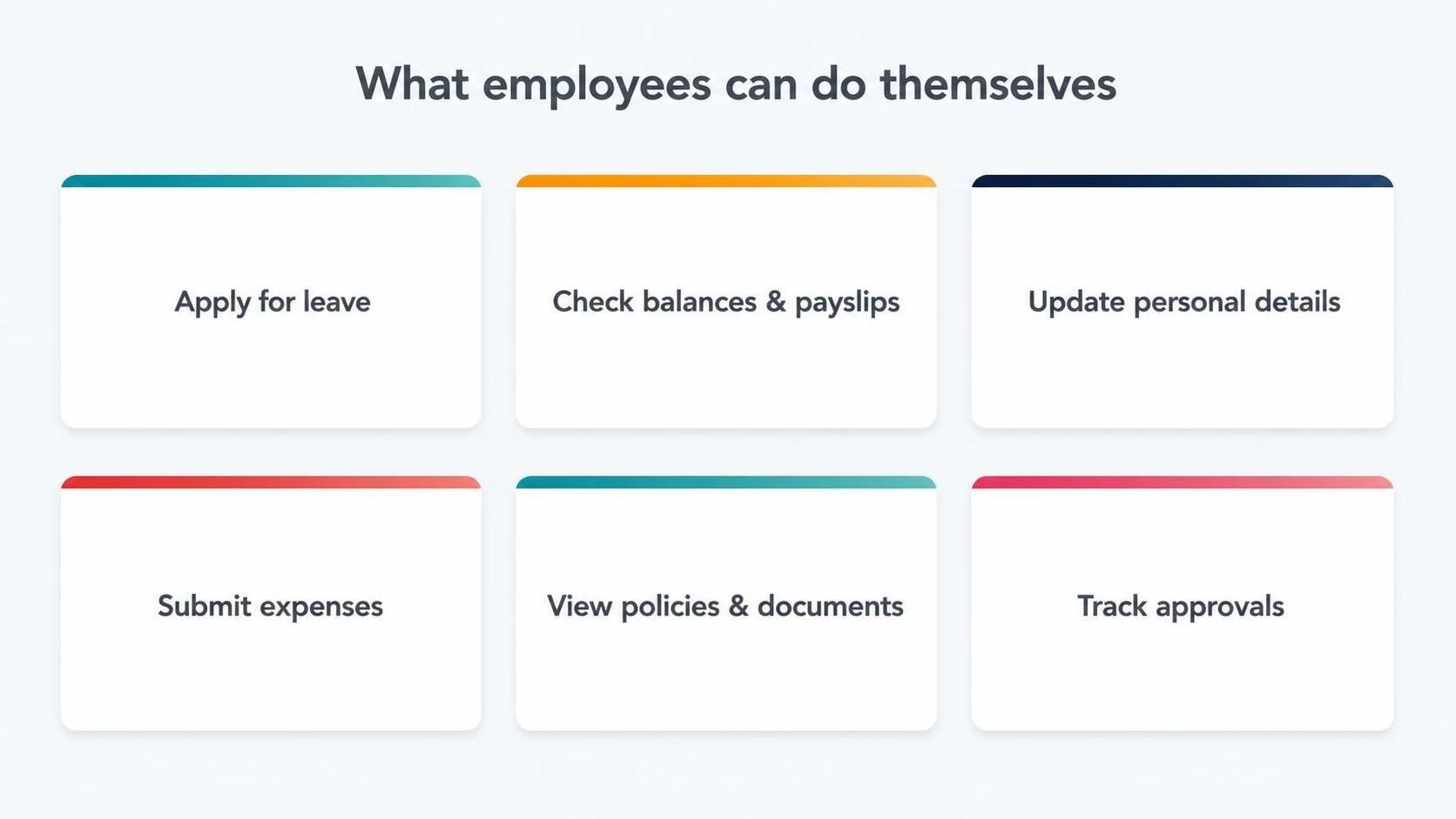
Employees apply for leave, view payslips, update details, submit expenses, and track approvals themselves.
Step Three: Build the Approval Flows
Self-service is only useful if requests go somewhere. Approval workflows route each action to the right person, notify them, and record the outcome. A leave request reaches the correct manager, an expense goes to the right approver, and a details change is reviewed where needed. This is what turns self-service from a form into a process.
Well-designed flows include escalation and delegation, so requests keep moving when an approver is busy or away. The aim is a portal where employees submit once and the right things happen automatically, without HR acting as a manual router.
Step Four: Add Employees and Set Expectations
With the structure ready, employees are added to the portal and given access. This is also the moment to set expectations: explaining that leave, payslips, and detail changes now go through the portal rather than email. Clear communication here prevents the common failure where a portal exists but people keep emailing HR out of habit.
A short guide or a quick walkthrough helps people find the few things they will use most. Employees do not need to master every feature, just the handful of tasks they do regularly, so keep the introduction simple and practical.
Step Five: Train, Launch, and Refine
Finally, the portal launches with light training and a period of support. In the first weeks, some employees will need a nudge to use self-service instead of emailing, and HR should gently redirect them so the new habit sticks. Once adopted, the portal quietly removes a large slice of routine HR work permanently.
- Launch with a simple guide to the top tasks.
- Redirect email requests to the portal to build the habit.
- Monitor which modules are used and expand from there.
- Refine approval flows based on real usage.
Why Self-Service Pays for Itself
The business case for self-service is unusually clear. Think about how many small, routine requests HR handles in a week: what is my leave balance, can I get a copy of my payslip, how do I update my bank details, what is the policy on this. Each is quick on its own, but together they consume a surprising amount of HR time and interrupt more valuable work. A self-service portal answers all of them instantly, without HR touching a thing.
Multiply that across a full team over a year and the saving is substantial, both in hours and in focus. HR stops being a help desk for routine questions and gets to spend its time on the work that actually needs human judgement, like supporting managers, improving processes, and looking after people. The portal effectively pays for itself by converting repetitive interruptions into self-served answers.
Common Pitfalls to Avoid
Self-service projects fail in predictable ways, and knowing them helps you avoid them. The first pitfall is enabling too much at once, overwhelming employees with a portal full of features they do not need. Starting with the few highest-volume tasks and expanding later leads to far better adoption. The second pitfall is weak permissions, where sensitive data is not properly restricted, which undermines trust in the whole system.
The third and most common pitfall is neglecting adoption. A portal that exists but goes unused because people keep emailing HR out of habit delivers none of its value. Success requires clear communication, a little training, and consistently redirecting routine requests to the portal until the new habit sticks. Treating self-service as a rollout, not just a setup, is what separates portals that transform HR from portals that gather dust.
How Amwhiz Sets Up Self-Service Portals
Amwhiz is an authorized Zoho partner, and we set up employee self-service in Zoho People end to end. We define the right roles and permissions, configure the modules that matter to you, build approval workflows that match your structure, add your employees, and support the launch so people actually adopt it. The result is a portal that genuinely reduces HR's workload rather than sitting unused.
We focus heavily on that adoption, because a self-service portal only pays off if employees use it. We keep the first version focused on the highest-value tasks, communicate the change clearly, and help HR reinforce the new habit, so the portal becomes the default way people interact with HR rather than an ignored extra.
Frequently Asked Questions About Zoho Self-Service
What Can Employees Do in the Self-Service Portal?
Typically apply for leave, view payslips and balances, update personal details, submit expenses, and access documents and policies, all without emailing HR.
Is Employee Data Secure in the Portal?
Yes. Role-based permissions ensure each person sees only what they should, so sensitive data like payslips stays private. Correct permission setup is central to the build.
Can Managers Approve Requests From the Portal?
Yes. Managers receive and action requests such as leave and expenses directly, with the decision recorded automatically, removing the email back-and-forth.
Does It Work on Mobile?
Employees can use self-service from the Zoho People mobile app, so they can apply for leave or check payslips from anywhere.
How Do I Get Employees to Actually Use It?
Clear communication, a simple guide to the top tasks, and consistently redirecting email requests to the portal build the habit. Adoption is a rollout task, not just a setup task.
Can the Portal Be Branded for Our Company?
Yes. The self-service experience can carry your branding so it feels like part of your company rather than a generic tool, which helps employees trust and adopt it more readily.
What Should We Enable First?
Start with your highest-volume requests, which are almost always leave applications and payslip access. Proving value on those first builds adoption, and you can expand to expenses, documents, and more once the habit is established.
Does Self-Service Reduce HR Headcount?
It is less about cutting headcount and more about freeing your existing HR team from repetitive requests so they can focus on higher-value work. Most businesses redirect the reclaimed time into supporting people and improving processes rather than reducing the team.
Conclusion
An employee self-service portal in Zoho People lets staff handle routine HR tasks themselves, freeing HR from repetitive requests. Setting it up means defining access, configuring the right modules, building approval flows, adding employees, and driving adoption at launch. Done well, it removes a large slice of HR busywork permanently.
The return on this is unusually quick and visible. Within weeks of a well-adopted launch, HR notices the flood of routine questions drying up, and employees appreciate the instant access to their own information. It is one of those rare changes that makes both sides of the relationship happier at the same time, which is exactly why it is worth setting up properly.
Book a free employee self-service setup consultation.
Amwhiz, an authorized Zoho partner, will set up a self-service portal that genuinely cuts HR's workload. Visit amwhiz.com or email sales@amwhiz.com to get started.