-1.png?width=134&height=66&name=amwhiz-logo%20(1)-1.png)


How To Start an Ecommerce Business: Complete Guide Want to build a business that generates sales...
written by: Renuka M
How to Start an Online Store from Scratch,
Start an Ecommerce Business,
How to Start an Online Store,
How to Create an Ecommerce Website,
Online Store Setup Guide
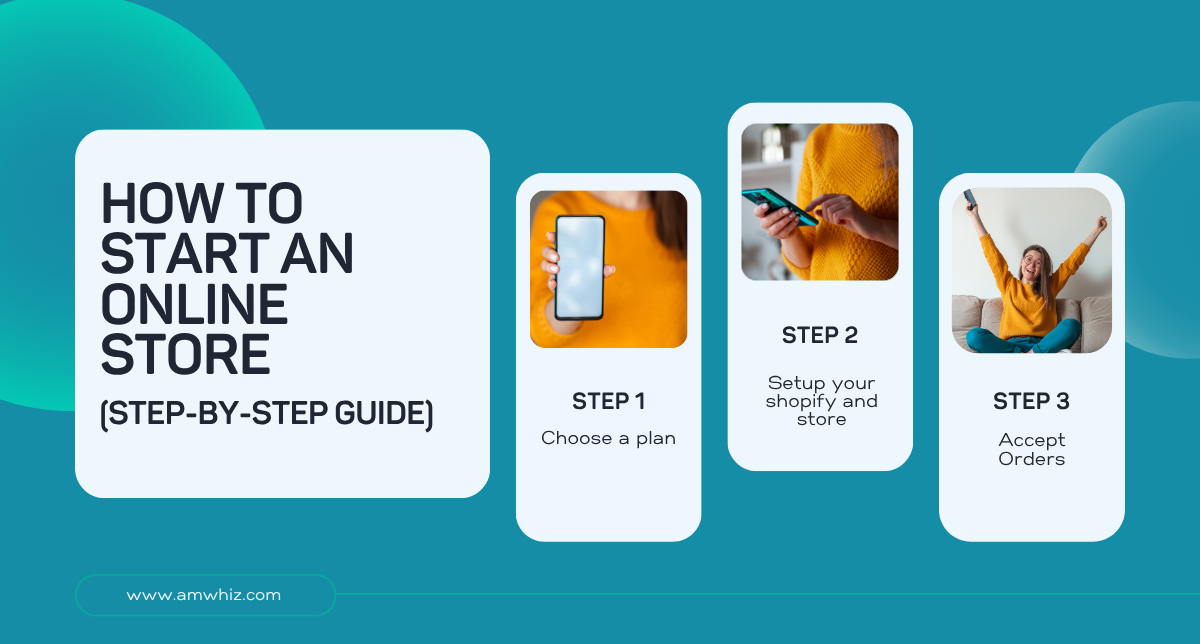
How To Start an Online Store (Step-by-Step Guide)
Starting an online store has never been easier. With the rapid growth of eCommerce, entrepreneurs can reach customers worldwide without the costs of a physical storefront.
Whether you're selling handmade products, dropshipping items, or launching your own brand, an online store can help you build a profitable business.
In this step-by-step guide, you'll learn how to start an online store, choose the right platform, set up payments, and attract customers to grow your business.
Why Start an Online Store?
The eCommerce industry continues to grow every year, making it an attractive opportunity for entrepreneurs.
Here are some benefits of launching an online store:
- Low startup costs compared to physical stores
- Ability to reach customers globally
- Flexible working hours
- Easy scalability
- Access to powerful digital marketing tools
With the right strategy, even beginners can successfully start an online business and generate consistent revenue.
Step 1: Choose Your Niche
Before building your online store, identify what products you want to sell.
A profitable niche should:
- Solve a problem
- Meet customer demand
- Have manageable competition
- Offer healthy profit margins
Popular Online Store Niches
- Fashion and apparel
- Beauty and skincare
- Home decor
- Electronics accessories
- Fitness products
- Pet supplies
- Sustainable products
Conduct market research using tools like Google Trends, keyword research platforms, and competitor analysis to validate demand.
Step 2: Identify Your Target Audience
Understanding your ideal customers helps you create better products, marketing campaigns, and user experiences.
Consider:
- Age group
- Gender
- Location
- Interests
- Shopping behavior
- Pain points
Creating buyer personas can help you tailor your online store to customer needs.
Step 3: Create a Business Plan
A solid business plan provides direction and helps you make informed decisions.
Your plan should include:
- Business goals
- Product strategy
- Pricing model
- Marketing plan
- Financial projections
- Target audience details
Having a clear roadmap increases your chances of long-term success.
Step 4: Choose an eCommerce Platform
Selecting the right platform is one of the most important steps when starting an online store.
Popular eCommerce Platforms
Shopify
- Beginner-friendly
- Fast setup
- Secure hosting included
- Extensive app marketplace
WooCommerce
- Flexible and customizable
- Ideal for WordPress users
- Large plugin ecosystem
BigCommerce
- Scalable for growing businesses
- Built-in sales features
- Multi-channel selling support
Wix eCommerce
- Easy drag-and-drop design
- Suitable for small businesses
Choose a platform based on your budget, technical skills, and business goals.
Step 5: Register a Domain Name
Your domain name is your store's online identity.
Tips for choosing a domain:
- Keep it short and memorable
- Use your brand name
- Avoid numbers and special characters
- Choose a .com extension when possible
A professional domain improves brand credibility and customer trust.
Step 6: Set Up Your Online Store
Now it's time to build your storefront.
Essential pages include:
Homepage
Showcase your products and brand message.
Product Pages
Include:
- High-quality images
- Product descriptions
- Pricing
- Features and benefits
- Customer reviews
About Us Page
Tell your brand story and mission.
Contact Page
Provide customer support information.
Privacy Policy and Terms
Help ensure legal compliance and build trust.
Step 7: Add Your Products
Organize products into categories to improve navigation.
For each product, include:
- Product title
- Detailed description
- Features and specifications
- Multiple images
- Pricing information
- Shipping details
Focus on writing SEO-friendly product descriptions that naturally include relevant keywords.
Step 8: Configure Payment Methods
Customers expect secure and convenient payment options.
Popular payment gateways include:
- PayPal
- Stripe
- Razorpay
- Square
- Apple Pay
- Google Pay
Offering multiple payment methods can improve conversion rates.
Step 9: Set Up Shipping and Delivery
Determine how you will fulfill orders.
Options include:
- Self-fulfillment
- Third-party logistics (3PL)
- Dropshipping
- Print-on-demand
Clearly communicate:
- Shipping costs
- Delivery timelines
- Return policies
Transparent shipping information reduces cart abandonment.
Step 10: Optimize Your Store for SEO
Search Engine Optimization (SEO) helps your online store attract organic traffic.
Key eCommerce SEO Strategies
Optimize Product Pages
Include target keywords in:
- Titles
- URLs
- Meta descriptions
- Product descriptions
Improve Site Speed
Fast-loading websites provide better user experiences and rankings.
Create SEO-Friendly URLs
Example:
yourstore.com/mens-running-shoes
Use Internal Linking
Link related products and blog content.
Add Schema Markup
Help search engines understand your products and display rich results.
Optimize Images
Compress images and add descriptive alt text.
Step 11: Launch Your Online Store
Before going live, perform a final quality check.
Review:
- Product listings
- Payment processing
- Mobile responsiveness
- Checkout process
- Website speed
- Navigation links
Test the complete customer journey to identify any issues.
Step 12: Market Your Online Store
Launching your store is only the beginning. Effective marketing helps drive traffic and sales.
Search Engine Optimization (SEO)
Optimize your website to rank for relevant keywords.
Content Marketing
Create:
- Blog posts
- Buying guides
- Tutorials
- Product comparisons
Social Media Marketing
Promote products on:
- TikTok
Email Marketing
Build an email list and send:
- Promotions
- Product updates
- Cart recovery emails
Paid Advertising
Use:
- Google Ads
- Facebook Ads
- Instagram Ads
Paid campaigns can accelerate growth and generate immediate traffic.
Common Mistakes to Avoid
When starting an online store, avoid these common pitfalls:
- Choosing products without market research
- Ignoring SEO
- Using low-quality product images
- Complicated checkout processes
- Poor customer service
- Lack of mobile optimization
- Not tracking performance metrics
Learning from these mistakes can save time and money.
How Much Does It Cost to Start an Online Store?
Costs vary depending on your business model.
Typical expenses include:
| Expense | Estimated Cost |
|---|---|
| Domain Name | $10–$20/year |
| Hosting | $5–$50/month |
| eCommerce Platform | $0–$300/month |
| Marketing | Variable |
| Product Inventory | Variable |
| Design & Branding | Variable |
Many entrepreneurs can launch a basic online store with a modest budget and scale over time.
Final Thoughts
Starting an online store is an exciting opportunity to build a profitable online business.
By choosing the right niche, selecting a reliable eCommerce platform, optimizing for SEO, and implementing effective marketing strategies, you can attract customers and grow your brand successfully.
The key is to start with a clear plan, focus on customer experience, and continuously improve your store based on data and feedback.
With consistency and the right approach, your online store can become a sustainable source of revenue for years to come.
Frequently Asked Questions
How much money do I need to start an online store?
You can start a basic online store for as little as $100–$500, depending on your platform, domain, and marketing budget.
Which platform is best for beginners?
Shopify is often recommended for beginners because of its ease of use and built-in features.
Can I start an online store without inventory?
Yes. Dropshipping and print-on-demand business models allow you to sell products without holding inventory.
How long does it take to launch an online store?
Most online stores can be launched within a few days to a few weeks, depending on customization requirements.
Is SEO important for an online store?
Yes. SEO helps increase organic traffic, improve visibility in search engines, and reduce dependence on paid advertising.