-1.png?width=134&height=66&name=amwhiz-logo%20(1)-1.png)


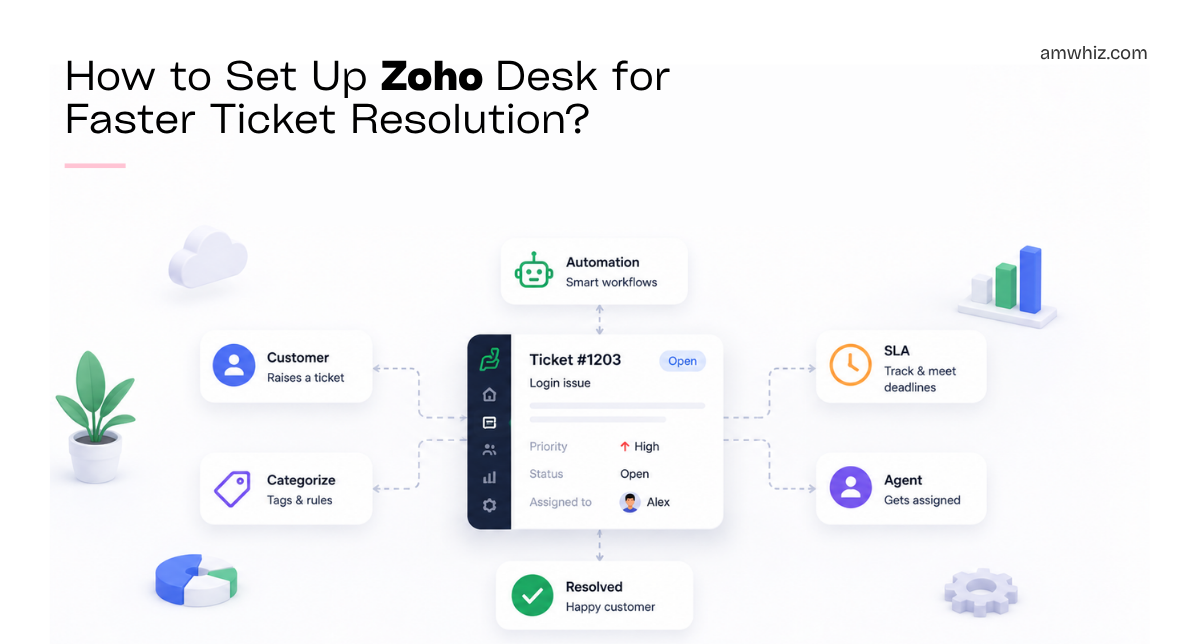
Support Only Feels Reliable When It's Measured Amwhiz, an authorized Zoho partner, helps support...
Most Support Delays Have Nothing to Do With Your Agents
Amwhiz, an authorized Zoho partner, sets up Zoho Desk so support tickets get resolved faster, not just logged. This guide walks through the setup choices that actually cut resolution time, from automatic assignment to SLA rules and a deflecting knowledge base.
How Do You Set Up Zoho Desk for Faster Resolution?
The Short Answer
You set up Zoho Desk for faster ticket resolution by automating the slow parts: automatic ticket categorisation and assignment, clear prioritisation, SLA rules with alerts, canned responses for common questions, and a knowledge base that deflects repetitive tickets. Configured together, these remove the manual sorting and searching that eats agent time, so tickets reach the right person and get answered quickly.
The core idea is that most resolution delay is not agents being slow; it is tickets waiting to be sorted, assigned, and understood. Automating those steps means the clock spent on getting a ticket to the right agent, with the right context, shrinks dramatically, and that is where the speed comes from.
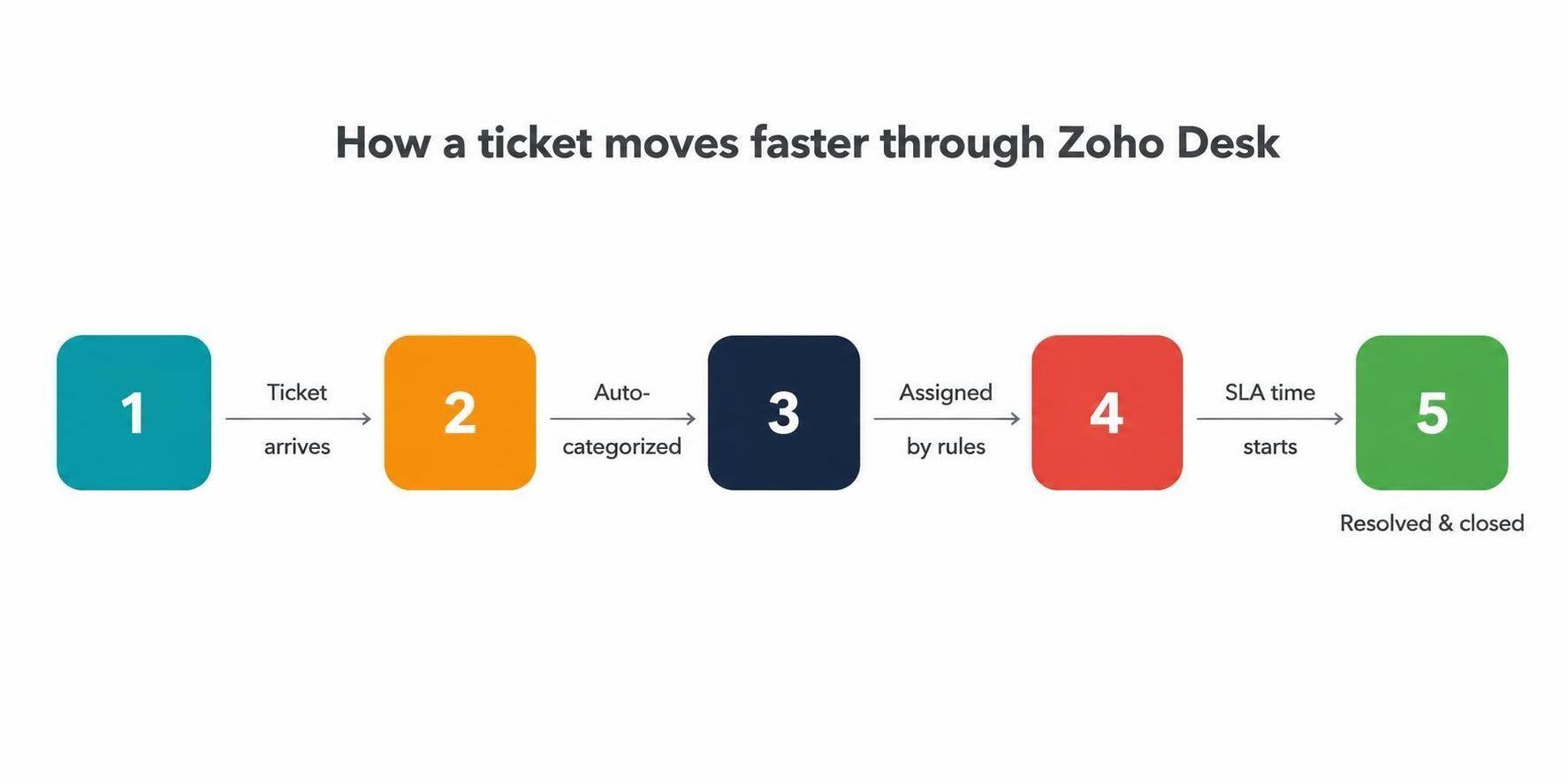
Automatic categorisation, rule-based assignment, and SLA timers move tickets to resolution faster.
Automate Ticket Assignment
The first bottleneck in most help desks is getting each ticket to the right agent. Manually triaging incoming tickets wastes time and leaves some sitting unassigned. Zoho Desk can assign tickets automatically based on rules, such as the product, the customer, the channel, or agent workload, so every ticket lands with the right person the moment it arrives.
This alone often transforms response times. Instead of tickets piling up in a shared queue waiting for someone to claim them, they are routed instantly and evenly, so no agent is overloaded while another sits idle, and no ticket is orphaned. Automatic assignment turns a chaotic inbox into an organised flow.
Prioritise So Urgent Tickets Rise
Not all tickets are equal, and treating them as if they are slows down the ones that matter. Zoho Desk lets you prioritise tickets automatically based on urgency, customer, or issue type, so critical problems rise to the top rather than waiting behind routine queries. Agents always know what to work on next.
Good prioritisation protects both your most important customers and your most serious issues. A system outage for a key account should never sit behind a routine how-to question, and rule-based prioritisation ensures it does not, without an agent having to manually judge every ticket's importance.
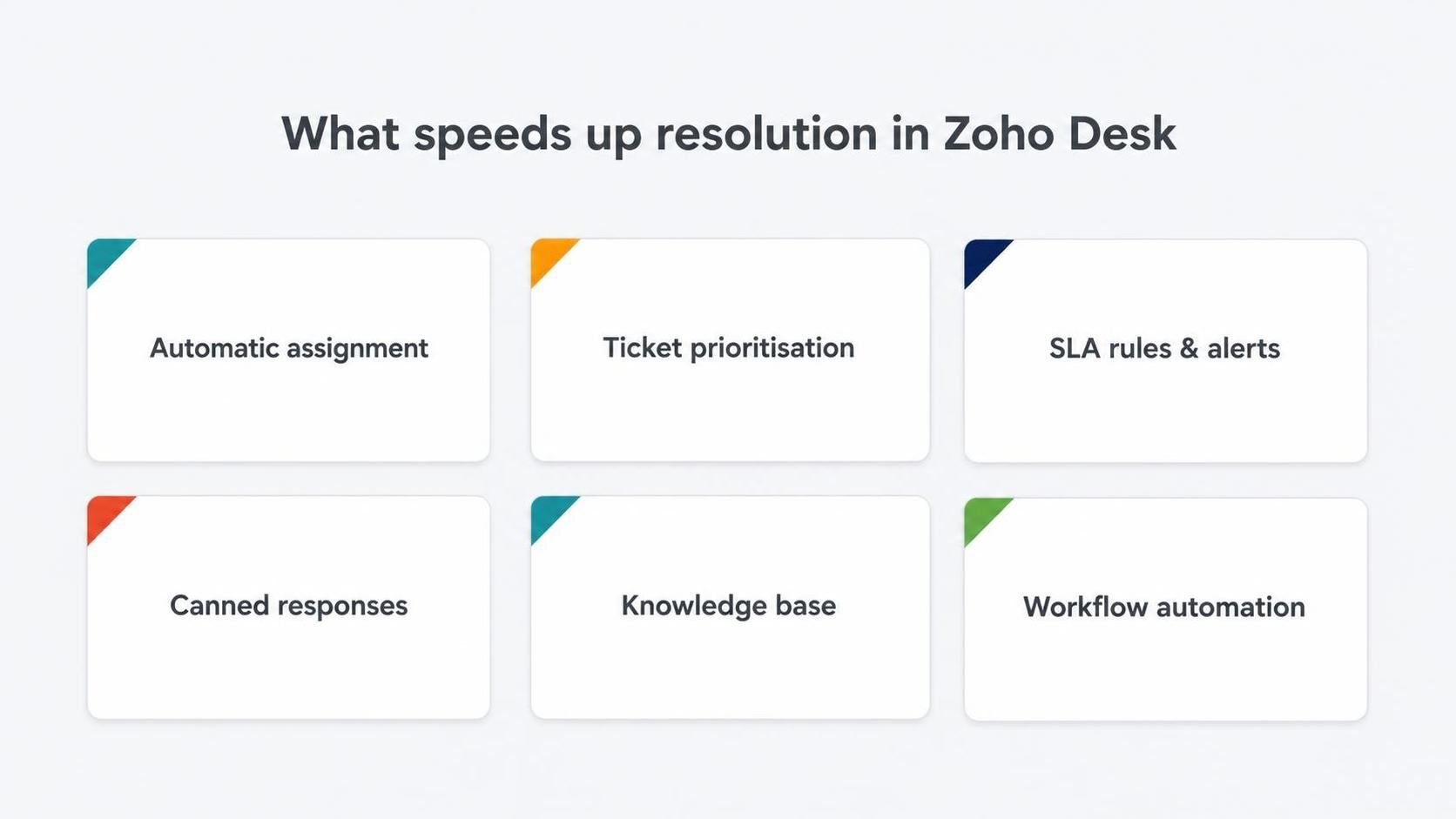
Assignment, prioritisation, SLA rules, canned responses, and a knowledge base all cut resolution time.
Set SLA Rules and Alerts
Service level agreements keep resolution honest by setting response and resolution targets and alerting agents before those targets are missed. In Zoho Desk, SLA rules start a timer on each ticket and escalate if it is at risk, so nothing quietly slips past its deadline. This keeps the team accountable and customers informed.
The value of SLAs is not punishment; it is visibility. When everyone can see which tickets are approaching their deadline, the team naturally focuses on the right ones, and managers can spot bottlenecks before they become complaints. SLA rules turn vague intentions to be responsive into measurable, enforced commitments.
Use Canned Responses and Templates
A large share of support tickets ask variations of the same questions. Canned responses and reply templates let agents answer these instantly with consistent, well-written replies, instead of typing the same explanation repeatedly. This cuts handling time and raises the quality and consistency of your support.
- Instant, consistent answers to common questions.
- Less time spent typing repetitive replies.
- A uniform tone and accuracy across all agents.
- Faster onboarding for new agents using proven replies.
Deflect Tickets With a Knowledge Base
The fastest ticket to resolve is the one that never gets raised. A knowledge base of help articles lets customers answer their own common questions, deflecting repetitive tickets before they reach your team. Zoho Desk includes a knowledge base, and integrating it with your support flow means agents can also share articles directly in replies.
Beyond deflection, a good knowledge base speeds up the tickets that do come in, because agents can link to a thorough article instead of re-explaining. It compounds over time: every well-written article both prevents future tickets and accelerates current ones, which is why it belongs in any serious Zoho Desk setup.
Automate the Repetitive Workflow
Beyond assignment, Zoho Desk workflows can automate follow-ups, status updates, notifications, and escalations, removing the manual admin around each ticket. When routine steps happen automatically, agents spend their time actually solving problems rather than updating fields and chasing colleagues, which directly shortens resolution time.
Automation also makes your process consistent. Every ticket follows the same reliable path, with the right people notified at the right moments, so nothing depends on an agent remembering to do the next step. That consistency is what lets a growing support team maintain speed as ticket volume rises.
Common Setup Mistakes to Avoid
Zoho Desk setups underperform in a few predictable ways, and avoiding them is half the battle. The most common mistake is turning on the tool without configuring assignment and prioritisation, so everything lands in one shared queue and the speed benefits never materialise. The second is setting SLAs that ignore business hours, which frustrates agents with unfair breaches and quickly erodes trust in the whole system.
Another frequent error is neglecting the knowledge base, treating it as optional rather than a core part of the setup, which means the team keeps answering the same questions forever. And many teams never look at their support metrics after go-live, so they cannot see where time is being lost. A fast help desk avoids these traps by configuring the automation properly, keeping SLAs fair, investing in self-service, and reviewing the data regularly.
How Amwhiz Sets Up Zoho Desk
Amwhiz is an authorized Zoho partner, and we set up Zoho Desk to resolve tickets faster, not just record them. We configure automatic assignment and prioritisation, build SLA rules with escalation, set up canned responses, structure your knowledge base for deflection, and automate the repetitive workflow. The result is a help desk where tickets move quickly from arrival to resolution with far less manual handling.
We also set up the reporting that shows where time is being lost, so you can keep improving. Metrics like first-response time, resolution time, and deflection rate reveal the next bottleneck to fix, and we help you read them. A fast help desk is not set up once and forgotten; it is tuned with data, and we give you the means to do that.
Frequently Asked Questions About Zoho Desk
Can Zoho Desk Assign Tickets Automatically?
Yes. Zoho Desk assigns tickets automatically using rules based on product, customer, channel, or agent workload, so every ticket reaches the right person instantly.
Does Zoho Desk Support SLAs?
Yes. You can configure SLA rules with response and resolution targets, timers, and escalations, so tickets are handled within your commitments and at-risk ones are flagged early.
How Does a Knowledge Base Reduce Tickets?
A knowledge base lets customers find answers themselves, deflecting common questions before they become tickets, and lets agents resolve tickets faster by linking to detailed articles.
Can Zoho Desk Handle Multiple Channels?
Yes. Zoho Desk brings email, chat, phone, social, and web form tickets into one place, so your team works every channel from a single, organised system.
Will This Work for a Small Support Team?
Very much so. Small teams gain the most from automation, because it lets a few people handle more tickets without dropping quality or speed.
Can Zoho Desk Use AI to Speed Up Support?
Yes. Zoho Desk includes AI assistance that can suggest replies, surface relevant knowledge base articles, and help categorise tickets, which further reduces the manual effort behind each resolution.
Does Faster Resolution Mean Lower Quality?
Not when speed comes from removing manual admin rather than rushing agents. Automating assignment, sorting, and repetitive replies gives agents more time to actually solve problems well, so quality tends to rise alongside speed.
How Do I Measure If Setup Is Working?
Track first-response time, resolution time, and deflection rate before and after setup. Improvements in these metrics show the configuration is working and reveal where the next bottleneck is.
Conclusion
Setting up Zoho Desk for faster resolution means automating the slow parts: assignment, prioritisation, SLA alerts, canned responses, knowledge base deflection, and workflow. Together these remove the manual sorting and searching that delays tickets, so your team spends its time solving problems rather than shuffling them.
The businesses that get the most from Zoho Desk treat it as a system to be configured around speed, not just a place to log tickets. Set up well and tuned with data, it turns support from a reactive scramble into a fast, reliable operation that customers notice and appreciate.
Book a free Zoho Desk consultation.
Amwhiz, an authorized Zoho partner, will set up Zoho Desk to resolve tickets faster. Visit amwhiz.com or email sales@amwhiz.com to get started.