-1.png?width=134&height=66&name=amwhiz-logo%20(1)-1.png)



Amwhiz, an authorized Zoho partner, is regularly asked whether a growing business should start with...
Support Only Feels Reliable When It's Measured
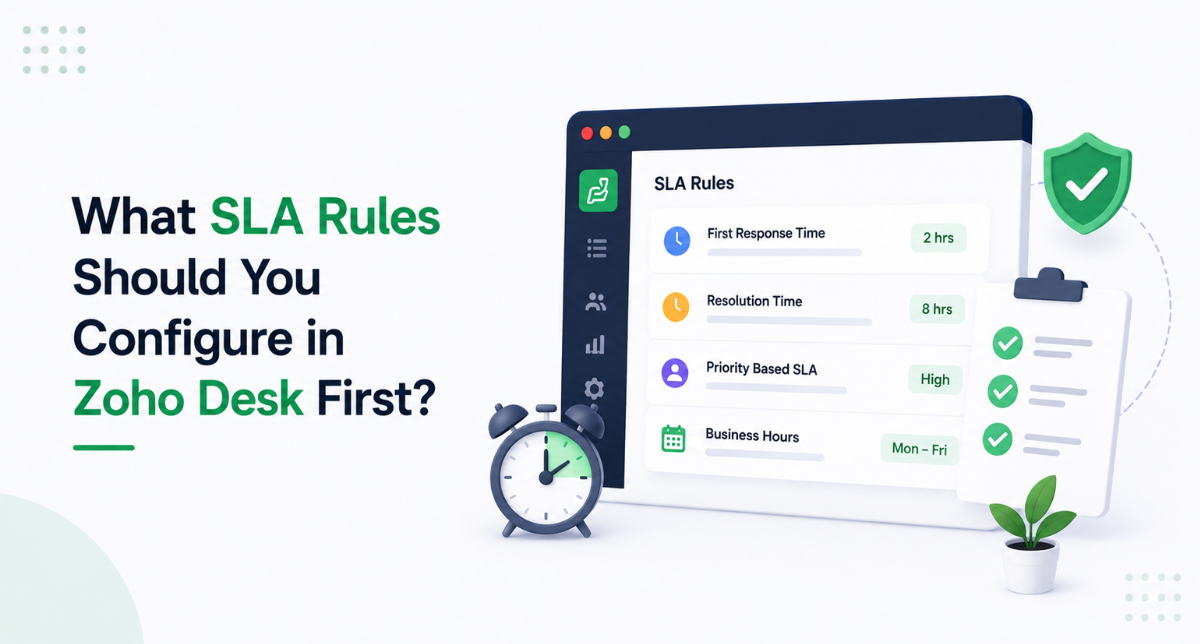
Amwhiz, an authorized Zoho partner, helps support teams configure the SLA rules in Zoho Desk that matter most, in the right order. This guide covers which SLAs to set up first so your support has clear, enforced commitments from day one.
Which SLA Rules Should You Set Up First in Zoho Desk?
The Short Answer
The SLA rules to configure first in Zoho Desk are first-response time, resolution time, priority-based targets, business hours, and escalation rules, plus separate SLAs for VIP or key accounts. These cover the commitments that matter most to customers and give your team clear, enforced deadlines. Start with these, get them working, and refine from there rather than trying to model every edge case up front.
The temptation is to build an elaborate SLA scheme immediately, but that usually creates confusion. A small set of clear, enforced rules delivers most of the benefit and is far easier for the team to work with. You can always add nuance once the basics are running smoothly.
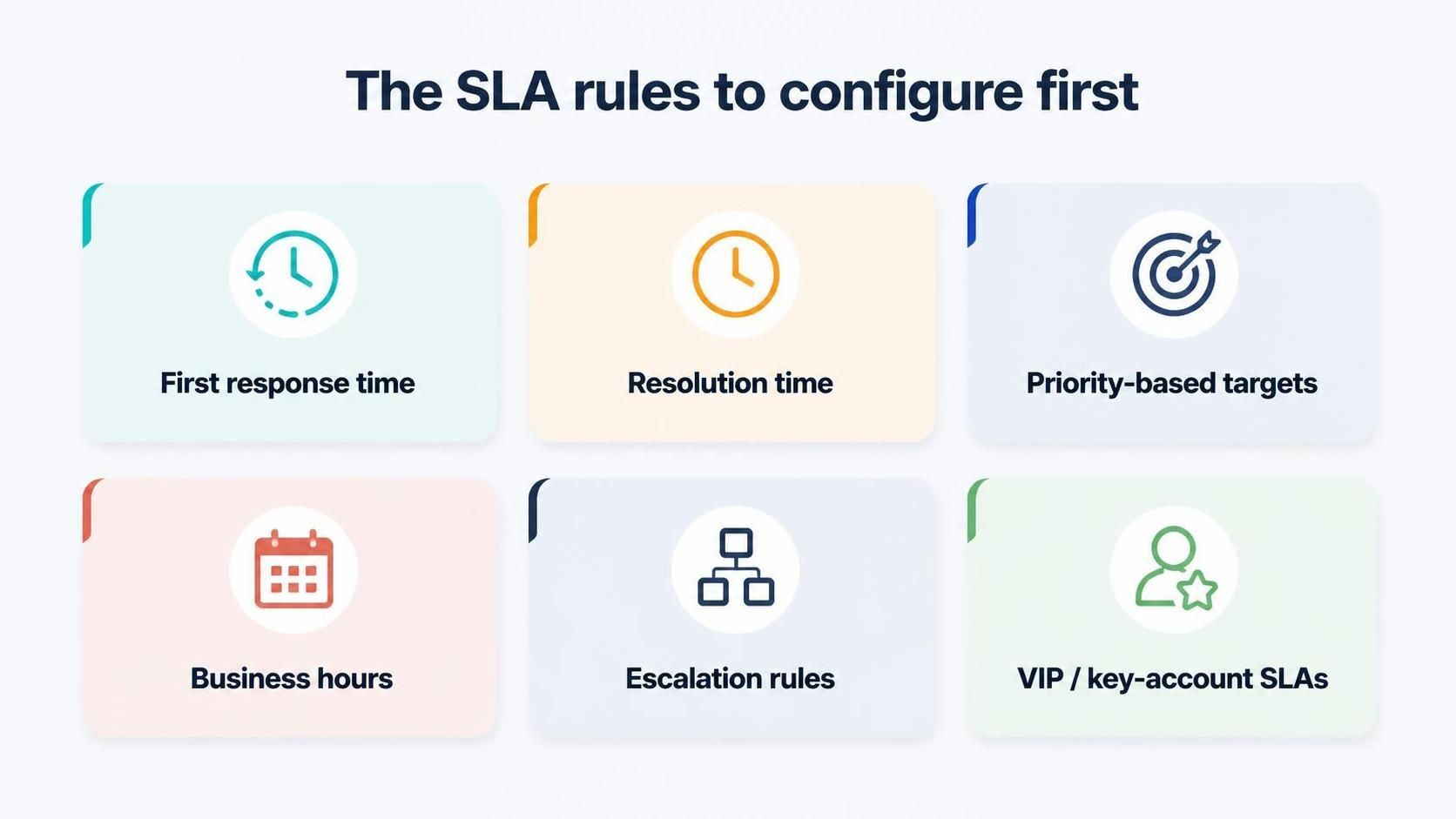
Start with first-response time, resolution time, priority targets, business hours, and escalation.
1. First-Response Time
The single most important SLA is first-response time, because it shapes how customers feel about your support more than almost anything else. A quick first response, even just an acknowledgement, reassures customers that their issue is being handled. Configuring a first-response SLA in Zoho Desk sets a clear target and alerts agents before it is missed.
Customers forgive a lot when they feel heard quickly. Setting and meeting a first-response target is the fastest way to improve satisfaction, which is why it should be the first SLA you put in place. It changes the customer experience immediately.
2. Resolution Time
Alongside first response, resolution-time SLAs set targets for actually solving the ticket. This keeps issues from lingering after the initial acknowledgement and gives the team a clear goal for closing tickets. Zoho Desk tracks the resolution timer and escalates tickets at risk of breaching, so nothing drifts.
Resolution targets should be realistic and usually vary by priority, because a simple query and a complex problem cannot fairly share the same deadline. Setting sensible resolution SLAs keeps the team accountable without setting them up to fail on genuinely hard tickets.
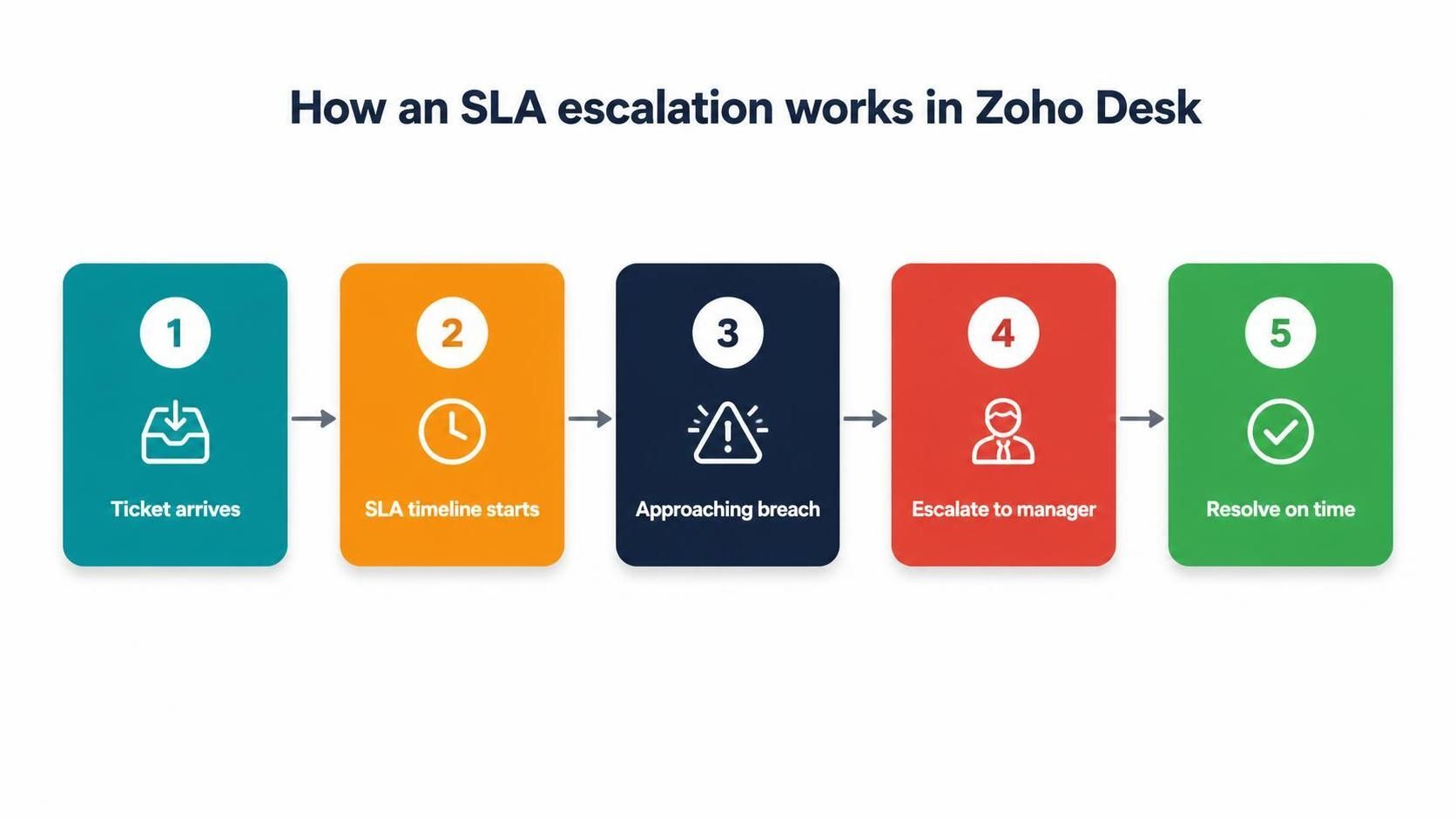
When a ticket nears its SLA deadline, Zoho Desk escalates it so it is resolved on time.
3. Priority-Based Targets
Not every ticket deserves the same deadline, so priority-based SLAs assign tighter targets to higher-priority issues. A critical outage should have a much shorter response and resolution target than a routine question. Configuring SLAs by priority ensures your team's urgency matches the real severity of each ticket.
This is where SLAs become genuinely useful rather than a blunt instrument. By tying deadlines to priority, you focus effort where it matters most and avoid the trap of treating every ticket identically, which either overloads the team or lets serious issues wait.
4. Business Hours
SLAs only make sense against your actual working hours. Configuring business hours in Zoho Desk means SLA timers count only the time you are open, so a ticket arriving on Friday evening is not unfairly marked as breached over the weekend. This keeps your SLA measurements honest and your targets achievable.
Getting business hours right is a small setup step with a big effect on fairness. Without it, SLAs punish the team for time they were never expected to work, which erodes trust in the whole system. With it, SLAs reflect the commitments you actually made to customers.
5. Escalation Rules
Escalation rules decide what happens when an SLA is at risk. In Zoho Desk, you can automatically escalate an approaching or breached SLA to a manager or senior agent, so at-risk tickets get attention before they become complaints. Escalation turns SLAs from passive targets into an active safety net.
- Notify the agent as a deadline approaches.
- Escalate to a manager if the ticket is still unresolved.
- Reassign or reprioritise automatically where appropriate.
- Create a clear trail of how at-risk tickets were handled.
6. VIP and Key-Account SLAs
Finally, your most important customers often warrant tighter SLAs. Configuring separate SLA rules for VIP or key accounts ensures they get faster response and resolution, matching the level of service they expect and you have promised. Zoho Desk lets you tie SLAs to specific customers or contracts so this is automatic.
This protects your most valuable relationships. When a key account raises an issue, it is handled with the priority the relationship deserves, without an agent having to remember who is important. Encoding that into SLAs makes premium service reliable rather than dependent on memory.
Common SLA Mistakes to Avoid
SLAs go wrong in ways that are easy to prevent. The most damaging mistake is setting targets that are unrealistic, promising resolution times the team cannot meet, which leads to constant breaches and a demoralised team that stops trusting the system. SLAs should be ambitious but achievable, based on what your team can genuinely deliver, then tightened as you improve.
The second common error is forgetting to configure business hours, so tickets breach overnight and at weekends for time nobody was working. The third is building an over-complicated scheme with dozens of rules that nobody understands, which is worse than a few clear ones. And the fourth is setting SLAs and never reviewing performance against them, missing the chance to spot where the team is struggling. Keep SLAs realistic, fair, simple, and reviewed, and they become a genuine asset rather than a source of stress.
How Amwhiz Sets Up SLAs in Zoho Desk
Amwhiz is an authorized Zoho partner, and we configure the SLA rules in Zoho Desk that matter most, in the right order. We set up first-response and resolution targets, priority-based deadlines, correct business hours, escalation paths, and VIP SLAs, so your support has clear, enforced commitments from day one. We keep the scheme simple and effective rather than over-engineered.
We also set up the SLA reporting so you can see how you are performing against your commitments and where breaches happen. That visibility lets you refine targets and staffing over time, turning SLAs from a set-and-forget config into a tool for continuously improving your support.
Frequently Asked Questions About Zoho Desk SLAs
What Is the Most Important SLA to Set First?
First-response time, because a quick acknowledgement shapes customer satisfaction more than almost anything else and is the fastest way to improve the support experience.
Can SLAs Differ by Priority?
Yes. Priority-based SLAs give higher-priority tickets tighter targets, so urgent issues get faster response and resolution than routine queries.
Do SLA Timers Respect Business Hours?
Yes, once configured. Setting business hours means SLA timers only count the time you are open, keeping targets fair and measurements honest.
What Happens When an SLA Is About to Breach?
Escalation rules kick in, notifying agents and escalating to managers so at-risk tickets get attention before the deadline passes.
Can I Give Key Customers Different SLAs?
Yes. You can set tighter SLAs for VIP or key accounts, so your most important customers automatically receive faster service.
How Many SLAs Should I Start With?
Start small. A first-response target, a resolution target, priority variations, and a VIP tier are usually enough to begin. A handful of clear, enforced SLAs beats a sprawling scheme nobody understands, and you can add nuance later.
Do SLAs Apply Across All Channels?
Yes. Because Zoho Desk unifies email, chat, phone, and other channels, your SLAs can apply consistently regardless of how a ticket arrives, so customers get the same commitment everywhere.
What If We Keep Breaching an SLA?
Repeated breaches are a signal, not just a failure. They usually mean the target is unrealistic or the team is under-resourced for that ticket type. Reviewing breach data tells you whether to adjust the target, add staff, or fix a process bottleneck.
Should Customers See the SLA Targets?
It depends on your commitments. Some businesses publish response-time promises to set clear expectations, while others keep SLAs internal as operational targets. Either way, meeting them consistently is what builds trust with customers.
Can SLAs Be Different for Different Products?
Yes. If you support several products or service tiers, you can set distinct SLAs for each, so a premium product or a critical system gets tighter targets than a lower-tier offering, matching effort to importance.
Conclusion
The SLA rules to configure first in Zoho Desk are first-response time, resolution time, priority-based targets, business hours, escalation, and VIP SLAs. Together they give your support clear, enforced commitments that improve customer experience and keep the team accountable, without over-engineering the scheme.
Start simple and effective, get these core SLAs working, and refine with data. Well-configured SLAs are one of the clearest ways to make support feel reliable to customers and manageable for your team, which is exactly why they deserve careful setup from the start.
Book a free Zoho Desk SLA consultation.
Amwhiz, an authorized Zoho partner, will configure the right SLA rules in Zoho Desk for your team. Visit amwhiz.com or email sales@amwhiz.com to get started.