-1.png?width=134&height=66&name=amwhiz-logo%20(1)-1.png)


Amwhiz, an authorized Zoho partner, is often asked whether Zoho CRM Blueprint or workflow...
The Busywork Hiding in the Gaps Between Apps
Amwhiz, an authorized Zoho partner, uses Zoho Flow to automate workflows that span multiple apps, so data moves and tasks happen without anyone lifting a finger. This guide explains how Zoho Flow works and the everyday manual work it can eliminate.
How Does Zoho Flow Automate Cross-App Workflows?
The Short Answer
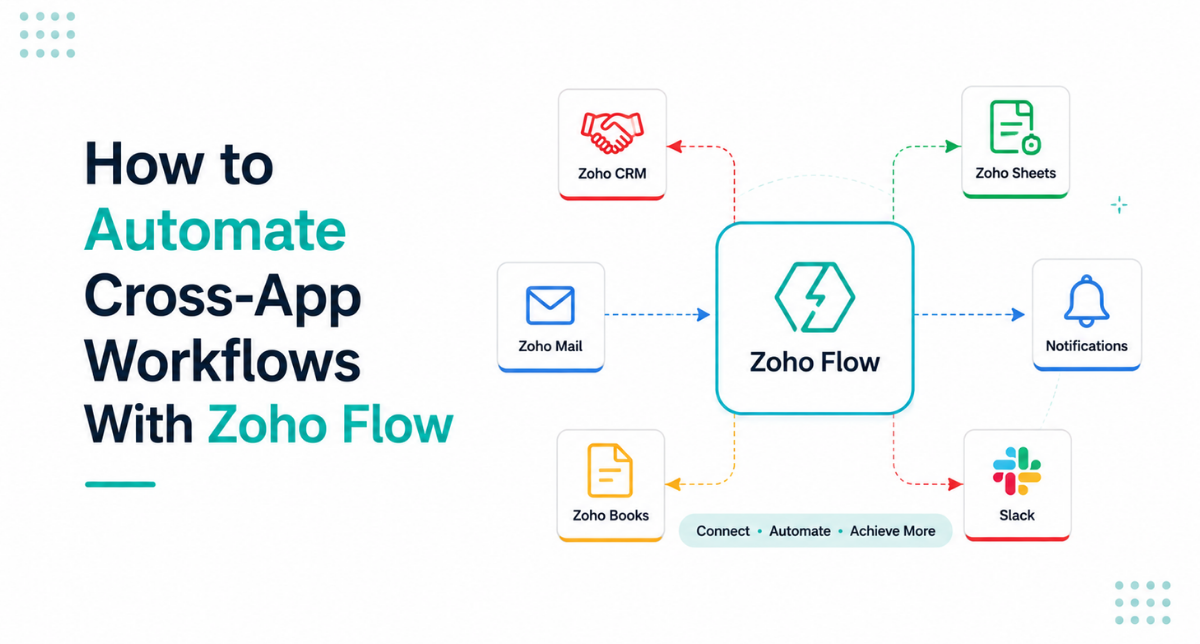
Zoho Flow automates cross-app workflows by connecting your apps and running automations triggered by events. When something happens in one app, a new form submission, a won deal, a new order, Zoho Flow automatically performs actions in other apps, such as creating records, sending emails, or updating data. It removes the manual copying and repetitive steps that connect one system to another.
The problem it solves is the busywork of moving information between apps. Without automation, someone has to copy a new lead from a form into the CRM, notify the team, and create a follow-up task, over and over. Zoho Flow does that chain automatically, so the work happens instantly and consistently without human effort.
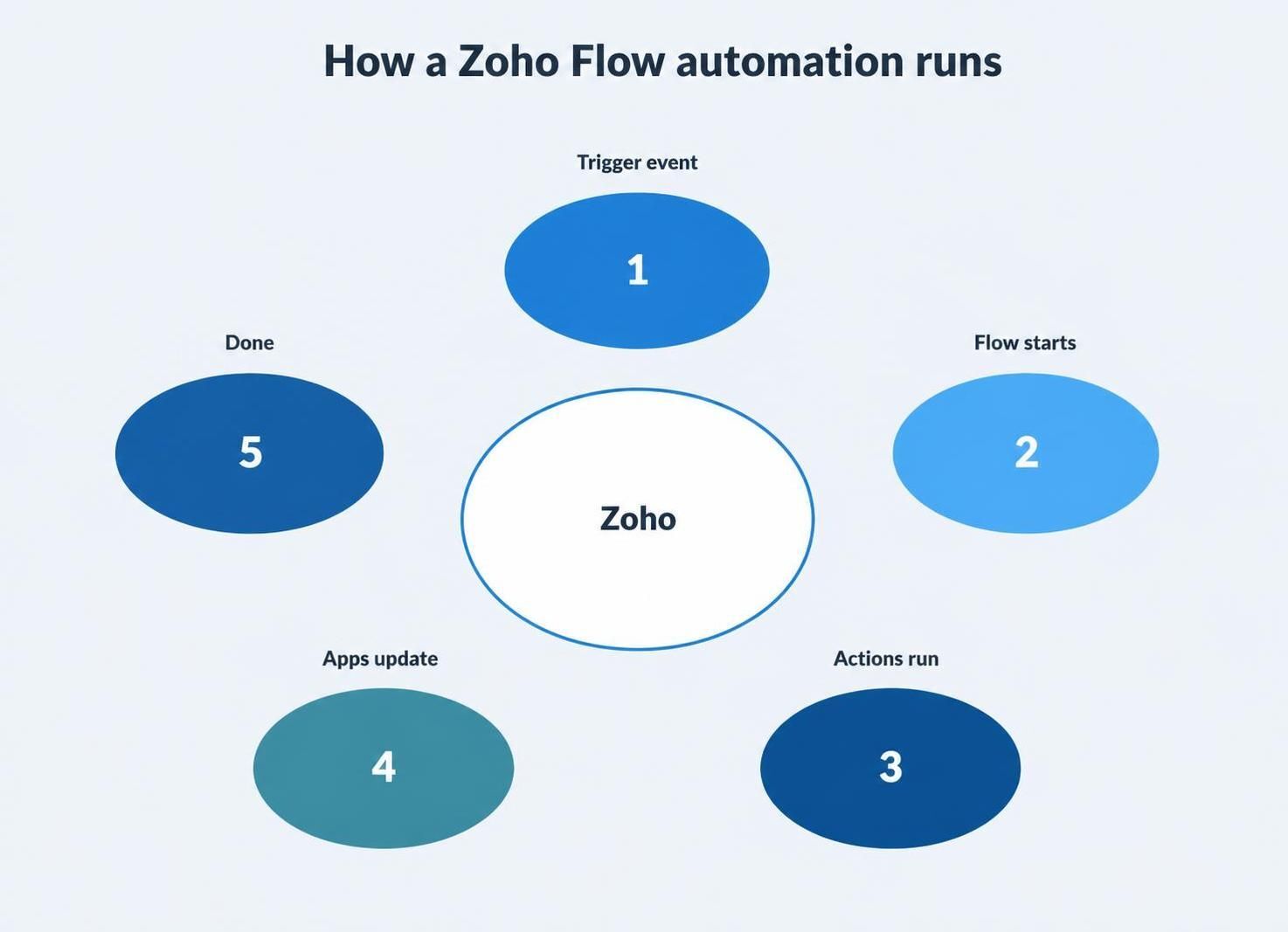
An event triggers a Flow, which runs actions across your apps automatically.
How Zoho Flow Works
A Zoho Flow automation, called a flow, has three parts: a trigger, logic, and actions. The trigger is the event that starts it, like a form being submitted. The logic decides what should happen, including conditions and branches. The actions are what Flow does in response, such as creating a CRM record, sending an email, or updating a spreadsheet. You build these visually, without code.
Because it is visual and low-code, building automations is accessible without a developer for many common cases. You connect the apps, choose the trigger, add any conditions, and define the actions, and Flow handles the rest. For more complex, multi-step flows, the logic can branch and include several apps, which is where thoughtful design pays off.
What You Can Automate
The range of what Zoho Flow can automate is broad, because it connects Zoho apps and hundreds of third-party services. Any repetitive process that involves moving data or triggering actions across apps is a candidate. The everyday automations below give a sense of the possibilities.
- A new web form submission creates a lead in CRM and notifies sales.
- A won deal in CRM triggers an invoice in Books and a welcome email.
- A new order creates tasks and updates inventory.
- An approval request routes to the right person and records the decision.
- Data stays in sync between Zoho apps and third-party tools automatically.
Each of these replaces a manual chain of steps that someone would otherwise do by hand, often several times a day. Multiply that across a business and the time saved is substantial, and the errors avoided, from forgotten steps to mistyped data, are just as valuable.
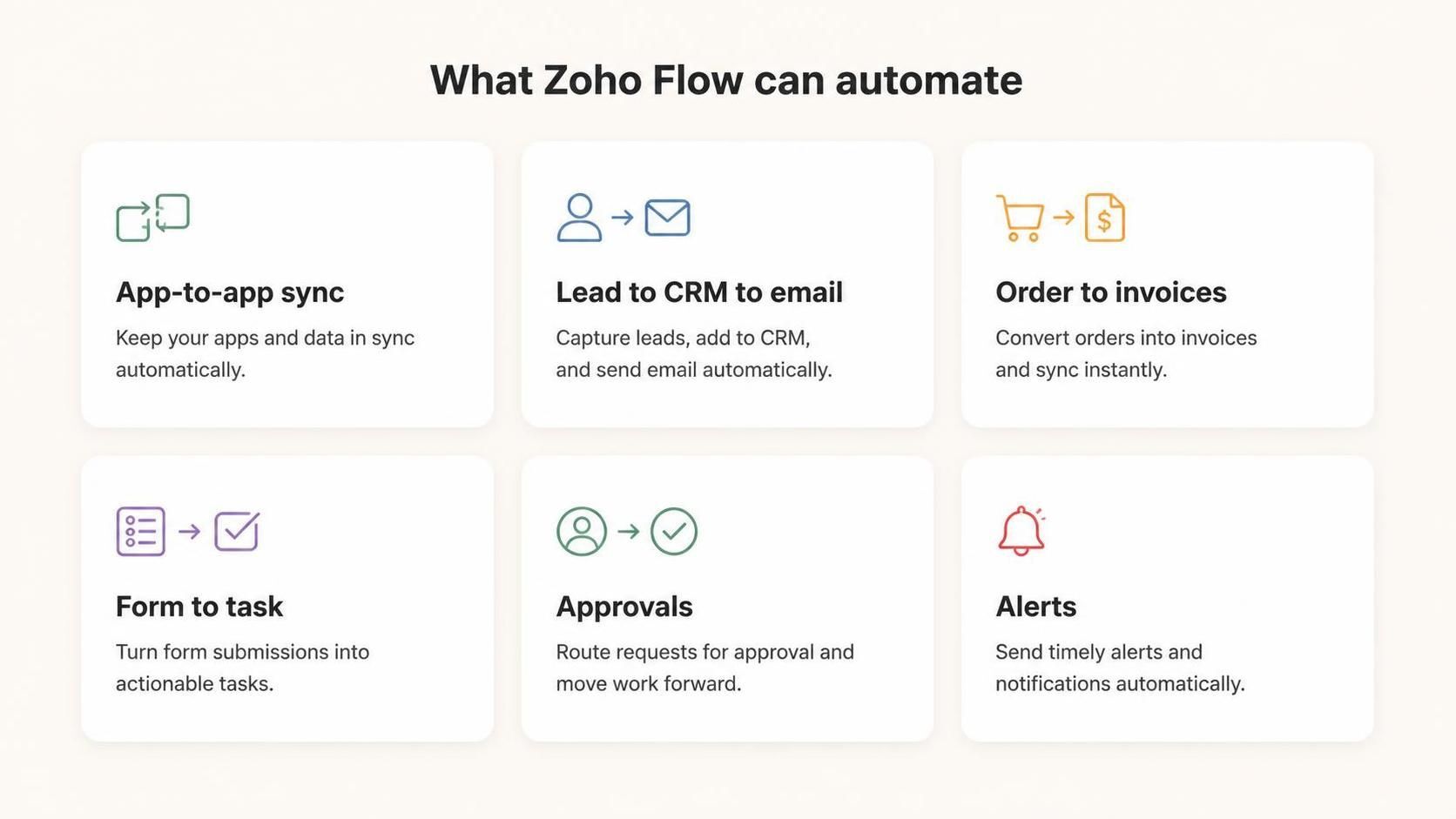
Zoho Flow automates data sync, lead handling, orders, forms, approvals, and notifications.
Why Cross-App Automation Matters
Most businesses run on several apps, and the gaps between them are where work and errors accumulate. Every time information has to move from one system to another by hand, it is slow and a mistake waiting to happen. Cross-app automation closes those gaps, so your tools work together as one connected system rather than a set of islands you manually bridge.
The impact goes beyond time saved. When processes run automatically and consistently, nothing gets forgotten, data stays accurate across systems, and your team is freed from tedious copying to focus on work that actually needs judgement. Automation turns a collection of apps into a smooth operation, which is a real competitive advantage.
Getting Automation Right
The key to good automation is mapping the process before building it. A clear picture of the trigger, the conditions, and the desired actions produces a clean, reliable flow, whereas automating a vague or broken process just makes the mess faster. It is also important to handle edge cases and errors, so the automation behaves sensibly when something unexpected happens.
Well-built flows are reliable and quietly indispensable; poorly built ones cause confusion and distrust. This is why, beyond simple automations, thoughtful design matters. Getting the logic, conditions, and error handling right is what turns automation from a fragile experiment into infrastructure your business depends on.
Where to Start With Automation
If you are new to automation, the best place to start is the task your team complains about most: the repetitive, manual step everyone finds tedious. Those tasks are usually both the easiest to automate and the most appreciated when they disappear, which builds momentum and buy-in for automating more. Look for anything where someone copies data from one app to another, or manually triggers a routine follow-up, because those are prime candidates.
It also helps to start simple and expand. A single, reliable flow that removes one daily chore proves the value and teaches you what is possible, before you tackle complex multi-app processes. Trying to automate everything at once tends to overwhelm, whereas building up from a few solid wins creates a growing web of automation that quietly takes more and more busywork off your team. That steady, deliberate approach is what turns automation from a novelty into genuine operational leverage.
How Amwhiz Builds Zoho Flow Automations
Amwhiz is an authorized Zoho partner, and we build cross-app workflow automations with Zoho Flow that eliminate manual work. We map your processes, identify where data is being moved by hand or steps are being forgotten, and build reliable flows that connect your Zoho apps and third-party tools. The result is a business where information moves itself and repetitive tasks happen automatically.
We design automations to be robust, not just functional, with the conditions and error handling that keep them reliable in the real world. Because we understand your wider Zoho stack, we build flows that fit the whole system, so automation strengthens your operation rather than adding fragile complexity. Done well, it becomes infrastructure you can trust.
Frequently Asked Questions About Zoho Flow
What Is Zoho Flow?
Zoho Flow is an integration and automation platform that connects your apps and runs event-triggered workflows, so data moves and actions happen automatically across systems.
Does Zoho Flow Work With Non-Zoho Apps?
Yes. Zoho Flow connects Zoho apps and hundreds of third-party services, so you can automate workflows across your whole stack, not just Zoho.
Do I Need to Code to Use Zoho Flow?
For many common automations, no. Flow is visual and low-code. More complex, multi-step flows benefit from thoughtful design, which is where a partner helps.
Can Flows Include Conditions and Branches?
Yes. Flows can include logic, conditions, and branches, so automations respond differently based on the data, making them capable of handling real business processes.
What Happens if an Automation Fails?
Well-built flows include error handling so failures are caught and managed rather than silently losing data. Designing for these cases is part of building reliable automation.
How Is Zoho Flow Different From Workflows Inside an App?
Workflows inside an app like CRM automate within that one app. Zoho Flow automates across multiple apps, connecting different systems together, so it handles the gaps between tools rather than actions within a single one.
Can Flow Handle High Volumes of Events?
Yes. Zoho Flow is built to run automations reliably at volume, so it can handle a steady stream of triggers such as many form submissions or orders without manual intervention.
Will Automation Reduce Errors?
Significantly. Because a flow performs the same steps the same way every time, it removes the human slips of manual copying and forgotten actions, so data stays accurate and processes run consistently.
How Much Time Can Automation Save?
It varies by process, but the savings add up fast. Any task done many times a day by hand, like moving leads or creating follow-ups, can be reclaimed almost entirely, freeing hours each week across a team for higher-value work.
Is Zoho Flow Suitable for Small Businesses?
Very much so. Small teams feel the benefit of automation keenly, because every hour of manual work removed is a bigger share of their capacity. Even a handful of simple flows can transform how a small business operates.
Can Automations Be Changed as My Process Evolves?
Yes. Flows are easy to adjust as your business changes, so an automation can be updated when a process shifts rather than becoming obsolete. This flexibility means your automation keeps pace with how you actually work.
Conclusion
Zoho Flow automates cross-app workflows by connecting your apps and running actions triggered by events, so data moves and repetitive tasks happen automatically. It closes the gaps between your systems, eliminating the manual copying and forgotten steps where time and errors accumulate.
The key is mapping the process and building reliably, with the right logic and error handling. Done well, cross-app automation turns a collection of separate tools into one smooth, connected operation, freeing your team from busywork and making your whole stack work together.
Book a free Zoho Flow automation consultation.
Amwhiz, an authorized Zoho partner, will automate your cross-app workflows with Zoho Flow. Visit amwhiz.com or email sales@amwhiz.com to get started.