-1.png?width=134&height=66&name=amwhiz-logo%20(1)-1.png)


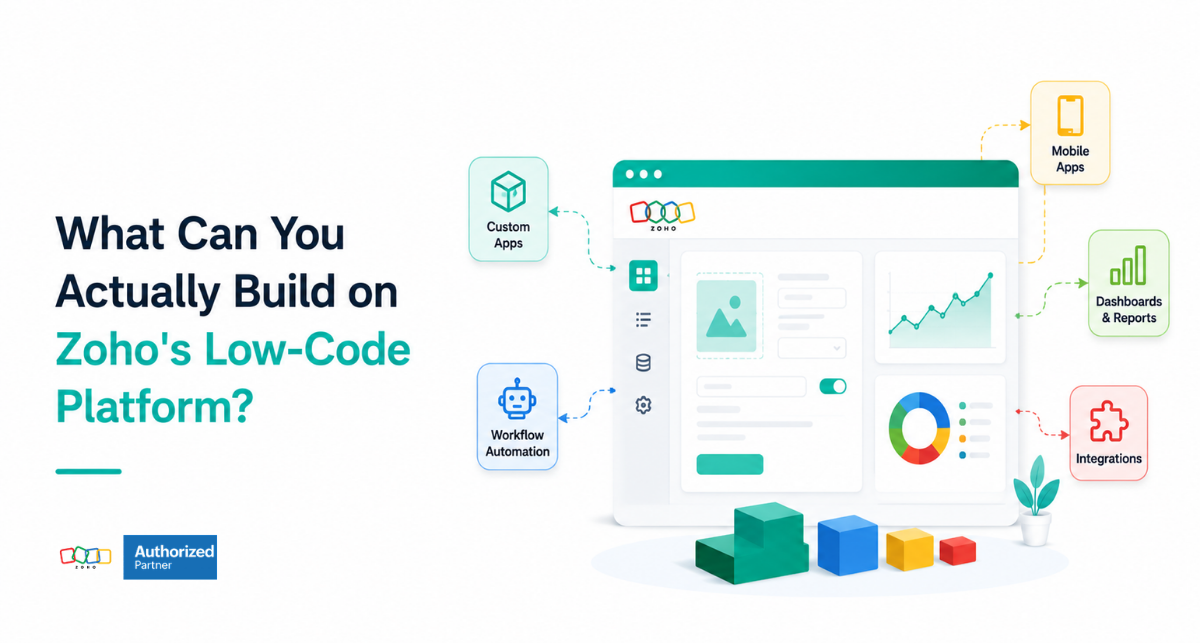
From a Spreadsheet Workaround to a Real App Amwhiz, an authorized Zoho partner, takes business...
Turning 'Low-Code' Into Something You Can Picture
Amwhiz, an authorized Zoho partner, builds custom applications on Zoho Creator, Zoho's low-code platform. This guide gives concrete examples of what you can actually build, so the phrase low-code becomes real rather than abstract.
What Can You Build on Zoho Creator?
The Short Answer
On Zoho Creator you can build almost any business application that manages data and processes: inventory and asset tracking systems, field service apps, approval workflows, custom CRMs, order and project management tools, and portals for staff, clients, or vendors. If a process can be described in terms of forms, data, logic, and users, Zoho Creator can usually turn it into a working web and mobile app, without traditional coding.
The low-code part means you build these far faster and more affordably than custom development, using visual tools rather than writing everything from scratch. That opens up custom applications to businesses that could never justify traditional development, which is what makes the platform genuinely useful rather than just impressive.
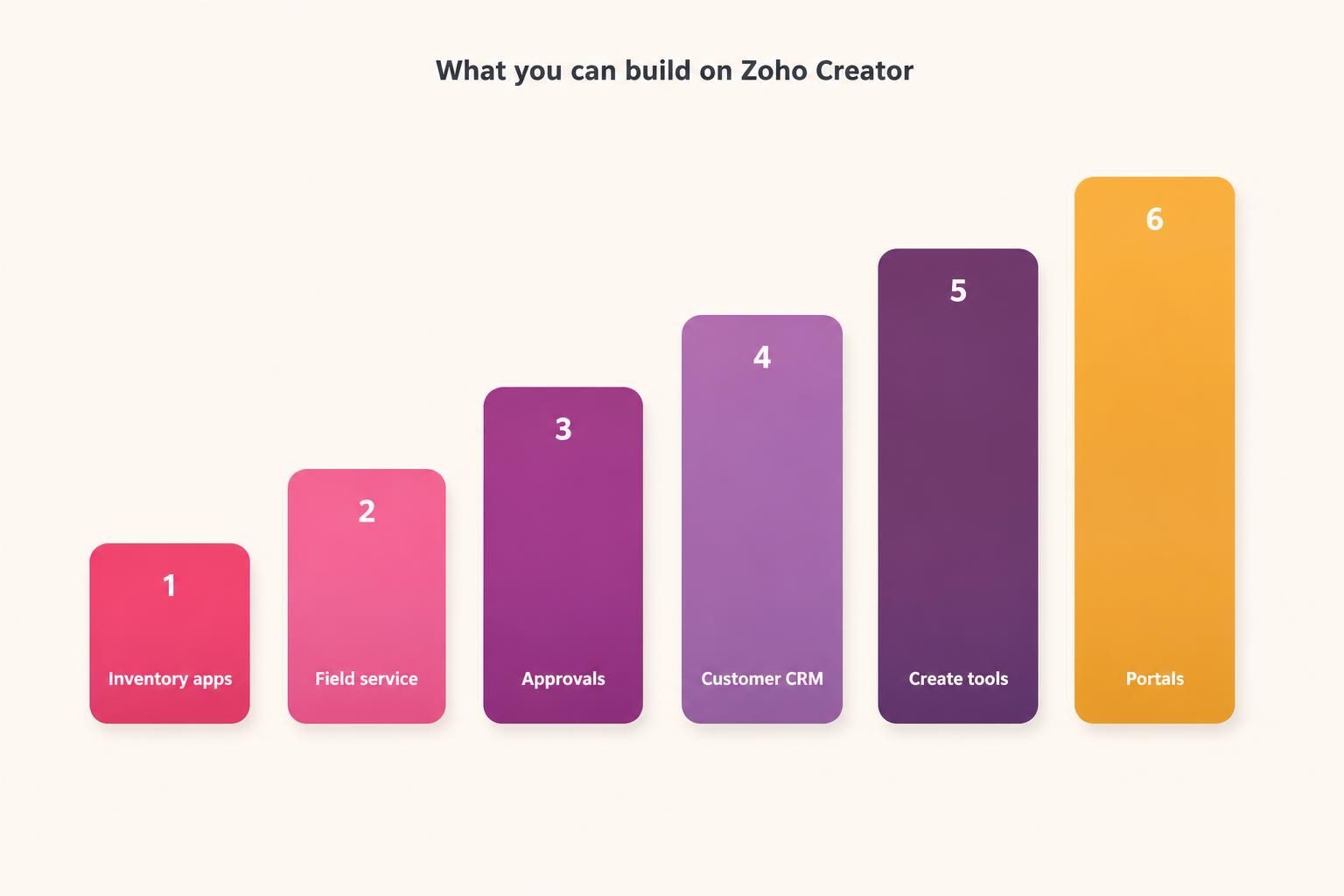
Zoho Creator can build inventory apps, field service tools, approvals, custom CRMs, and portals.
Operational and Tracking Apps
Some of the most common builds are operational apps that track things: inventory, assets, equipment, or resources. If you are managing these in spreadsheets, a Zoho Creator app gives you proper data, permissions, and reporting instead. These apps replace fragile spreadsheets with reliable systems that scale, while still fitting your exact process.
Because these processes are often unique to a business, off-the-shelf products rarely fit them well, which is exactly why low-code shines here. You get an application shaped precisely around how you actually track and manage your operations, rather than bending your process to fit generic software.
Field Service and Mobile Apps
Zoho Creator apps run on mobile as well as the web, which makes them ideal for field service. Technicians can capture job details, photos, signatures, and status updates from their phones, and the data flows back to the office instantly. For any business with staff working away from a desk, this turns paper forms and phone calls into a live, connected process.
Mobile capability is often the deciding factor for these builds. A field team needs to work where the job is, and a custom mobile app that matches their exact workflow, capturing exactly the right information, is enormously more effective than generic tools or paper. Zoho Creator makes building that mobile app realistic.
.jpeg?width=1666&height=944&name=Duck-ai-image-2026-08-04-14-52%20(1).jpeg)
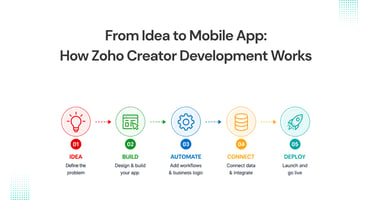
Map the process, design the data, add logic, build the interface, and deploy on web and mobile.
Workflow and Approval Apps
Many business processes are really approval and workflow chains: requests that need routing, reviewing, and approving. Zoho Creator can turn these into structured apps where requests are submitted, routed to the right approvers, tracked, and recorded. This replaces email chains and lost requests with a clear, auditable process.
- Purchase and expense approvals with routing and limits.
- Leave, travel, and internal request workflows.
- Document review and sign-off processes.
- Any multi-step approval that currently lives in email.
Custom CRMs and Business Systems
While Zoho CRM suits most sales needs, some businesses have relationship or process management needs so specific that a custom system fits better. Zoho Creator can build tailored CRMs, membership systems, case management tools, or industry-specific business systems that match a niche process exactly. When your needs fall outside what standard products cover, a custom build fills the gap.
These larger builds are where low-code delivers the most transformative results, replacing a tangle of spreadsheets and disconnected tools with a single application that runs a core part of the business. Because it is built around your process, it fits in a way no packaged product could, while still being far faster to create than traditional software.
Portals for Clients, Vendors, and Staff
Zoho Creator can also build portals: secure spaces where external parties interact with your business. A client portal lets customers submit requests or check status, a vendor portal streamlines supplier interactions, and a staff portal centralises internal tools. Portals extend your systems to the people outside your team who need to interact with them.
These portals are increasingly expected by customers and partners, who want self-service access rather than emails and phone calls. Building one on Zoho Creator, connected to your wider Zoho data, gives them that access while keeping everything integrated with your internal systems, which is far better than a disconnected standalone portal.
Making Sure the App Lasts
Low-code makes it easy to build an app quickly, but building one that lasts takes a little more care. The difference is design. An app thrown together without thought about how its data is structured, how it will grow, and how users will actually work with it can become a new kind of mess, hard to change and unreliable, much like the spreadsheet it was meant to replace. A well-designed app, by contrast, stays flexible and dependable as your needs evolve.
The things that make an app last are a sound data model, sensible logic, clear permissions, and a genuine focus on the user experience. These are exactly the disciplines that experienced development brings, even in a low-code tool. Getting them right up front is what turns a quick build into a system your business can rely on for years, rather than something you rebuild in eighteen months because it could not keep up. It is the unglamorous foundation that determines whether custom software is an asset or a liability.
How Amwhiz Builds on Zoho Creator
Amwhiz is an authorized Zoho partner, and we design and build custom applications on Zoho Creator, from operational tracking apps and field service tools to approval workflows, custom business systems, and portals. We map your process, design the data and logic, build the web and mobile interfaces, and connect the app to your wider Zoho stack. The result is a tailored application that fits your business exactly.
Because we build these regularly, we know how to make them robust and scalable rather than a new kind of spreadsheet-style mess. Good low-code development still requires proper design of data, logic, and user experience, and that is what turns a quick build into a reliable system your business can depend on for years.
Frequently Asked Questions About Zoho Creator
Do Zoho Creator Apps Work on Mobile?
Yes. Apps built on Zoho Creator run on both web and mobile, which makes them ideal for field teams and anyone working away from a desk.
Can I Build an App Without Coding?
Much of the building is visual and low-code, so a lot is possible without traditional coding. Complex apps benefit from experienced design and some scripting for advanced logic.
Can Creator Apps Connect to Other Zoho Apps?
Yes. Zoho Creator apps integrate with the wider Zoho ecosystem and third-party tools, so a custom app fits into your existing stack rather than standing alone.
Is Zoho Creator Only for Simple Apps?
No. It handles everything from simple trackers to complex business systems and portals. The platform scales well beyond basic apps when designed properly.
Can Creator Apps Have Different Access for Different Users?
Yes. You can set roles and permissions so each user sees and does only what is appropriate, which is essential for portals and any app used by mixed groups of staff, clients, or vendors.
How Long Does It Take to Build an App?
Simple apps can be built quickly, while complex systems take longer. Low-code is far faster than traditional development, and scoping the app first keeps the timeline predictable.
Can Zoho Creator Replace Several Spreadsheets at Once?
Yes, and this is a common use. A single well-designed app can replace a tangle of linked spreadsheets with one reliable system that has proper data, permissions, and automation, which is far more robust than the spreadsheets it retires.
Who Uses the Apps You Build?
It depends on the app. Some are for internal staff, some for field teams on mobile, and some are portals for clients or vendors. Zoho Creator supports all of these, so the app reaches whoever the process involves.
Can I See the App Before It Is Finished?
Yes. A benefit of low-code is that a working version can be shown early, so you review and refine it as it takes shape rather than waiting until the end, which keeps the final app closely matched to what you actually need.
Conclusion
On Zoho Creator you can build a huge range of business applications: operational trackers, field service and mobile apps, approval workflows, custom CRMs and business systems, and portals for clients, vendors, and staff. If a process can be described in forms, data, logic, and users, low-code can usually turn it into a real app.
The value is building exactly what your business needs, far faster and more affordably than traditional development. Designed properly, these apps replace fragile spreadsheets and disconnected tools with reliable systems that fit your process precisely, which is what low-code is really for.
Book a free Zoho Creator consultation.
Amwhiz, an authorized Zoho partner, will design and build the custom app your business needs on Zoho Creator. Visit amwhiz.com or email sales@amwhiz.com to get started.