-1.png?width=134&height=66&name=amwhiz-logo%20(1)-1.png)



Introduction What if your customers could shop faster, engage more, and buy more every time they...
written by: Renuka M
mobile commerce app development,
custom ecommerce app development,
Custom Shopify app development,
Shopify app development,
Shopify mobile app development,
Ecommerce mobile app for Shopify,
Shopify mobile app builder
Introduction
Your customers are already on their phones. The real question is, are they shopping through your app or your competitor’s?
In today’s mobile first world, relying only on a website limits your growth potential.
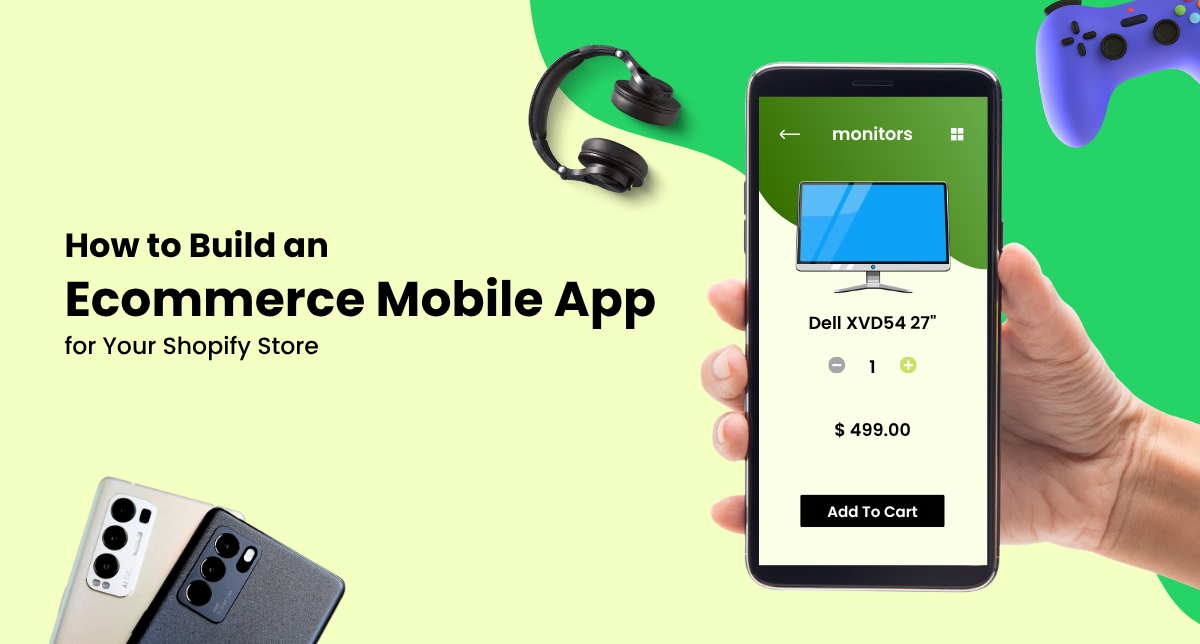
Building an ecommerce mobile app for Shopify allows you to deliver faster experiences, personalized journeys, and higher conversions.
If you want to boost engagement and drive more revenue, a mobile app is no longer optional. It is essential.
Why You Need a Mobile App for Shopify?
A mobile app gives your store a direct channel to your customers.
With Shopify, you already have a strong backend. A mobile app extends that power into a high performance, user friendly interface.
Better Customer Experience
Apps load faster, feel smoother, and offer a more intuitive interface compared to mobile websites, improving overall customer experience.
Higher Conversion Rates
With simplified navigation and checkout, apps drive better conversion rates.
Increased Customer Retention
Push notifications and personalized content help improve customer retention and repeat purchases.
Direct Engagement
Stay connected with your audience through real time notifications, offers, and updates.
Step by Step Guide to Building a Shopify Mobile App
Step 1: Define Your App Goals
Start by identifying what you want your app to achieve.
- Increase sales
- Improve engagement
- Enhance user experience
- Support loyalty programs
Clear goals guide your mobile app development strategy.
Step 2: Choose the Right Development Approach
You can build your app in different ways.
- Custom development for full control
- App builders for faster deployment
- Hybrid apps for cost efficiency
For long term growth, custom ecommerce app development is the best option.
Step 3: Integrate Shopify APIs
To connect your app with your store, you need Shopify API integration.
- Sync products, inventory, and orders
- Manage customer data
- Enable real time updates
This ensures your app works seamlessly with your Shopify backend.
Step 4: Design a User Friendly Interface
Focus on simplicity and usability.
- Clean navigation
- Mobile optimized design
- Fast loading speed
A well designed interface improves user experience and conversions.
Step 5: Add Essential Features
Your app should include key ecommerce functionalities.
- Product browsing and search
- Secure checkout
- Multiple payment options
- Order tracking
- Push notifications
These features are crucial for driving sales.
Step 6: Test Your App
Before launching, test thoroughly.
- Check performance
- Fix bugs
- Validate user flows
Testing ensures a smooth and reliable app experience.
Step 7: Launch and Optimize
After launching, continuously improve your app.
- Track user behavior
- Analyze performance
- Update features regularly
Ongoing optimization helps maximize results.
How a Mobile App Boosts Your Business?
With a well built app, you can
- Increase average order value
- Reduce cart abandonment
- Improve customer loyalty
- Drive consistent revenue
A strong mobile commerce strategy creates long term growth opportunities.
Why Choose Amwhiz?
At Amwhiz, we specialize in building scalable and high performing mobile apps for Shopify stores.
Our expertise includes
- Shopify development services
- Shopify POS solutions
- Shopify migration services
- Complete Shopify all in one solutions
We create apps that are fast, secure, and optimized for conversions.
Final Thoughts
Building an ecommerce mobile app for Shopify is one of the smartest investments you can make in 2026.
It enhances user experience, boosts engagement, and drives higher sales.
If you want to stay ahead of the competition, now is the time to take your Shopify store mobile.
Get Started with Amwhiz
Partner with Amwhiz to build powerful mobile apps that transform your Shopify store into a high converting sales machine.
From custom app development to full ecommerce solutions, we help you scale with confidence.