
-1.png?width=134&height=66&name=amwhiz-logo%20(1)-1.png)


Why Some Businesses End Up Running Two CRMs at Once
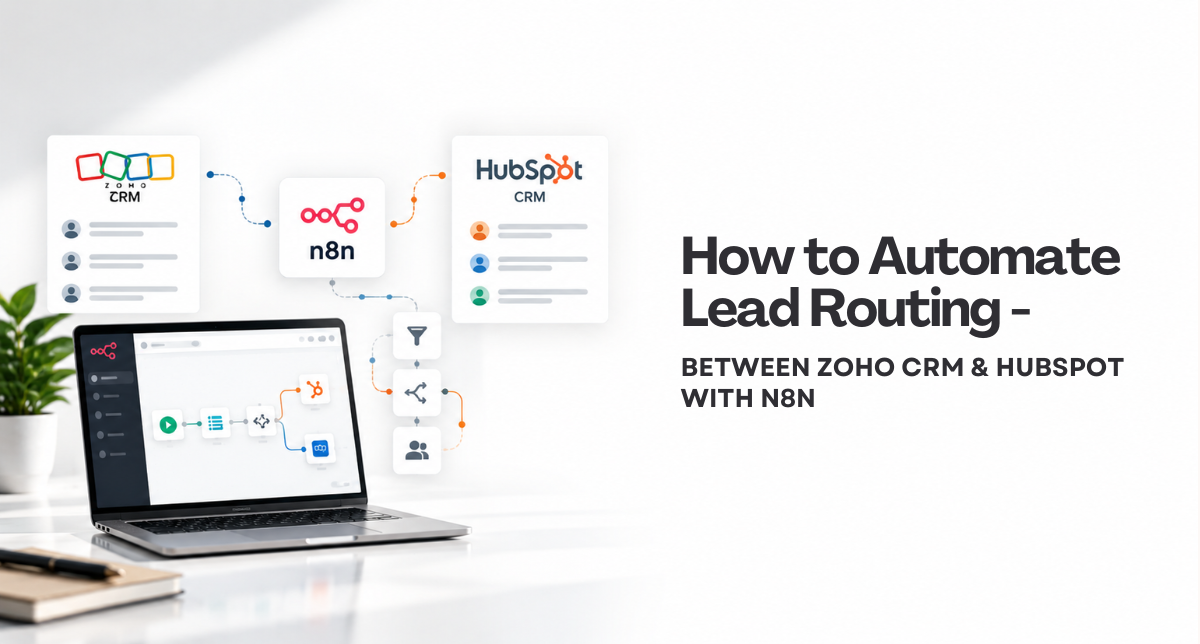
It's more common than it sounds: a company acquires a brand already running Zoho, while the parent business runs HubSpot, or one team adopted Zoho years ago while marketing later standardized on HubSpot. Whatever the reason, the result is the same problem, a lead lands in one system and the team that needs it works out of the other. Lead routing between Zoho and HubSpot built on n8n solves this without forcing a costly, disruptive migration to one platform. Here's how we build it.
How Do You Route Leads Between Zoho CRM and HubSpot?
The Short Answer
An n8n workflow listens for a new or updated lead in either Zoho CRM or HubSpot through a webhook or scheduled poll, applies routing logic (which brand, which product line, which sales team owns this lead), and creates or updates the matching record in the other system. The workflow also needs a way to prevent duplicate creation on future syncs, usually by storing each system's record ID as a cross-reference field on both sides, so the same lead updating twice doesn't create two records.
Why Native Connectors Usually Fall Short Here
Most off-the-shelf Zoho-to-HubSpot connectors sync standard fields (name, email, company) reasonably well, but struggle with anything specific to how your business actually routes leads. A few recurring gaps:
- Custom fields and custom modules in Zoho rarely map cleanly to a generic connector's field list, so business-specific data gets dropped or left blank.
- Routing logic beyond "sync everything" (route by brand, by territory, by deal size) usually isn't configurable in a pre-built connector at all.
- Bidirectional sync, where an update in either system should reflect in the other, is where most connectors either aren't supported or become unreliable under real usage.
What the n8n Workflow Actually Does
1. Trigger on New or Updated Records
The workflow listens for changes in both Zoho and HubSpot, either through native webhooks where available or a scheduled check for recently modified records.
2. Apply Routing Rules
Business-specific logic decides where the lead should go and how it should be tagged, based on fields like source, product interest, territory, or brand, rather than a blanket one-to-one sync.
3. Match or Create the Record
The workflow checks for an existing cross-referenced record before creating a new one, preventing duplicates when the same lead is updated again later.
4. Map Custom Fields Both Ways
Fields specific to your business, not just standard contact properties, get mapped explicitly so nothing relevant gets lost in the sync.
5. Log and Alert on Sync Failures
If a sync fails (a required field is missing, an API call times out), the workflow logs the failure and alerts someone rather than silently dropping the record.
How Amwhiz Helps
Amwhiz is a certified implementation partner for both HubSpot and Zoho, which means we understand the data model on both sides, not just how to move fields between them. We map the routing logic to how your teams actually work before building anything, since the wrong routing rule synced perfectly is still the wrong outcome.
Frequently Asked Questions About Zoho and HubSpot Lead Routing
Does this require replacing Zoho or HubSpot with the other?
No. This approach is specifically for businesses that need both systems to keep running, whether for different teams, brands, or historical reasons, without forcing a migration.
Can the sync go both directions?
Yes. The workflow can be built as one-directional (Zoho to HubSpot only) or bidirectional, depending on which system should be considered the source of truth for which fields.
What happens if the same lead is updated in both systems at the same time?
We define a conflict resolution rule as part of the build, typically "most recent update wins" or "one system is authoritative for specific fields," so the workflow has a clear answer instead of overwriting data unpredictably.
Will this slow down either CRM?
No. The workflow runs through each platform's API independently of the CRM's own performance, so day-to-day use of Zoho or HubSpot isn't affected.
How do we know the sync is working correctly after launch?
We set up logging and, for clients who want it, a simple dashboard showing sync volume and any failures, so the workflow's health is visible rather than something you only notice when a lead goes missing.
Conclusion
Running two CRMs isn't automatically a problem, letting leads get stuck in one of them is. A well-built n8n workflow between Zoho and HubSpot means the platform a lead happens to land in first stops mattering to the team that needs to act on it.
If leads are currently getting manually re-entered between your systems, that's the workflow worth automating first.
Book a free consultation to map your Zoho and HubSpot lead flow.
Amwhiz is a certified HubSpot, Shopify, and Zoho implementation partner that also builds custom n8n automations for content, sales, and ops workflows. Visit our Zoho services page or email sales@amwhiz.com to get started.



