-1.png?width=134&height=66&name=amwhiz-logo%20(1)-1.png)


written by: Renuka M
Shopify admin productivity tools,
Shopify filter and search update,
Shopify saved views update 2026,
improve Shopify workflow efficiency,
Shopify unified admin search
Introduction
If you have ever spent more time searching inside your Shopify admin than actually completing tasks, you are not alone. Finding orders, filtering products, or segmenting customers has often taken more steps than necessary.
On April 24, 2026, Shopify introduced a unified search, filter, and saved views experience across the entire admin. While it may sound like a small change, it significantly improves how merchants manage their daily operations.
What Was the Problem Before
The previous Shopify admin experience had limitations. Search and filters worked separately, and saved views were not deeply integrated.
If you created a complex filter to find specific products or orders, you had to rebuild it every time. This led to inefficiency, especially for stores handling large inventories or high order volumes.
Merchants often spent unnecessary time repeating the same search and filter processes instead of focusing on growth.
What Shopify Changed
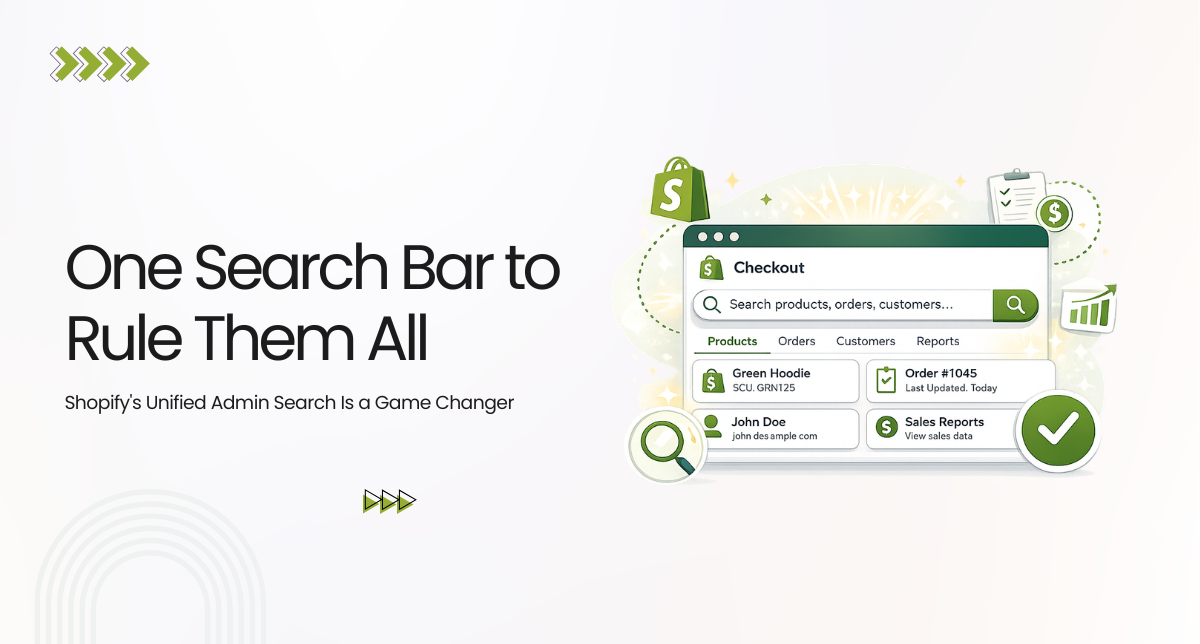
Shopify has now unified search, filters, and saved views into a single, consistent experience across Orders, Products, Customers, Discounts, Collections, and Metaobjects.
Everything is managed through one search bar.
- Search queries, filters, and sorting work together
- Filters appear as inline chips
- Saved views can be accessed and managed in the same place
This creates a seamless workflow regardless of which section of the admin you are using.
Saved Views Are the Real Game Changer
The most powerful feature in this update is saved views.
You can now save any filter, sort, and column setup as a reusable view.
- Unfulfilled orders over a certain value
- Low stock products with specific tags
- Inactive customers over a time period
Instead of rebuilding queries repeatedly, you can access them in one click.
You can also duplicate and modify views without affecting the original, making it easier to adapt workflows for campaigns or seasonal needs.
Keyboard Shortcuts Built Right In
Shopify has added built-in keyboard shortcuts to speed up navigation.
- Use spacebar to add filters
- Use commas to separate terms
- Use quotes for exact matches
For merchants working daily in the admin, these small efficiencies save significant time over time.
Sidekick Integration Makes It Smarter
For stores using Shopify’s AI assistant Sidekick, this update becomes even more powerful.
You can now use natural language commands like:
"Show me all unfulfilled orders over $100 from last week"
Sidekick will take you directly to the filtered view, reducing the need for manual setup.
Who Benefits Most from This Update
This update benefits all Shopify merchants, but especially:
- High-volume stores: Faster order and inventory management
- Large catalog stores: Easier product filtering and auditing
- Agencies and developers: Consistent workflows across multiple stores
- New merchants: Simpler and more intuitive admin experience
It is also highly valuable for stores using Shopify POS, where unified data across channels improves operational efficiency.
No Setup Required
This is a native Shopify update and is automatically available to all stores.
- No installation needed
- No configuration required
- No apps necessary
The only recommended action is to create your most-used saved views to fully benefit from the update.
What This Means for Your Operations
This update removes friction from everyday admin tasks.
Less time spent searching and filtering means more time focused on business growth, marketing, and customer experience.
For teams, saved views also create consistency and improve onboarding for new staff.
Final Thoughts
Shopify’s unified admin search update is a foundational improvement that enhances daily workflows.
It replaces a fragmented system with a faster, more consistent, and more intuitive experience.
Whether you are a solo merchant or managing multiple Shopify stores, this update makes your admin experience significantly more efficient.
Manage Your Shopify Store Better with Amwhiz
At Amwhiz, we help you stay ahead with every important Shopify update.
We offer complete Shopify solutions including development, Shopify POS integration, store migration, and performance optimization.
From setup to scaling, our team ensures your Shopify store runs efficiently and grows consistently.
Stay connected with Amwhiz for the latest updates and expert support.