-1.png?width=134&height=66&name=amwhiz-logo%20(1)-1.png)


Why 'Free' Isn't Always the Cheapest Option Zoho is designed to be approachable. You can sign up,...
What Does a Zoho CRM Setup Actually Include? A Partner's Full Breakdown
Here's a thing that happens more often than you'd think. A business signs up for Zoho CRM, imports a contact list, clicks around for an afternoon, and then wonders why nothing feels different. The reps still live in spreadsheets. The reports still don't add up. And someone, somewhere, mutters that "the CRM isn't working."
The CRM is working fine. What's missing is the setup. And "setup" turns out to be a much bigger word than most people expect when they first hear it.
So let's open the box. Here's everything a real Zoho CRM setup includes, and why skipping any of it comes back to bite you. This is the breakdown we walk clients through at Amwhiz before a single field gets configured.
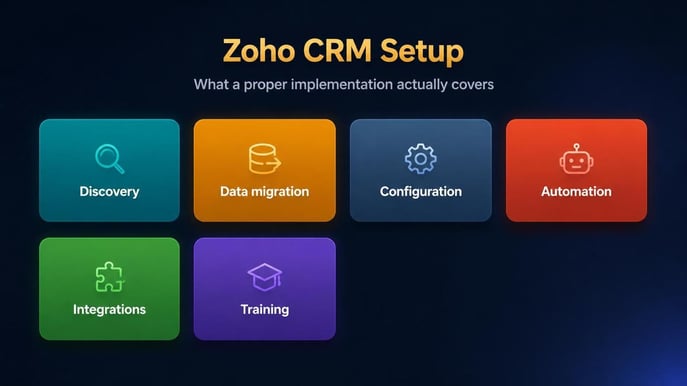
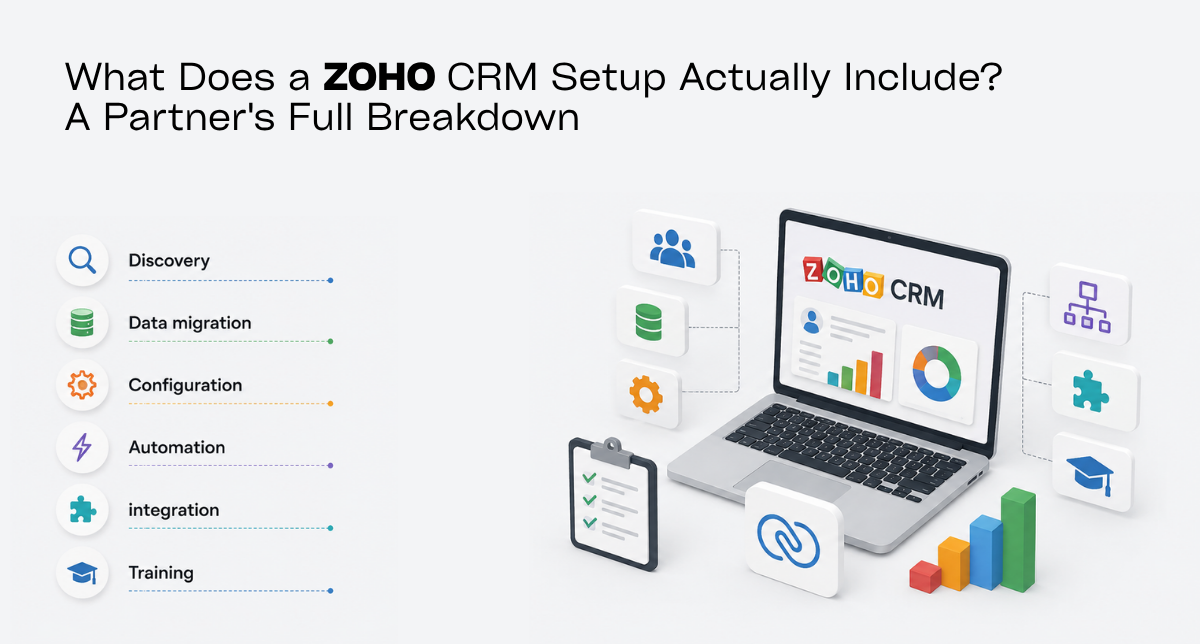
Importing contacts is step one of many. A real setup spans discovery, data, configuration, automation, integrations and training.
It's Six Stages, Not One Afternoon
A complete setup runs through six stages: discovery, data migration, configuration, workflow automation, integrations, and training. Miss one and the CRM technically works but quietly disappoints. Here's what each actually involves.
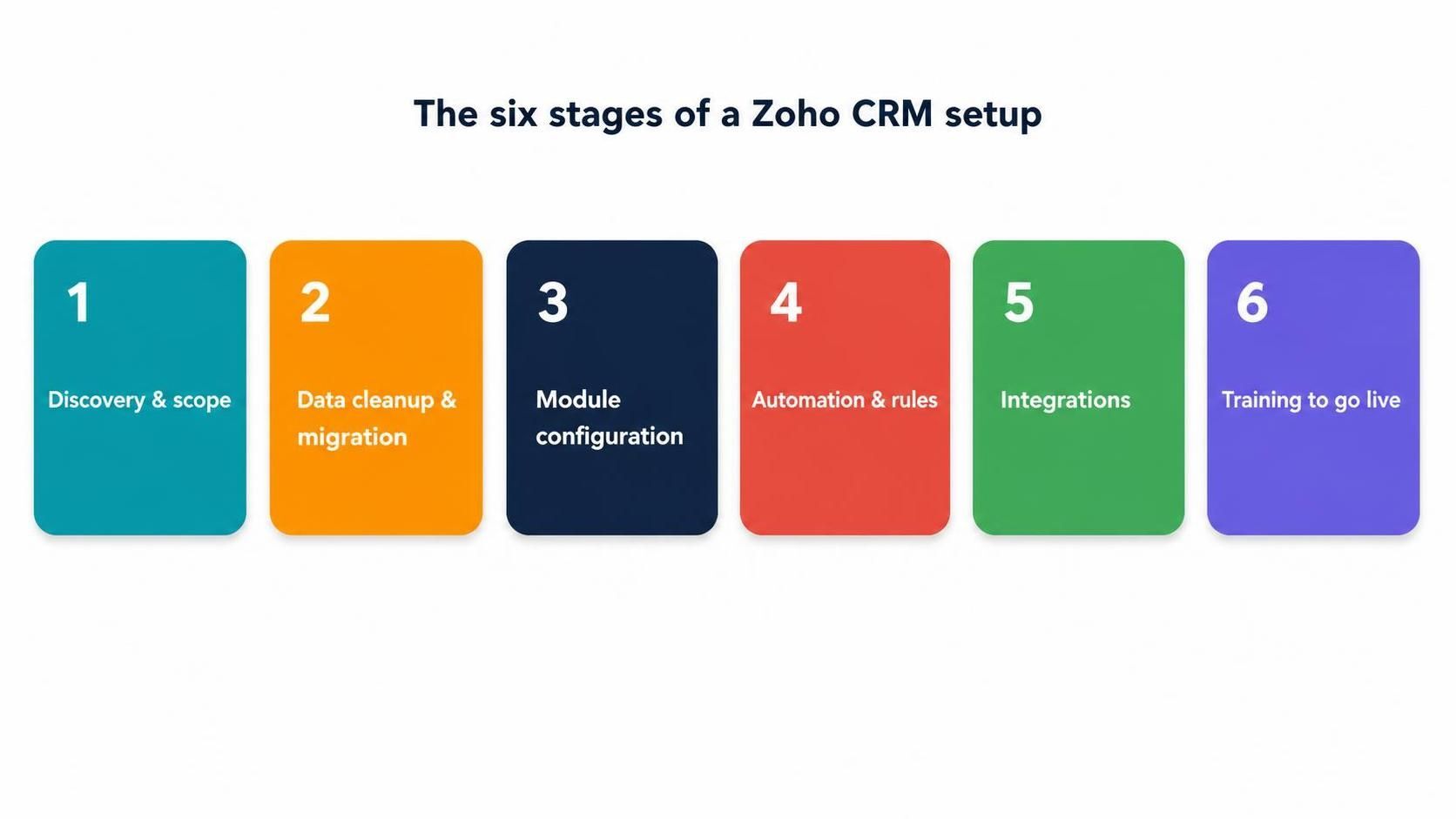
Discovery, migration, configuration, automation, integration, training. In that order, for a reason.
Stage One: Discovery
Before anyone touches a setting, a good partner learns how you actually sell. What are your stages? Where do leads come from? What has to be true before a deal moves forward? Which report does your sales manager stare at every Monday?
This is also where the awkward truths surface. The spreadsheet one rep secretly can't live without. The approval everyone skips when they're busy. The handoff between sales and delivery that breaks every single month. Get those on the table now and you save yourself a painful rebuild later.
Stage Two: Data Migration
Your existing data is almost never clean. There are duplicates. There are records with no owner. There's a field called "Status" that means five different things depending on who typed it. Migration isn't a bulk import with a clever button. It's a cleanup, with an import tacked on at the end.
Why fuss over it? Because trust is fragile. The first time a rep spots a duplicate account or a wrong phone number, they stop believing the whole system, and once that belief goes it's very hard to win back. Clean data on day one is how you keep it.
Stage Three: Configuration
This is the meat of the job. Configuration is where the CRM stops being generic and starts looking like your business.
- Pipelines and deal stages that match how you actually close, not some textbook version.
- Custom fields and layouts, so reps capture what matters and skip what doesn't.
- Validation rules that stop bad data at the door instead of cleaning it up later.
- Roles and permissions, so people see what they should and nothing they shouldn't.
- Dashboards and reports that give managers a live picture instead of a monthly guess.
Stage Four: Workflow Automation
Once the structure's in place, automation strips out the busywork. Leads get assigned the moment they land. Follow-up tasks create themselves. Alerts fire when something needs attention. Fields update without anyone typing.
This is the difference between a CRM that just stores information and one that actually pushes work forward on its own. Reps hate admin. Automation quietly does the admin for them.
Stage Five: Integrations
A CRM standing on its own creates double entry, and double entry is where hours go to die. Connect Zoho to your email, your phone system, WhatsApp, your website forms, your accounting, your marketing tools. Now a rep has the whole story on one screen, and nobody's copying details between tabs.
Each integration adds a little scope to the project. Almost every one hands back time every week. It's usually the best trade in the whole build.
Stage Six: Training
And here's the stage everyone wants to cut. Don't.
A CRM nobody uses returns nothing, whatever you paid for it. Short, role-specific training, plus a couple of weeks of support after go-live, is what turns a shiny new system into a habit. It's cheap next to the licences it protects, and skipping it is the single most common reason these projects flop.
What Happens If You Skip a Stage
Every shortcut shows up later, usually wearing a bigger price tag. Skip discovery and you build on guesses, then rebuild when reps complain it doesn't fit. Skip the data cleanup and you train your team to distrust the system from day one. Skip configuration and your reports lie. Skip automation and reps drown in admin. Skip training and the whole thing gathers dust.
Notice the pattern. Each stage exists to protect the ones around it. That's why a serious setup treats all six as non-negotiable rather than a menu to pick from.
How Amwhiz Runs a Zoho CRM Setup
Amwhiz is an authorized Zoho partner, which means our team is Zoho-certified and works to a proven method instead of improvising on your budget. We scope against your real process, clean and migrate your data, configure around your pipeline, automate the repetitive bits, connect your tools, and train your people. You end up with a working system and a clear record of what was built and why.
We also keep the first version deliberately lean. Prove value, build the habit, then add complexity once the basics are second nature. That's what makes a Zoho CRM setup stick rather than stall.
Frequently Asked Questions
How long does a Zoho CRM setup take?
A focused single-pipeline setup can be live in a few weeks. Add custom modules, several integrations, and a big data migration and it stretches out. Scoping first keeps it honest.
Can I set it up myself?
For a very simple case, sure. For a growing team with real data and integrations, a partner-led setup usually pays for itself through less rework and stronger adoption.
What's the difference between setup and customization?
Setup is the whole project, discovery through go-live. Customization is one part of it, the configuration and automation that tailor the CRM to how you work.
Does a setup include training?
It should, always. Without training, adoption slides and the money's wasted. Treat it as core, not optional.
Who really needs a partner for this?
Anyone migrating years of history, running more than one pipeline, or wiring in telephony, WhatsApp or accounting from day one. The more moving parts, the more a steady hand earns its keep.
The Short Version
A Zoho CRM setup is six stages: discovery, data migration, configuration, workflow automation, integrations, and training. Each one protects the next, and skipping any of them is how good CRM projects quietly go wrong.
Book a free Zoho CRM setup consultation.
Amwhiz, an authorized Zoho partner, will scope your setup end to end and show you exactly what's included before any work starts. Visit amwhiz.com or email sales@amwhiz.com.