-1.png?width=134&height=66&name=amwhiz-logo%20(1)-1.png)



The Special Stress of Day One at the Till There's a special kind of stress that only happens on day...
Amwhiz, an authorized Zoho partner, is often asked whether Zoho can manage shift scheduling for teams spread across locations and time zones. The short answer is yes, and this guide explains how Zoho People handles rosters, check-ins, and hours for a distributed workforce.
Can Zoho Do Shift Scheduling for Distributed Teams?
The Short Answer
Yes. Zoho People supports shift scheduling with rotating rosters, shift assignment, location-based check-in, shift swaps, overtime tracking, and attendance that flows into payroll. For a distributed workforce spread across sites or working remotely, it replaces fragile spreadsheet rosters with a live system where everyone sees their shifts and hours are captured accurately wherever they work.
The distributed part is exactly where spreadsheets fall down. When your team is in one room, a printed rota can just about work. When they are across several locations or working remotely, you need a system that shows each person their schedule, captures where and when they actually worked, and keeps managers informed in real time. That is what Zoho People provides.
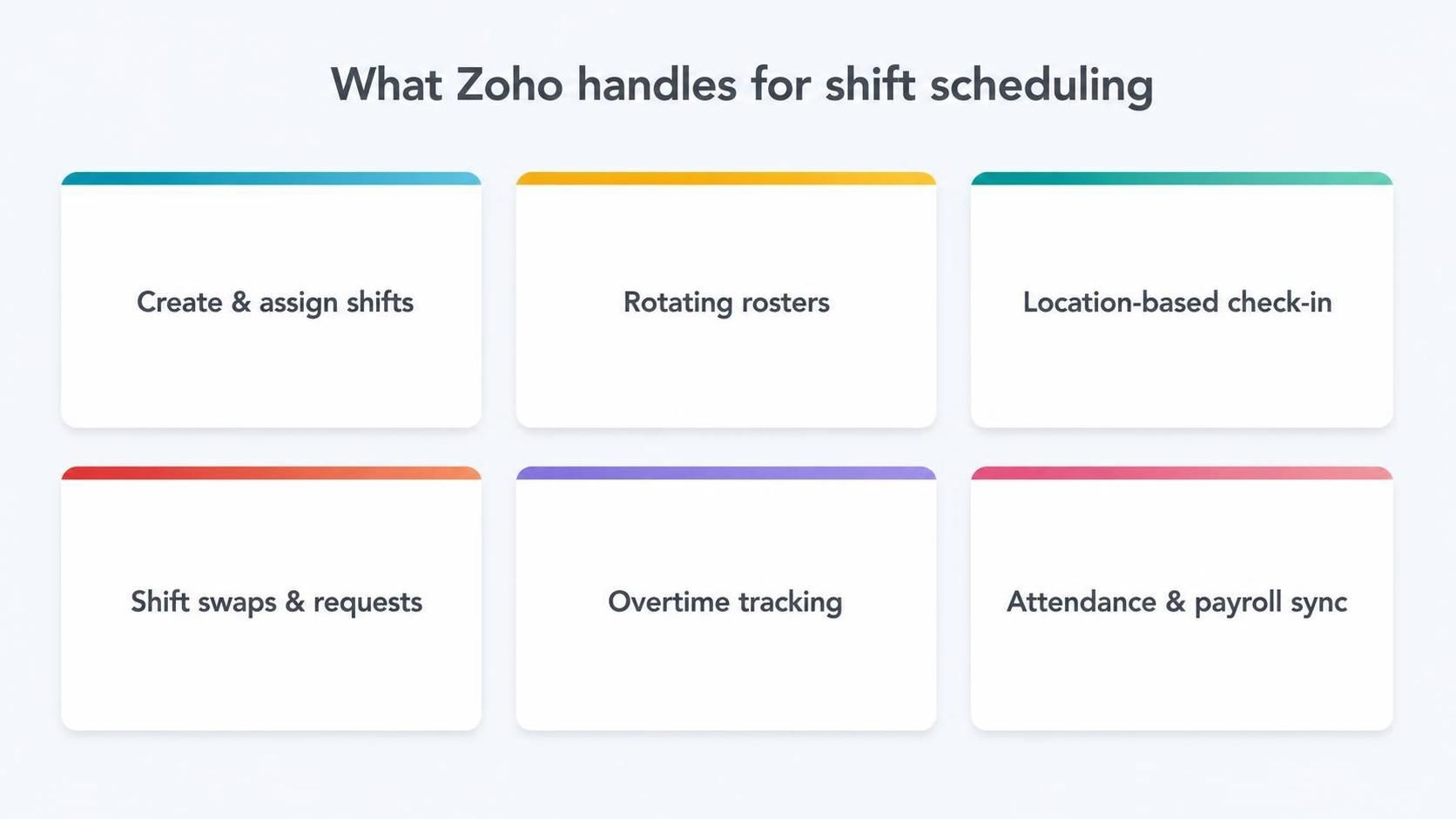
Zoho People handles shift creation, rosters, location check-in, swaps, overtime, and payroll sync.
Creating and Assigning Shifts
Zoho People lets you define shifts and assign them to employees, whether they work fixed patterns, rotating rosters, or variable schedules. Managers can build the roster once and the system handles the repetition, so recurring shift patterns do not have to be rebuilt every week. Employees see their assigned shifts clearly, removing the confusion that plagues informal scheduling.
For a distributed workforce, this clarity is vital. When people cannot simply glance at a board in a shared workplace, giving each person their own clear, always-current schedule prevents the missed shifts and mix-ups that manual rosters constantly produce.
Location-Based Check-In for Remote and Field Staff
For teams that work across sites or in the field, Zoho People supports location-based and mobile check-in, so attendance is captured wherever people are. A field technician can check in from a job site, a remote worker from home, and the system records it accurately with location context where needed. This solves the core distributed-workforce problem of knowing who worked, when, and where.
This matters for both trust and pay. Accurate, location-aware attendance means managers are not guessing whether shifts were worked, and employees are paid correctly for the hours they actually put in, without disputes over unverifiable timesheets.
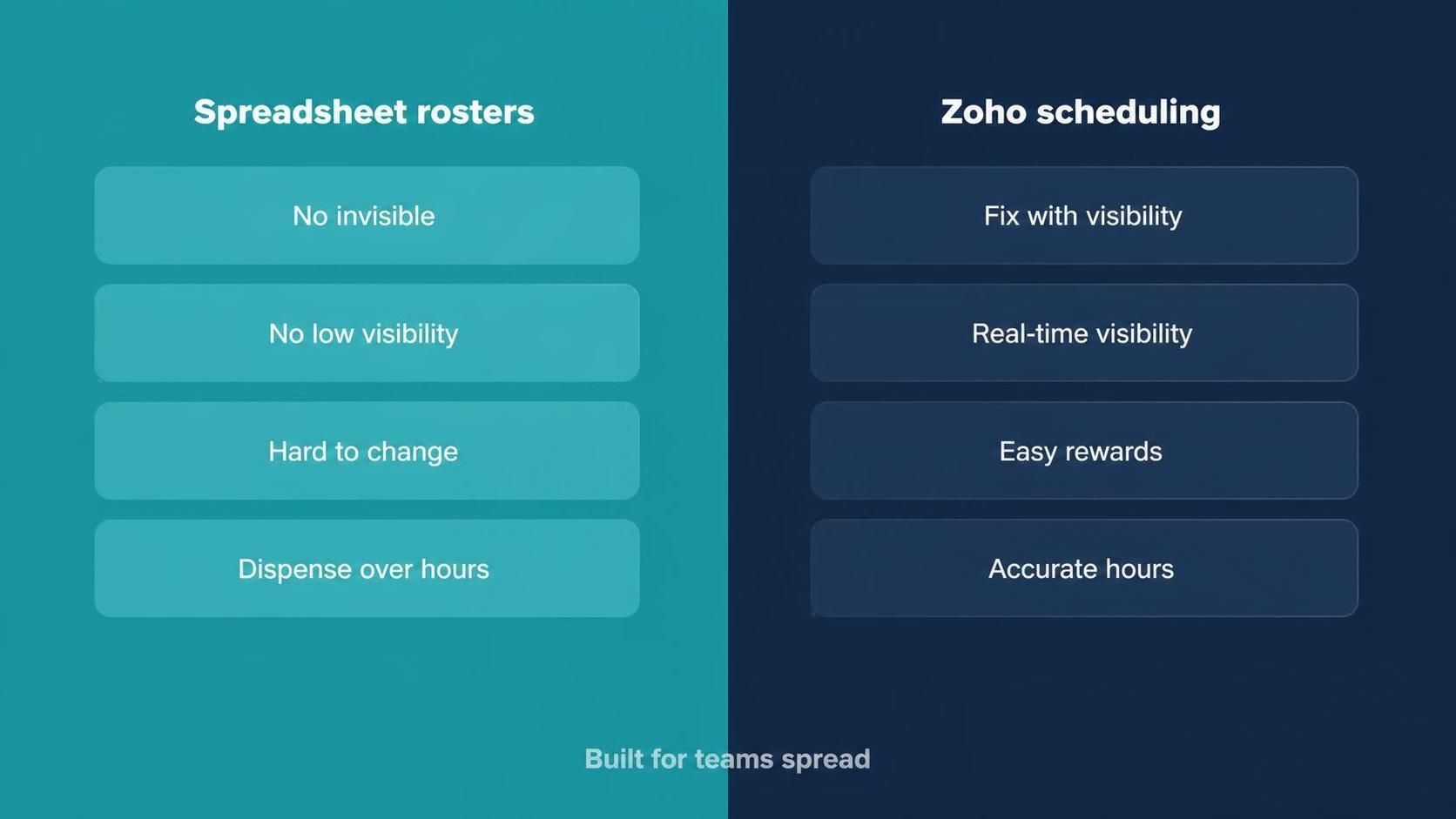
Zoho replaces manual rosters with automated assignment, live visibility, easy swaps, and accurate hours.
Shift Swaps and Requests
Real workforces need flexibility. Zoho People handles shift swap and change requests through workflows, so an employee can request a swap, the right manager approves it, and the roster updates automatically. Instead of a flurry of messages and a manager manually redrawing the schedule, changes flow through a controlled, recorded process.
This keeps the roster accurate even as it changes. Because swaps go through the system, the schedule everyone sees is always current, and the hours that flow into payroll reflect what actually happened rather than the original plan.
Overtime, Hours, and Payroll
Distributed shift work makes accurate hours hard to track manually, which is where disputes and payroll errors creep in. Zoho People captures actual hours worked, tracks overtime against your rules, and feeds the data into Zoho Payroll. That means people are paid correctly for the shifts and overtime they worked, without anyone manually reconciling rosters against timesheets.
- Actual hours captured per shift and location.
- Overtime calculated against your defined rules.
- Attendance and hours flowing into payroll automatically.
- A clear record that resolves hour disputes with data.
The Payoff for Distributed Teams
For a distributed workforce, the combined effect is control and clarity that spreadsheets simply cannot give. Managers see who is scheduled and who actually worked, across every location, in real time. Employees always know their shifts and trust that their hours are recorded correctly. And payroll gets accurate data automatically. The chaos of coordinating a spread-out team becomes a managed, visible process.
Why Distributed Scheduling Breaks on Spreadsheets
Spreadsheet rosters survive in a single location because everyone can see the same board and correct mistakes in person. The moment a team spreads across sites, or works remotely, that shared visibility disappears and the cracks show. Someone updates their copy but not the master, a shift change is agreed verbally and never recorded, and two people show up for the same slot while another is left uncovered. The spreadsheet becomes a source of confusion rather than truth.
Attendance is even harder to trust. With a distributed team, you cannot simply see who turned up, so hours become a matter of self-reported honesty and memory, which invites both errors and disputes. When those shaky hours then feed into pay, the problems compound. A distributed workforce needs a live, single system precisely because the informal coordination that props up spreadsheets does not exist when people are apart.
Fairness and the Employee Experience
Good scheduling is not only an operational concern; it shapes how people feel about their work. Employees who can see their shifts clearly, request swaps easily, and trust that their hours are recorded accurately have a far better experience than those left guessing or fighting to correct their pay. For shift-based and distributed teams, where work-life balance is tightly bound to the roster, this matters enormously for morale and retention.
Fairness is part of it too. A system that applies the same rules to everyone, records overtime consistently, and gives a transparent history removes the sense that scheduling is arbitrary or that some people are treated differently. When the roster is visible and the hours are trustworthy, employees focus on their work instead of policing their schedule, and that trust is worth as much as the administrative time saved.
How Amwhiz Sets Up Shift Scheduling
Amwhiz is an authorized Zoho partner, and we configure Zoho People for shift scheduling across distributed teams. We set up your shift patterns and rosters, configure location-based and mobile check-in for field and remote staff, build swap and approval workflows, and connect hours and overtime to payroll. The result is a scheduling system that works for a workforce spread across places, not just one office.
We tailor it to how your teams actually operate, because a retail chain, a field-service business, and a hybrid office all schedule differently. By configuring the rosters, check-in methods, and rules around your real working patterns, we make the system fit your workforce rather than forcing your workforce to fit the software.
Frequently Asked Questions About Zoho Shift Scheduling
Does Zoho People Support Rotating Rosters?
Yes. You can build fixed, rotating, and variable shift patterns, and the system handles the repetition so rosters do not have to be rebuilt each cycle.
Can Field Staff Check In From Different Locations?
Yes. Location-based and mobile check-in let field and remote staff record attendance from wherever they work, with location context where needed.
How Are Shift Swaps Handled?
Through request-and-approval workflows. An employee requests a swap, the manager approves, and the roster updates automatically, keeping the schedule accurate.
Does Overtime Flow Into Payroll?
Yes. Hours and overtime captured in Zoho People feed into Zoho Payroll, so people are paid correctly without manual reconciliation.
Is This Suitable for Multi-Location Businesses?
Very much so. Multi-location and distributed teams are exactly where Zoho scheduling outperforms spreadsheets, because it gives real-time visibility and accurate hours across every site.
Can Employees See Their Schedule on Their Phones?
Yes. Through the Zoho People mobile app, employees see their upcoming shifts, request swaps, and check in from wherever they are, which is essential for a workforce that is not sitting at desks.
Does It Notify People of Schedule Changes?
It can. When shifts are assigned or changed, employees are notified, so nobody misses a shift because they were unaware of an update, and the whole team stays on the same current schedule.
Can We Prevent Understaffed or Overlapping Shifts?
Yes. Because the roster is centralised and visible, managers can see coverage across every location at a glance and avoid gaps or double-booking, which is almost impossible to guarantee when schedules live in separate spreadsheets.
Conclusion
Zoho can absolutely handle shift scheduling for a distributed workforce. Zoho People manages rosters, location-based check-in, shift swaps, and overtime, and feeds accurate hours into payroll. For teams spread across sites or working remotely, it replaces fragile spreadsheets with a live, trustworthy system.
If your team is spread across locations and your scheduling still lives in spreadsheets, this is one of the clearest upgrades you can make. The combination of real-time visibility, accurate location-aware hours, and automatic payroll sync solves problems that manual rosters simply cannot, and it does so in a way that both managers and employees quickly come to rely on.
Book a free shift scheduling consultation.
Amwhiz, an authorized Zoho partner, will set up Zoho People scheduling for your distributed workforce. Visit amwhiz.com or email sales@amwhiz.com to get started.