-1.png?width=134&height=66&name=amwhiz-logo%20(1)-1.png)


Amwhiz, an authorized Zoho partner, is often asked whether Zoho can manage shift scheduling for...
The Special Stress of Day One at the Till
There's a special kind of stress that only happens on day one of a new till system. A queue forming. A card machine that won't talk to the software. A product that rings up at the wrong price. A staff member frozen because nobody showed them how to do a refund. All of it, in front of paying customers.
None of that is a Zoho POS problem. It's a preparation problem. And it's completely avoidable if you sort a handful of things before you open the doors.
So before you flip the switch, here's what actually needs to be ready. This is the pre-flight checklist we run with retailers at Amwhiz.
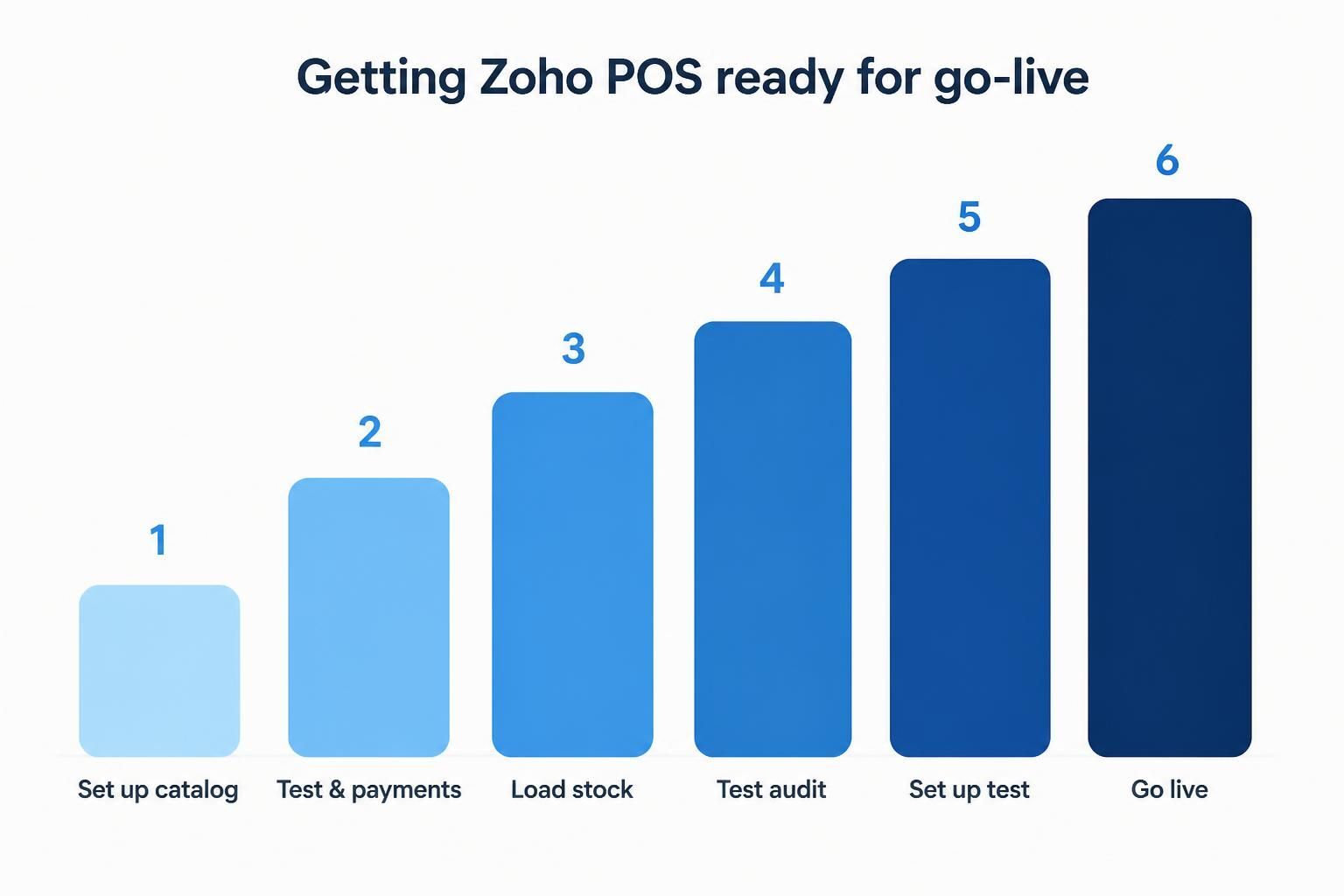
Catalog, tax, stock, staff, a test run, then go live. Skip a step and it shows on day one.
Your Product Data Has to Be Right
The till is only as good as the products loaded into it. Every item needs a name, a price, a barcode, and the right tax treatment. If a barcode doesn't scan or a price is wrong, your staff find out at the counter, which is the worst possible place to find out.
Spend the time here. Clean product data, accurate prices, working barcodes. It's dull and it's the single biggest thing standing between you and a calm opening day.
Tax and Pricing Rules, Sorted in Advance
Different products can attract different tax. Some things go on promotion. Some customers get discounts. All of that logic needs to be set up and tested before go-live, not invented on the fly while someone waits to pay.
Get this right and every sale rings up correctly on its own. Get it wrong and you're either overcharging customers or quietly losing margin, and both are the kind of thing that's painful to unpick later.
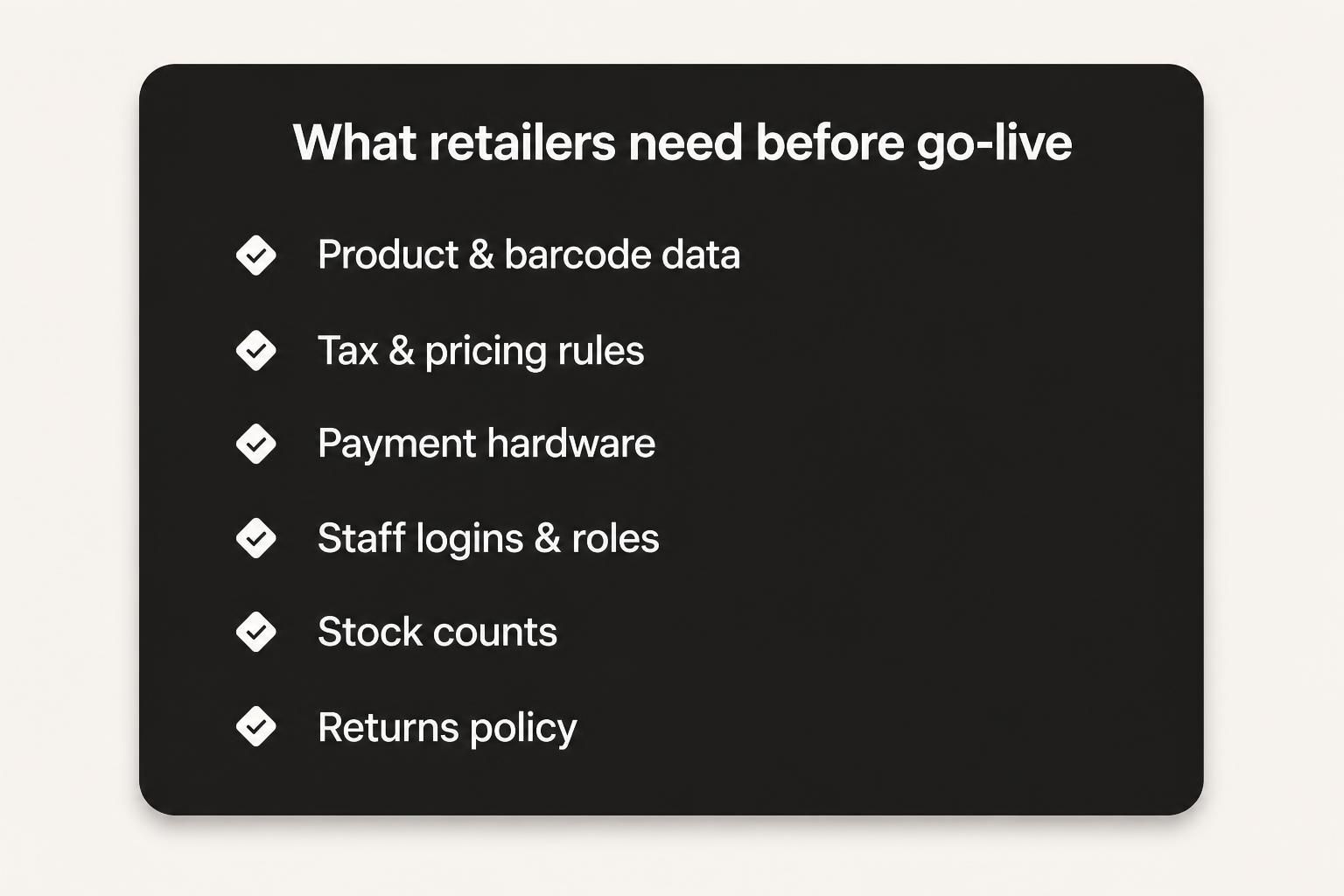
The six things worth checking off before you open: data, tax, hardware, staff, stock, and your returns policy.
Hardware and Payments, Tested for Real
Card readers, receipt printers, barcode scanners, cash drawers. They all need to be connected and, crucially, tested with a real transaction before opening. "It should work" is not a plan. Run an actual sale, an actual refund, an actual card payment, and watch it go end to end.
Payment setup especially deserves a proper dry run, because a card machine that won't connect on day one brings the whole thing to a halt in front of a queue.
Staff Logins, Roles, and a Bit of Practice
Every person on the floor needs their own login and the right permissions. A junior probably shouldn't be voiding transactions or opening the cash drawer at will; a manager needs to. Set those roles up first.
Then, and this is the part people rush, let staff actually practise. Ringing up a sale, taking a card, doing a refund, handling a return. Fifteen minutes of hands-on practice per person turns a nervous opening into a boring one, and boring is exactly what you want on day one.
Stock Counts and a Returns Policy
Load accurate opening stock so the numbers start life correct. And decide, before you open, how returns and exchanges are handled in the system, so your team isn't improvising when the first "I'd like to return this" arrives.
These feel small. They're the difference between a smooth first week and a fortnight of corrections.
Do a Test Day
If you can, run a quiet test session before the real thing. Process a batch of sales, refunds and returns as if it were a normal day. A test day surfaces the small gaps, the barcode that doesn't scan, the tax rule that's off, while there's still time to fix them calmly.
Connect the Till to Everything Else
A till that just takes payments is fine. A till that feeds the rest of your business is far better, and go-live is the natural moment to set that up.
When Zoho POS is connected to your inventory and your books, a sale at the counter does three things at once: it takes the money, it drops the stock, and it posts to your accounts. No evening data entry. No separate stock count. No month-end reconciliation where the shop numbers and the accounting numbers refuse to agree.
It's worth deciding this before opening rather than bolting it on later, because retrofitting the connection once you're live means untangling a pile of transactions that were recorded in isolation. Set it up as one system from day one and it just runs.
Staff Confidence Is the Quiet Winner
Here's something the checklists tend to miss. The biggest factor in a smooth opening isn't the software, it's how confident your team feels using it.
A staff member who's practised a dozen sales, a couple of refunds and an awkward return is calm when the queue builds. One who's seeing the screen for the first time in front of a customer is not, and that nervousness spreads to the customer and slows everything down. The fix is cheap: a bit of hands-on practice before the doors open, and a manager nearby for the first few shifts.
Confident staff make a new till system look effortless. Unprepared staff make even a perfect setup look shaky. It's the most human part of go-live, and it's the part worth protecting.
How Amwhiz Gets You Ready
Amwhiz is an authorized Zoho partner, and we set up Zoho POS so your go-live is uneventful in the best way. We load and check your product, barcode and tax data, configure payments and hardware, set up staff roles, load opening stock, and run a test session so the surprises happen before opening, not after.
We also connect the till into the rest of your Zoho setup, so sales feed straight into your inventory and books. That way go-live isn't just a working till, it's a working system.
Frequently Asked Questions
What's the most common go-live mistake?
Messy product data and untested payment hardware. Both show up at the counter on day one, which is the worst time to discover them.
Do staff need training on Zoho POS?
A little goes a long way. Fifteen minutes of practice per person on sales, refunds and returns prevents most opening-day panic.
Can Zoho POS handle barcodes and scanners?
Yes, with a scanner and clean barcode data. Testing a real scan before opening is what confirms it's all talking properly.
Does the POS connect to my inventory and books?
It can, and it should. Connected, a sale updates stock and posts to your accounts automatically, rather than needing manual re-entry.
How long does setup take?
A simple single-store setup can be ready quickly. More products, more locations and more complex tax take longer. A test day is always worth building into the plan.
The Short Version
Before Zoho POS go-live, get your product and barcode data clean, your tax and pricing rules set, your payment hardware tested, your staff practised, and your opening stock loaded, then run a test day. Do that and opening morning is calm instead of chaotic.
Book a free Zoho POS setup consultation.
Amwhiz, an authorized Zoho partner, will get your till, data and staff ready so go-live is a non-event. Visit amwhiz.com or email sales@amwhiz.com.