-1.png?width=134&height=66&name=amwhiz-logo%20(1)-1.png)


The Evening Data-Entry Ritual Nobody Signed Up For Somewhere in a lot of online businesses, there's...
When Your Till and Your Website Disagree
Two customers want the last blue jacket. One is standing at your counter. The other just clicked "buy" on your website. Your till doesn't know about the website. Your website doesn't know about the till. Guess who ends up with an apology email and a refund.
Every retailer selling in more than one place has felt some version of that. The stock in the shop and the stock online drift apart, and the gap is where oversells, awkward refunds and annoyed customers live. Fixing it is the whole reason to connect Zoho Commerce and Zoho POS.
Let's walk through how the sync actually works, and what it takes to get one honest stock number you can trust.
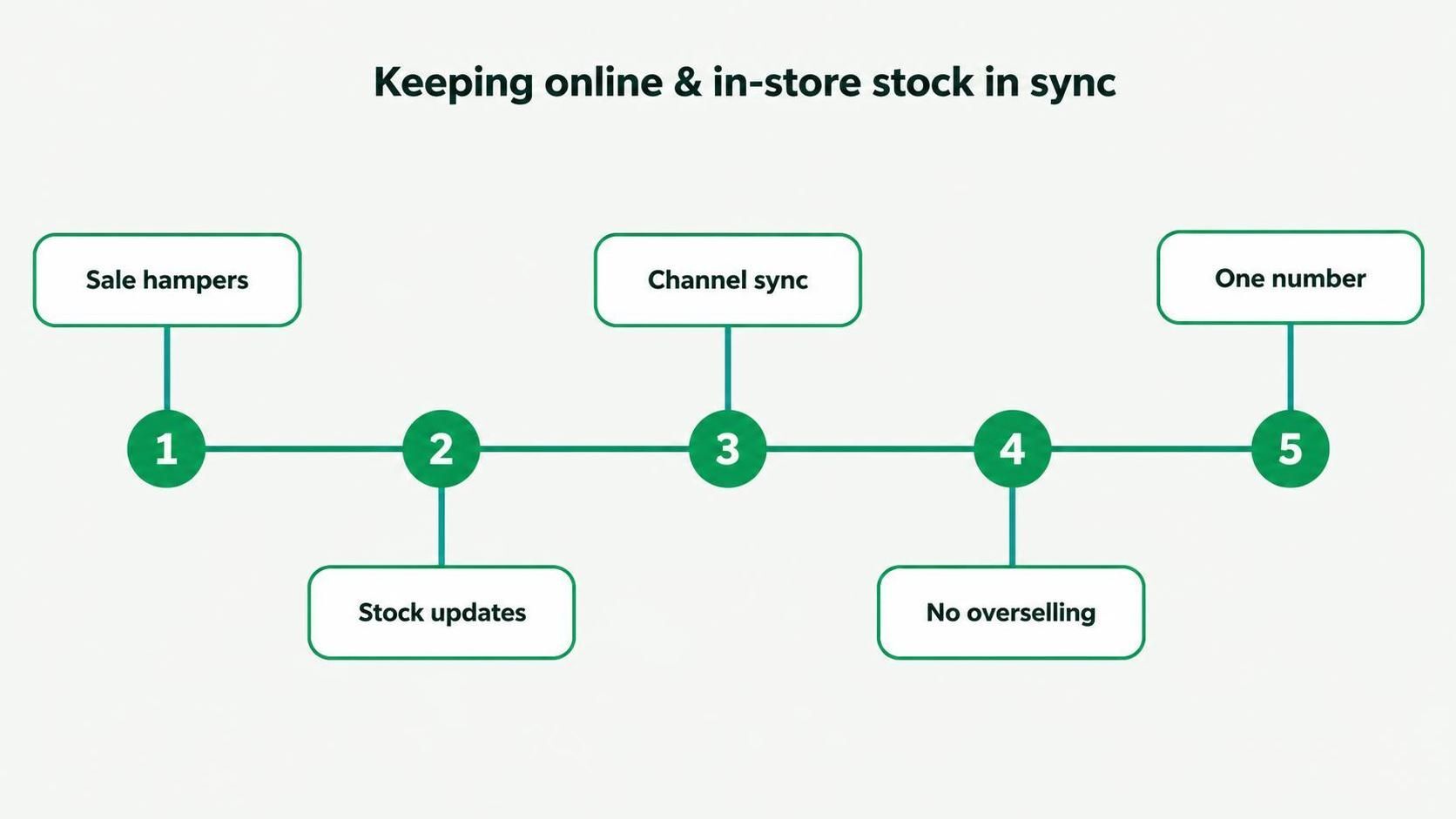
A sale anywhere updates stock everywhere. That's the whole idea.
The Problem in One Sentence
When your shop till and your online store keep separate stock counts, neither one is ever quite right.
Sell three jackets in-store and the website still thinks you have them. Sell two online and the shop floor has no idea. Somebody spends their evening reconciling spreadsheets, and even then the numbers are already out of date by morning. It's a losing game, and it gets worse the busier you are.
How the Sync Works
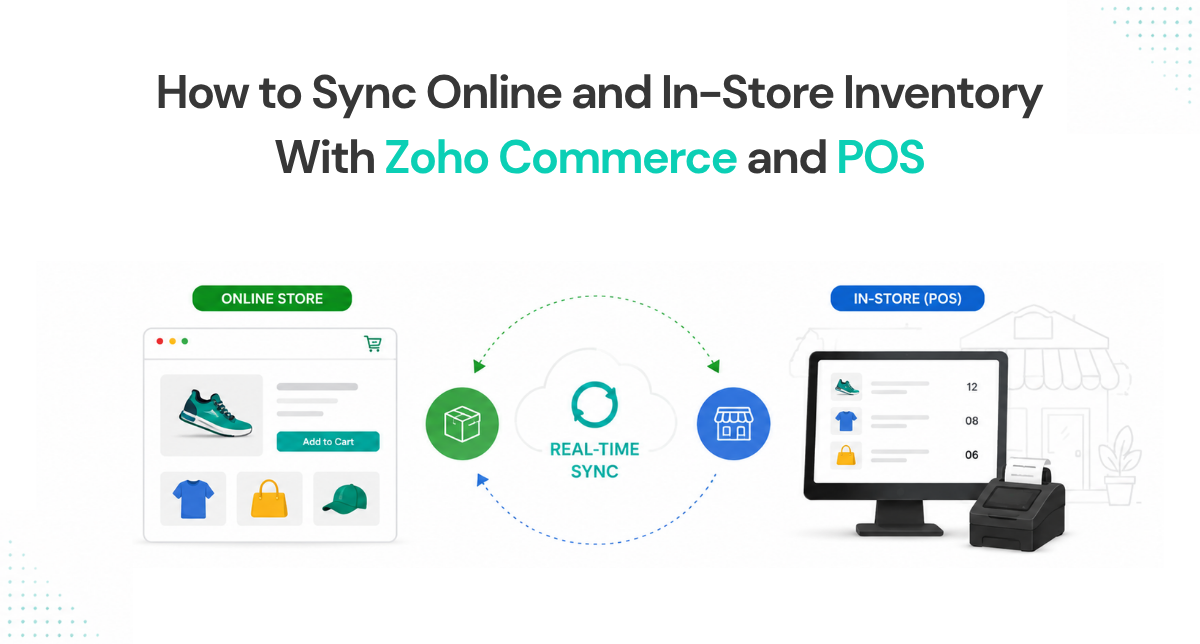
Connect Zoho Commerce and Zoho POS to a shared inventory, and stock stops being two numbers. It becomes one. A sale at the counter drops the count. An order online drops the same count. Both channels read from the same live figure, so neither can sell something that isn't there.
Here's what rides along with that shared stock number:
- Stock levels, updated the moment anything sells, anywhere.
- Your product catalog, so a product is a product whether it's on a shelf or a page.
- Prices, kept consistent across channels (or deliberately different, if you want that).
- Orders and returns, flowing back into the same picture.
- Reporting, so you finally see total sales instead of two half-stories.
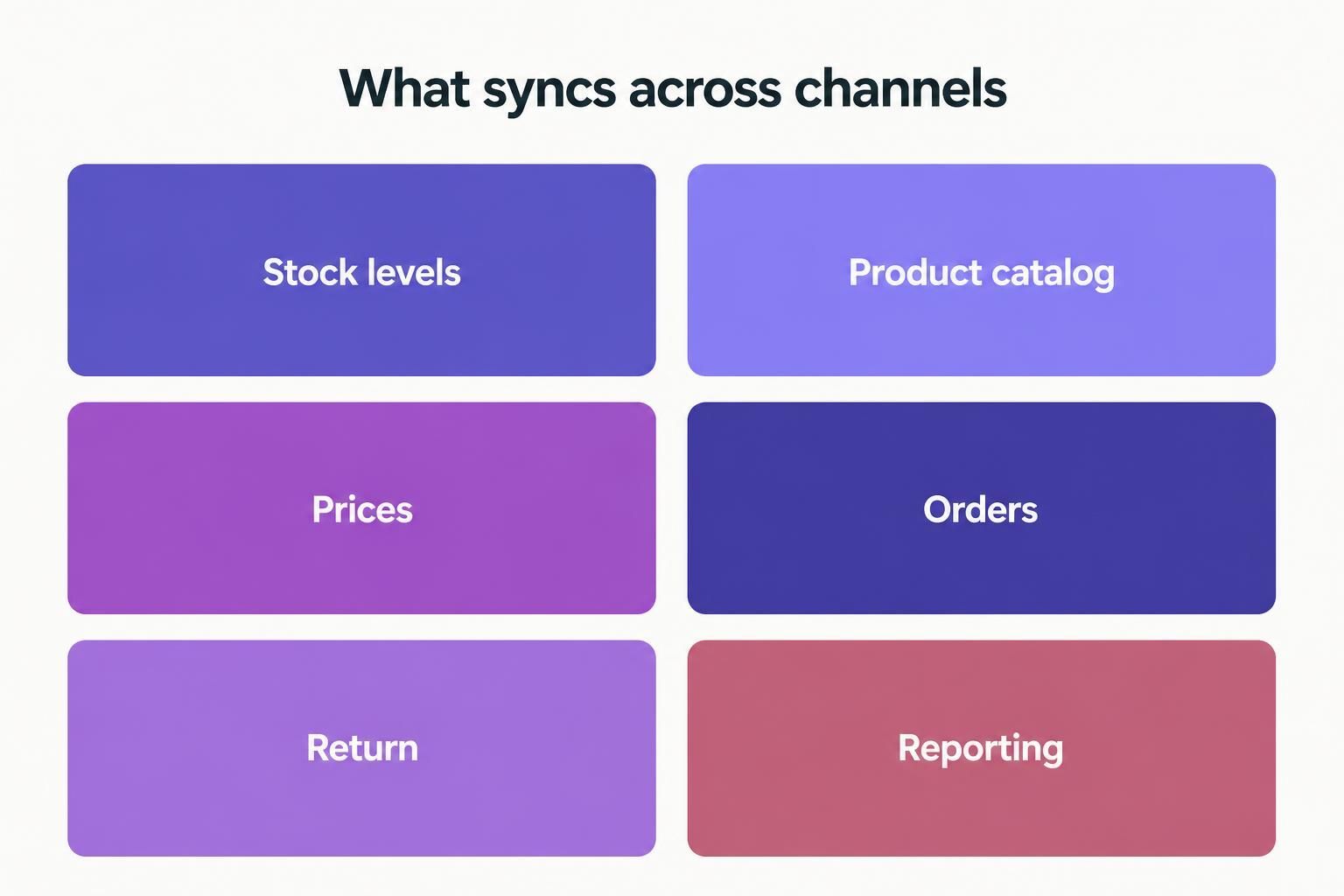
Stock, catalog, prices, orders, returns, reporting. All reading from one source.
Why "One Number" Changes Everything
When stock is a single live figure, oversells basically stop. You can't sell the jacket twice because the second person sees it's gone. That alone kills a whole category of refunds and apologies.
It also lets you do the clever stuff. Buy online, pick up in store. Check whether the other branch has it before you promise a customer. Reorder at the right moment because the number is actually real. None of that works when your channels are guessing.
The Bit That Trips Retailers Up
The technology handles the sync. What usually causes grief is messy product data going in.
If the same product exists under two slightly different names, one on the website and one on the till, the system treats them as two things and the counts never line up. Barcodes, SKUs and product records have to be tidy and consistent before the sync can do its job. Get that groundwork right and the rest is smooth. Skip it and you'll be chasing phantom mismatches for weeks.
The Clever Stuff It Unlocks
Once there's one real stock number, a bunch of things that used to be impossible suddenly aren't.
Buy online, collect in store, for one. You can only promise that if the website actually knows what's on the shelf. Same with "let me check if our other branch has it," said with confidence instead of a shrug. Same with reordering at the right moment, because the number you're reordering against is true rather than a day old.
These aren't gimmicks. They're the things customers increasingly expect, and they all quietly depend on the one thing most multi-channel retailers don't have: stock they can trust across every channel at once.
What Staying Unsynced Actually Costs
It's tempting to treat this as a nice-to-have. It isn't, and the cost shows up in three quiet ways.
There's the refund you issue when you oversell, plus the customer who won't come back. There's the staff time burned every week reconciling two stock counts by hand, and the errors that creep in when they do. And there's the stock you over-order because you never quite trust the numbers, cash sitting on shelves for no reason.
None of these land as a single big bill. They drip. But add them up over a year and an unsynced business is paying a real price for the privilege of guessing, which is exactly the price the connection removes.
How Amwhiz Sets It Up
Amwhiz is an authorized Zoho partner, and we connect Zoho Commerce and Zoho POS onto one shared inventory so your online and in-store stock finally agree. We tidy your product data first, because that's where sync projects live or die, then configure the catalog, pricing and stock so every channel reads the same live number.
We also wire it into the rest of your Zoho setup where it helps, so a sale doesn't just update stock, it flows through to your books and reports too. One number, everywhere, doing more than one job.
Frequently Asked Questions
Do Zoho Commerce and Zoho POS share stock?
Once connected to a shared inventory, yes. A sale in either channel updates the same live stock figure, so both always show the same number.
Will this stop me overselling?
That's the main point. Because both channels read one live count, you can't sell the same item twice across shop and website.
Can I have different prices online versus in-store?
Yes. Prices can be kept identical or set differently per channel, depending on how you sell. The stock stays shared either way.
What about multiple shop locations?
Zoho handles stock across multiple locations, so you can see and manage what each branch holds, with online drawing from the right pool.
What's the hardest part of setting it up?
Cleaning and matching your product data so the same item isn't recorded two different ways. Nail that first and the sync just works.
The Short Version
Connect Zoho Commerce and Zoho POS to a shared inventory and your online and in-store stock become one live number instead of two arguing ones. Oversells stop, refunds drop, and you can finally trust what the screen tells you. Just tidy the product data first.
Book a free Zoho retail consultation.
Amwhiz, an authorized Zoho partner, will sync your online and in-store inventory so you sell with confidence across every channel. Visit amwhiz.com or email sales@amwhiz.com.