
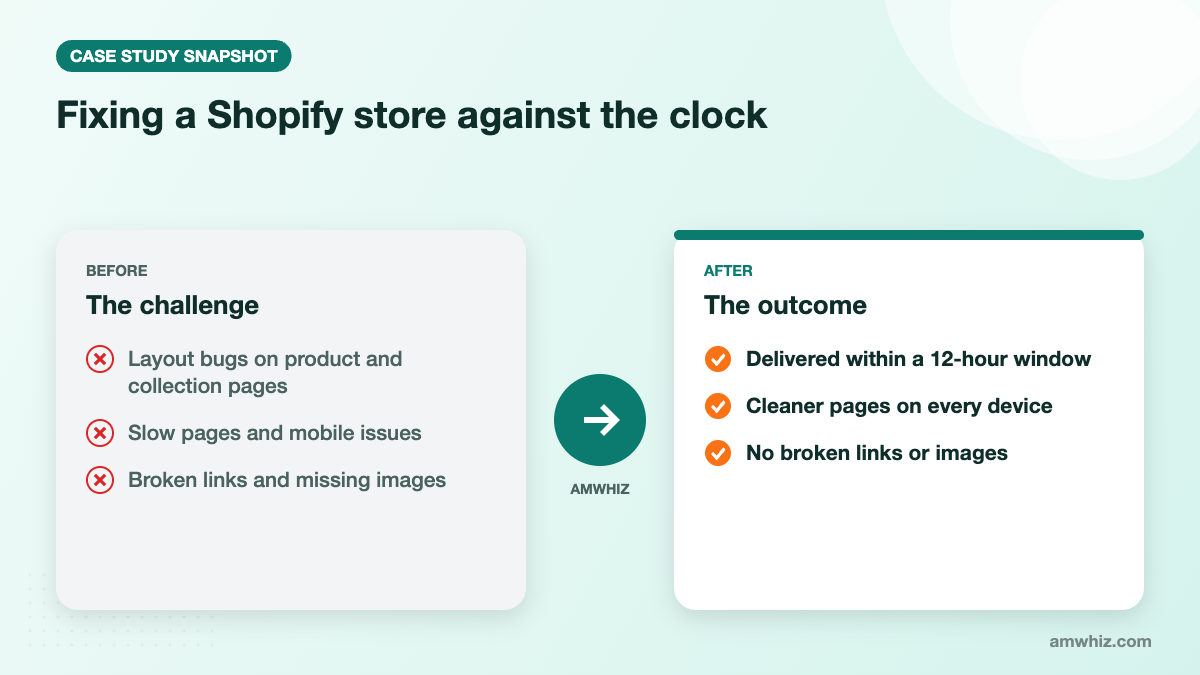
Amwhiz audited and fixed an ecommerce brand's Shopify store within a 12-hour window, resolving layout bugs on product and collection pages, improving page speed, fixing mobile responsiveness and repairing broken links and missing images. The store came out faster, cleaner and easier to shop on any device.
At a glance
- Industry: Ecommerce
- Platform: Shopify
- Service: Shopify development and store optimization
- Scope: UI bug fixes, speed optimization, mobile responsiveness, broken links and images, minor theme customization
What did the client need?
The store owner needed an experienced Shopify developer who could find and fix problems quickly. The list included layout and UI bugs on product and collection pages, slow page loads, mobile responsiveness issues, broken links and missing images, plus small theme tweaks. Speed of delivery mattered as much as quality.
Why do small Shopify bugs hurt sales?
Shoppers rarely report bugs; they simply leave. A misaligned product grid, a button pushed off-screen on mobile or an image that fails to load all chip away at trust. Slow pages make it worse, especially on mobile data. Small issues add up to a real drop in conversion.
How did Amwhiz fix the store so quickly?
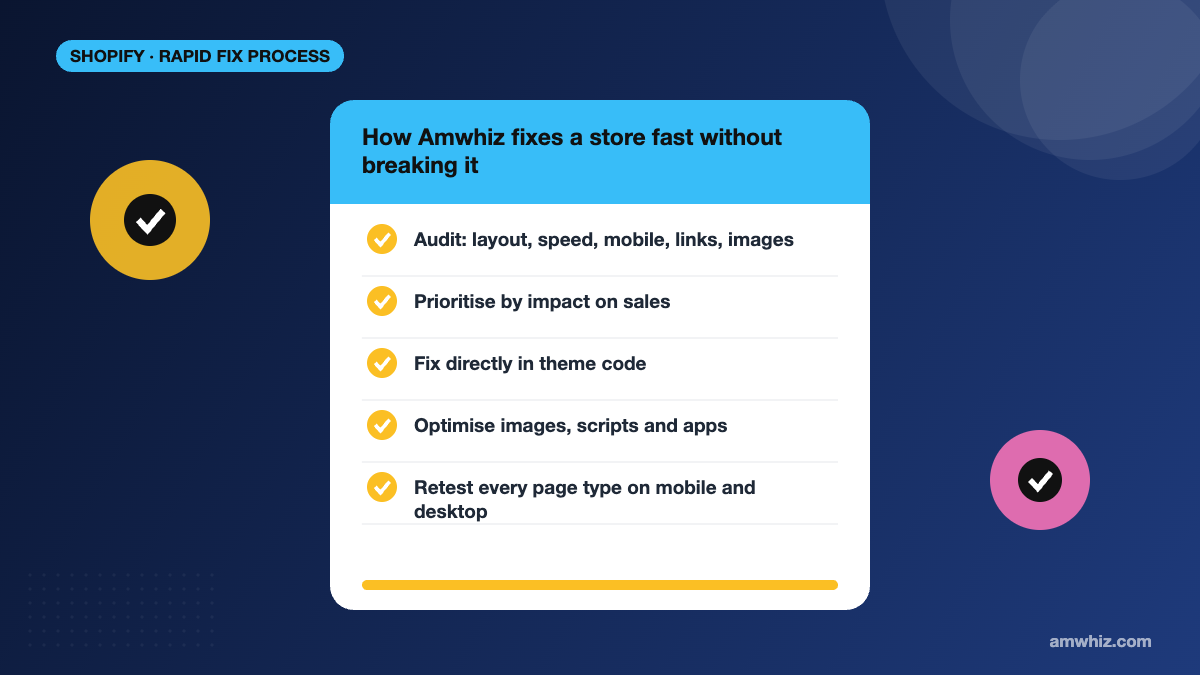
Audit first
Before touching code, Amwhiz listed every issue across layout, speed, mobile, links and images. A complete list stops fixes from creating new bugs and makes the work predictable.
Prioritise by impact
Fixes that affect buying, such as product page layout and mobile add-to-cart, came first, followed by collection pages, then cosmetic items.
Work directly in theme code
The team works in theme code every day, including maintaining a custom Dawn theme for a premium activewear brand and managing a nine-store Shopify Plus setup in the GCC. That experience makes it fast to navigate an unfamiliar codebase and make targeted changes safely.
Speed and mobile improvements
Images were optimised, unnecessary scripts and app leftovers were reviewed, and responsive styles were corrected so pages render cleanly on small screens.
Retest everything
Every page type was rechecked on mobile and desktop before hand-over.
What changed for the store?
- Product and collection pages display correctly
- Faster load times
- A consistent experience on mobile
- No broken links or missing images
Is your store showing similar problems? Book a quick call with our Shopify team.
Quick checklist to keep your Shopify store healthy
- Test key pages on a real phone after every app or theme change.
- Remove apps you no longer use and check for leftover code.
- Compress images before upload.
- Run a broken-link check monthly.
Our Shopify store audit checklist and Shopify performance optimization guide walk through each step.
Frequently asked questions
Why is my Shopify store slow?
Common causes are large images, too many apps, leftover app code, heavy themes and third-party scripts. A performance audit identifies which ones matter most for your store.
How do I fix mobile layout issues in Shopify?
Most mobile issues come from theme CSS, custom sections or app widgets. A developer can adjust responsive styles in the theme code and test on real devices.
Can Shopify fixes be done quickly?
Yes. Targeted fixes for layout, links and mobile issues can often be delivered within a day once the problems are audited and prioritised.
Will fixing my theme break other features?
Not if changes are made carefully on a duplicate theme, tested and then published. Amwhiz always tests before going live.
Related reading
- Cart bug diagnosis and fix for a baby and kids brand
- Ongoing Shopify store support
- Shopify site slow after migration? Here is what is usually wrong
- Why your Shopify store is not converting
Need your Shopify store fixed fast?
Amwhiz audits, prioritises and fixes Shopify issues without disrupting your live store. Book a free 30-minute call with our team and we will map out the right next step with you.
Email: sales@amwhiz.com | Phone: +91 91500 65500

Leo Kaiser Anto is a Shopify Specialist and Ecommerce Expert focused on building high-converting, sales-driven websites that turn visitors into customers. He specializes in designing and developing Shopify stores that are optimized for performance, user experience, and maximum revenue generation. His expertise includes conversion-focused website development, ecommerce strategy, and funnel optimization, helping brands create online stores that not only look professional but actively drive sales growth. He also works extensively in WhatsApp Commerce integration, enabling businesses to connect their storefronts with real-time customer engagement, automated messaging, and direct sales channels. With a strong focus on sales performance and business growth, Leo builds ecommerce systems that are designed to scale, automate, and convert consistently.
Leave a comment
Your email address will not be published. Comments are reviewed before they appear.