
Quick answer: Amwhiz implemented HubSpot CRM for a B2B asset, facility and maintenance management software company. The project replaced Excel-based customer records with a centralized CRM, configured and tested the required reports, connected WhatsApp to HubSpot with Meta-approved templates, and automated WhatsApp messaging through a HubSpot workflow.
- Industry: B2B Software, Asset Management, Facility Management
- Solution: HubSpot CRM Implementation
- Key Areas: CRM Setup, Reporting, WhatsApp Integration, Workflow Automation
About the Client
TeroTAM is a B2B software company that helps businesses manage assets, facilities, maintenance, and operational processes.
Challenge
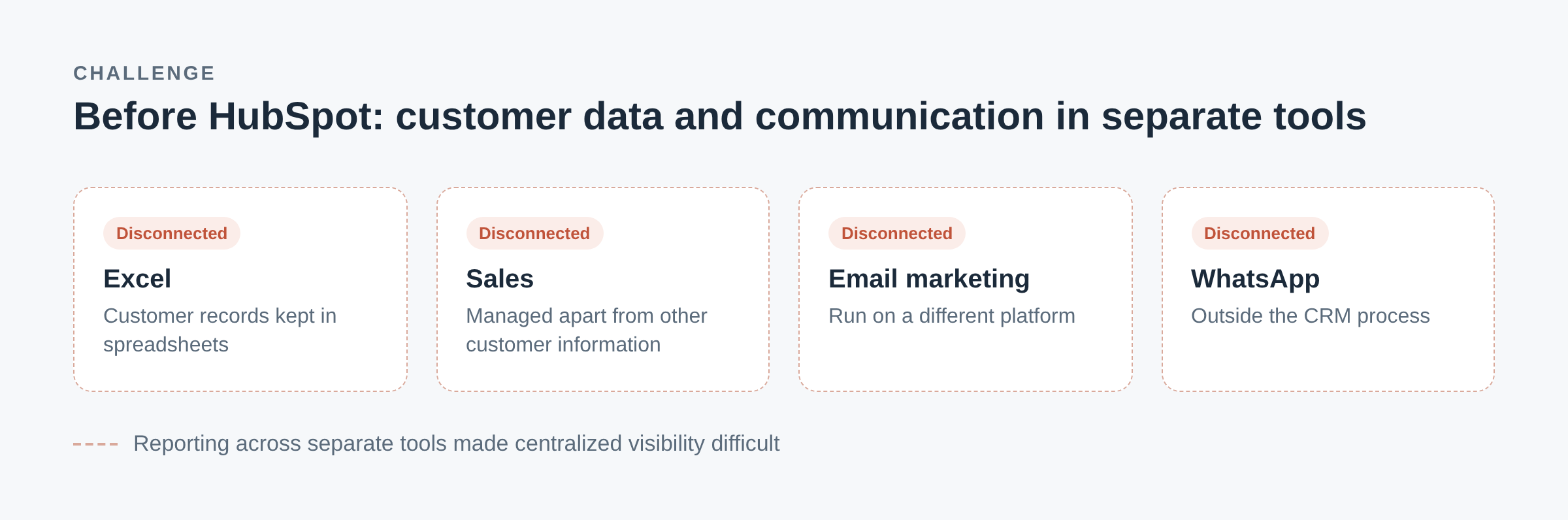
Customer records were kept in Excel, and sales, email marketing, and WhatsApp communication ran through separate channels. Managing customer enquiries and sales communication across these disconnected tools created unnecessary complexity:
- Spreadsheet-based records: Customer records were maintained in Excel spreadsheets.
- Separate sales activity: Sales activities were managed apart from other customer information.
- Disconnected email marketing: Email marketing ran on a different platform.
- WhatsApp outside the CRM: WhatsApp communication was disconnected from the CRM process.
- Limited reporting visibility: Reporting across separate tools made centralized visibility more difficult.
The key challenge was bringing these disconnected customer management and communication processes into one structured environment. The business needed a central CRM platform to organize customer information and connect its sales and communication processes.
Solution
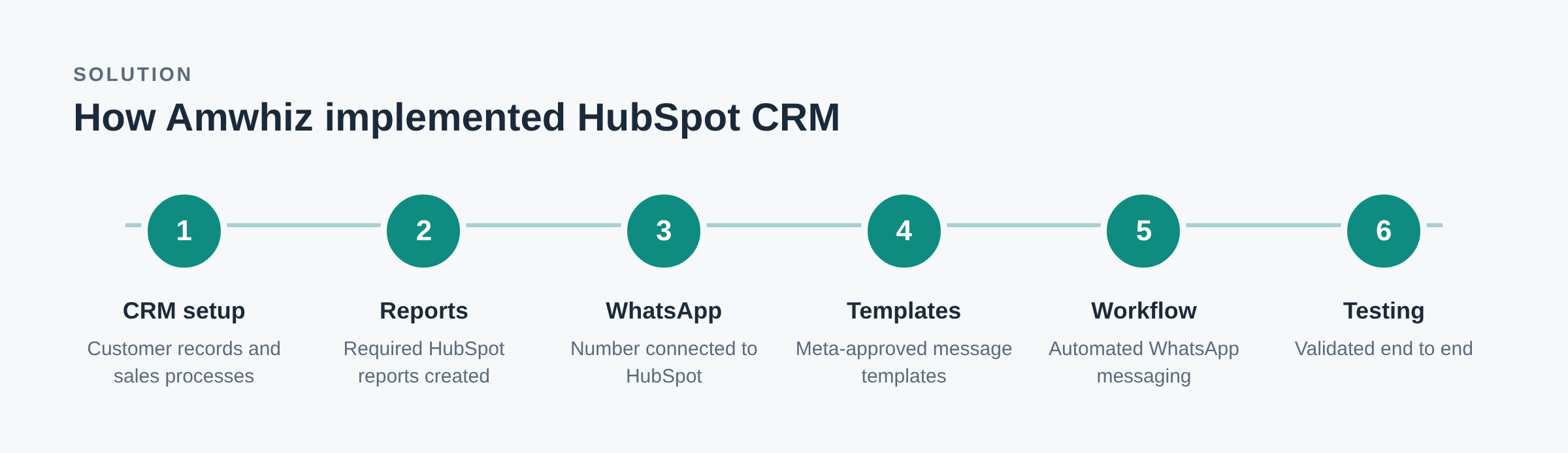
Amwhiz implemented HubSpot CRM, configured around the business requirements, to build a more connected CRM environment, improve reporting visibility, integrate WhatsApp messaging, and automate customer communication. The implementation covered six areas:
- HubSpot CRM setup: Configured the CRM environment to support customer record management and sales processes.
- HubSpot reporting: Created and tested the required HubSpot reports.
- WhatsApp integration: Connected the client’s WhatsApp number to HubSpot’s supported messaging functionality.
- Meta-approved WhatsApp templates: Configured WhatsApp message templates for business communication.
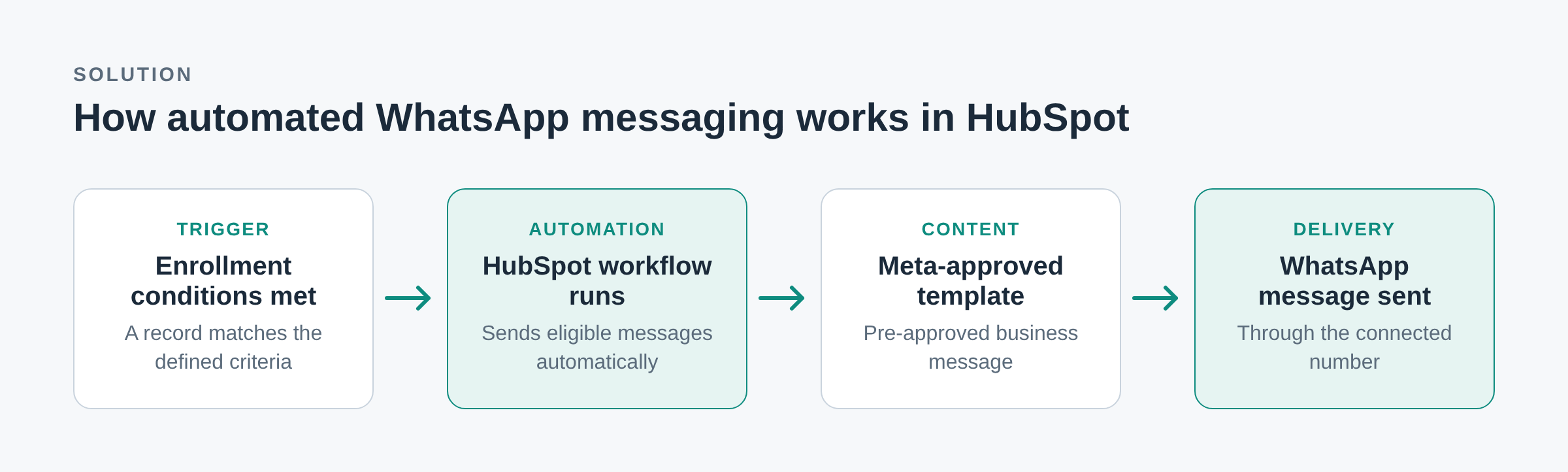
- Workflow automation: Created a HubSpot workflow that sends WhatsApp messages automatically when the defined enrollment conditions are met.
- End-to-end testing: Tested the CRM functionality, reports, WhatsApp integration, and automated messaging workflow.
Results
The HubSpot implementation delivered:
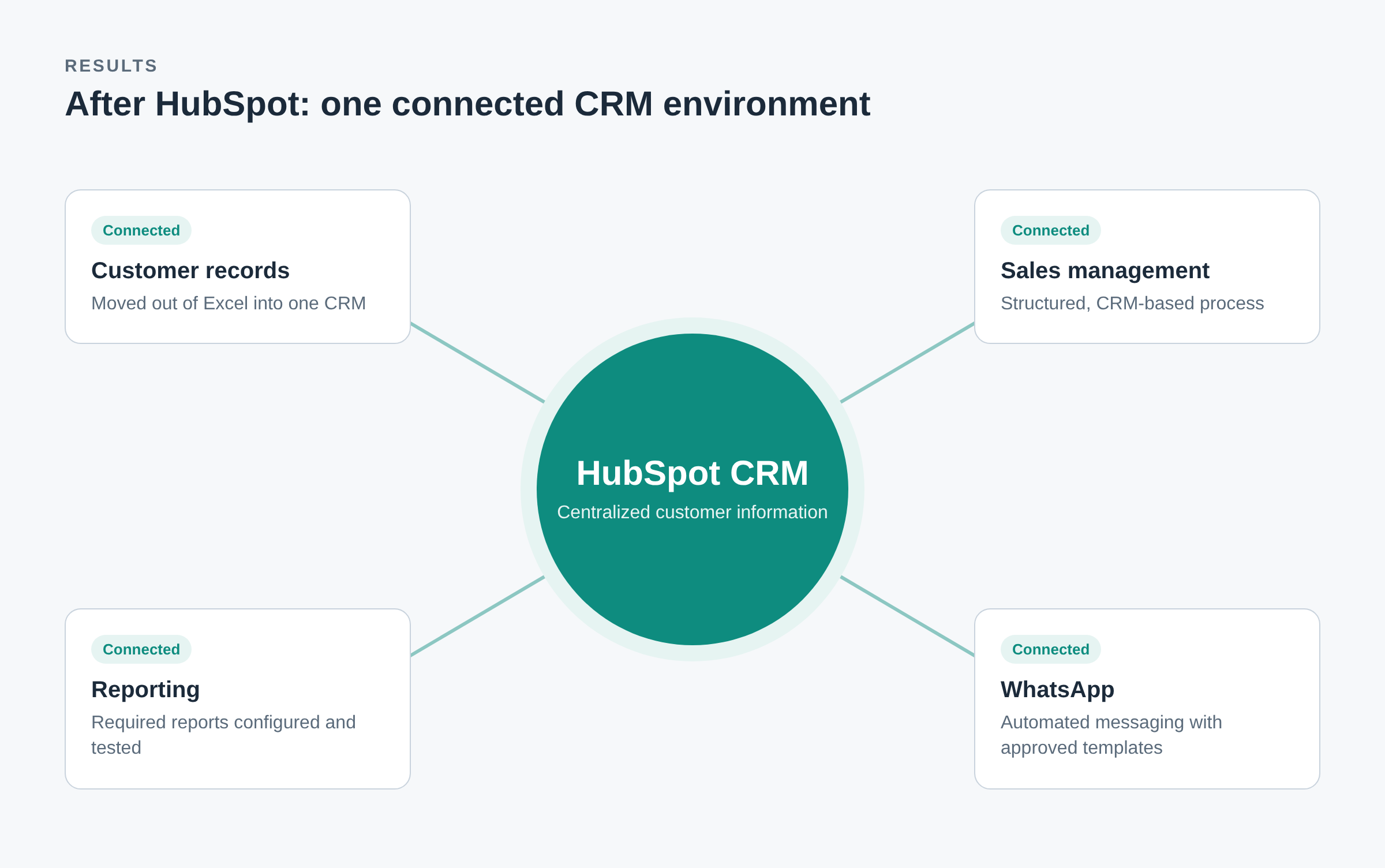
- Centralized customer information in HubSpot
- A structured foundation for managing sales activities
- Improved access to configured business reports
- WhatsApp communication connected to the CRM
- Automated WhatsApp messaging using configured templates and workflows
- End-to-end validation of the implemented functionality
Before vs. After
| Before HubSpot | After HubSpot |
|---|---|
| Customer records stored in Excel | Centralized CRM environment in HubSpot |
| Sales managed through a separate channel | Structured, CRM-based sales management |
| Email marketing handled on a separate platform | Centralized CRM foundation for customer information |
| WhatsApp operated independently | WhatsApp connected to HubSpot |
| Eligible messages initiated manually | Automated WhatsApp messaging workflow |
| Reporting spread across different tools | Required HubSpot reports configured and tested |
Impact
Amwhiz helped a B2B software company move to a more connected customer management environment by implementing HubSpot CRM, configuring reports, integrating WhatsApp, and automating customer messaging.
The completed implementation established a structured foundation for managing customer information, improving reporting visibility, and supporting more consistent communication. It also gives the business a foundation for future CRM enhancements and automation.
Frequently Asked Questions
What problem did the HubSpot implementation solve?
Customer records were kept in Excel, and sales, email marketing, and WhatsApp ran through separate channels. HubSpot brought customer information into one CRM and connected sales and communication processes.
How was WhatsApp connected to HubSpot?
The client’s WhatsApp number was connected to HubSpot’s supported messaging functionality, and Meta-approved WhatsApp message templates were configured for business communication.
How are WhatsApp messages automated in HubSpot?
A HubSpot workflow sends WhatsApp messages automatically when the defined enrollment conditions are met.
Was the implementation tested?
Yes. The CRM functionality, reports, WhatsApp integration, and automated messaging workflow were all tested end to end.
Related HubSpot Case Studies
- HubSpot CRM implementation for an educational institution
- HubSpot CRM implementation for venture capital deal flow management
- How HubSpot contact segmentation improved lead quality and sales targeting
- How we eliminated duplicate leads in HubSpot without a single email address
Amwhiz turns disconnected business processes into connected CRM solutions that help businesses work smarter and scale with confidence.

**Vasanth Kumar** is a CRM and digital solutions professional at Amwhiz, specializing in HubSpot implementation, CRM automation, marketing operations, and business process optimization. He focuses on helping organizations streamline customer engagement, support operations, and reporting through technology.
Leave a comment
Your email address will not be published. Comments are reviewed before they appear.