-1.png?width=134&height=66&name=amwhiz-logo%20(1)-1.png)


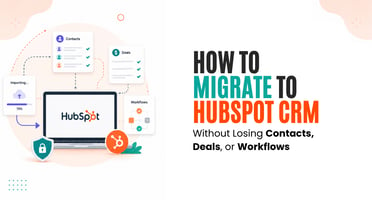
The Three Words That Make CRM Migrations Terrifying Contacts. Deals. Workflows. Those three things...
A CRM Migration Is Really a Data Project in Disguise
People think of a CRM migration as switching tools. It isn't, really. It's a data project, and the tool switch is the easy bit at the end. The hard, valuable work is getting years of accumulated data out of one system, cleaned up, and into another without breaking the relationships that make it useful.
Treat it as a data project and it goes smoothly. Treat it as a quick export-import and it goes badly. Let's walk through the whole thing properly.
This is the complete HubSpot migration guide for growing businesses, from Amwhiz, a HubSpot partner.
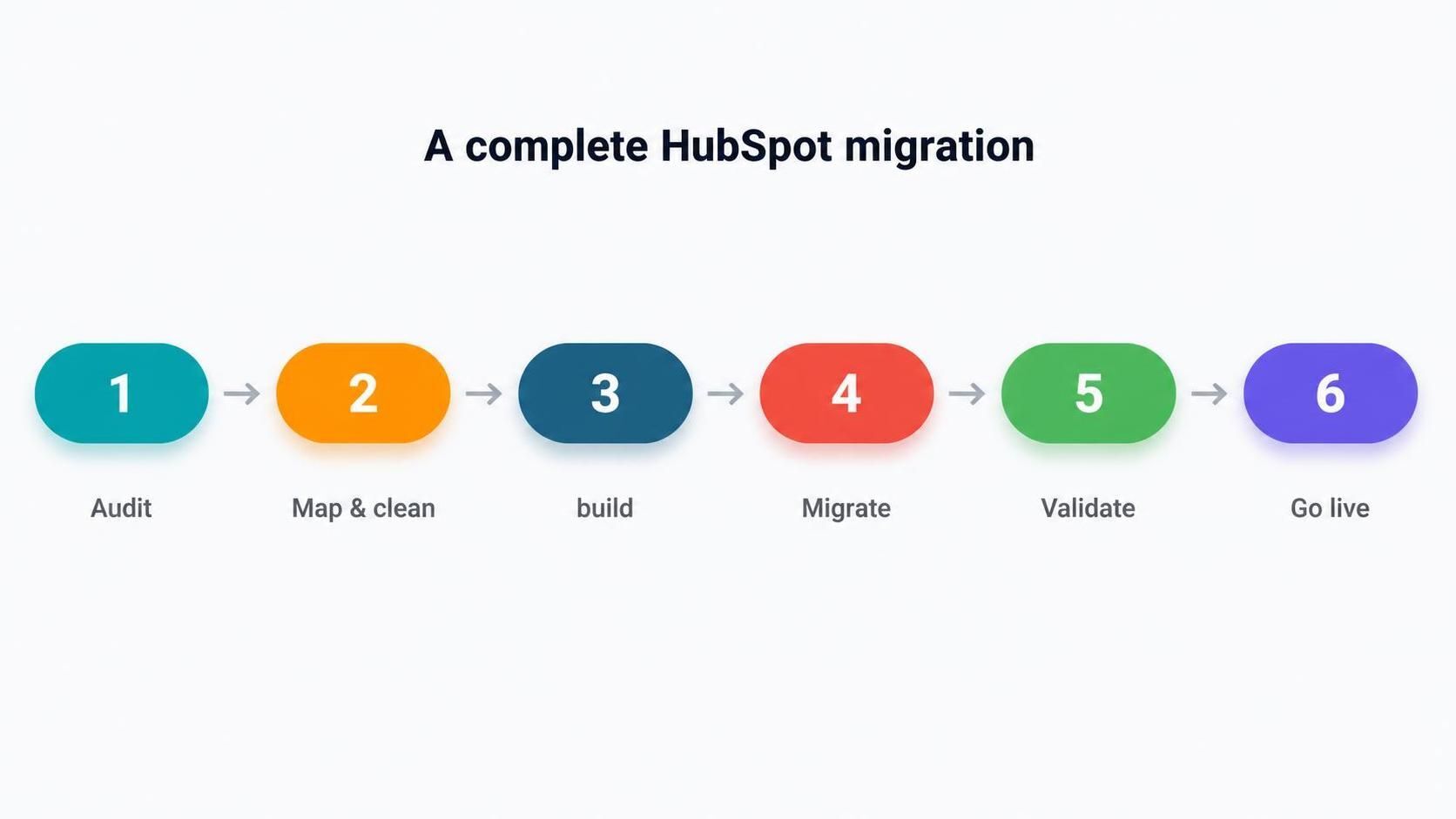
Audit, map and clean, build in HubSpot, migrate, validate, go live. In that order, deliberately.
Stage One: Audit What You've Got
Before anything moves, look hard at your current CRM. What data is in there? What's actually used versus what's clutter? Which custom fields, workflows, and reports matter, and which were built long ago and forgotten?
This audit shapes everything. It's also your chance to decide what deserves to make the trip. You don't have to carry every dead field and stale workflow into your fresh HubSpot.
Stage Two: Map and Clean
Next, your data is mapped to how it will live in HubSpot, and cleaned on the way. This is the heart of the project.
- Every field mapped to the right HubSpot property.
- Relationships between contacts, companies, and deals preserved.
- Duplicates merged and dead records retired.
- Inconsistent data standardised so it's trustworthy.
Stage Three: Build the New Home First
Your HubSpot is set up before the data arrives, with pipelines, properties, and workflows configured to match how you work. Building the destination first means the data has somewhere correct to land, rather than being dumped into an empty, unconfigured system.
This is also where you take the good from your old CRM and quietly leave the cruft behind, so HubSpot starts life clean.
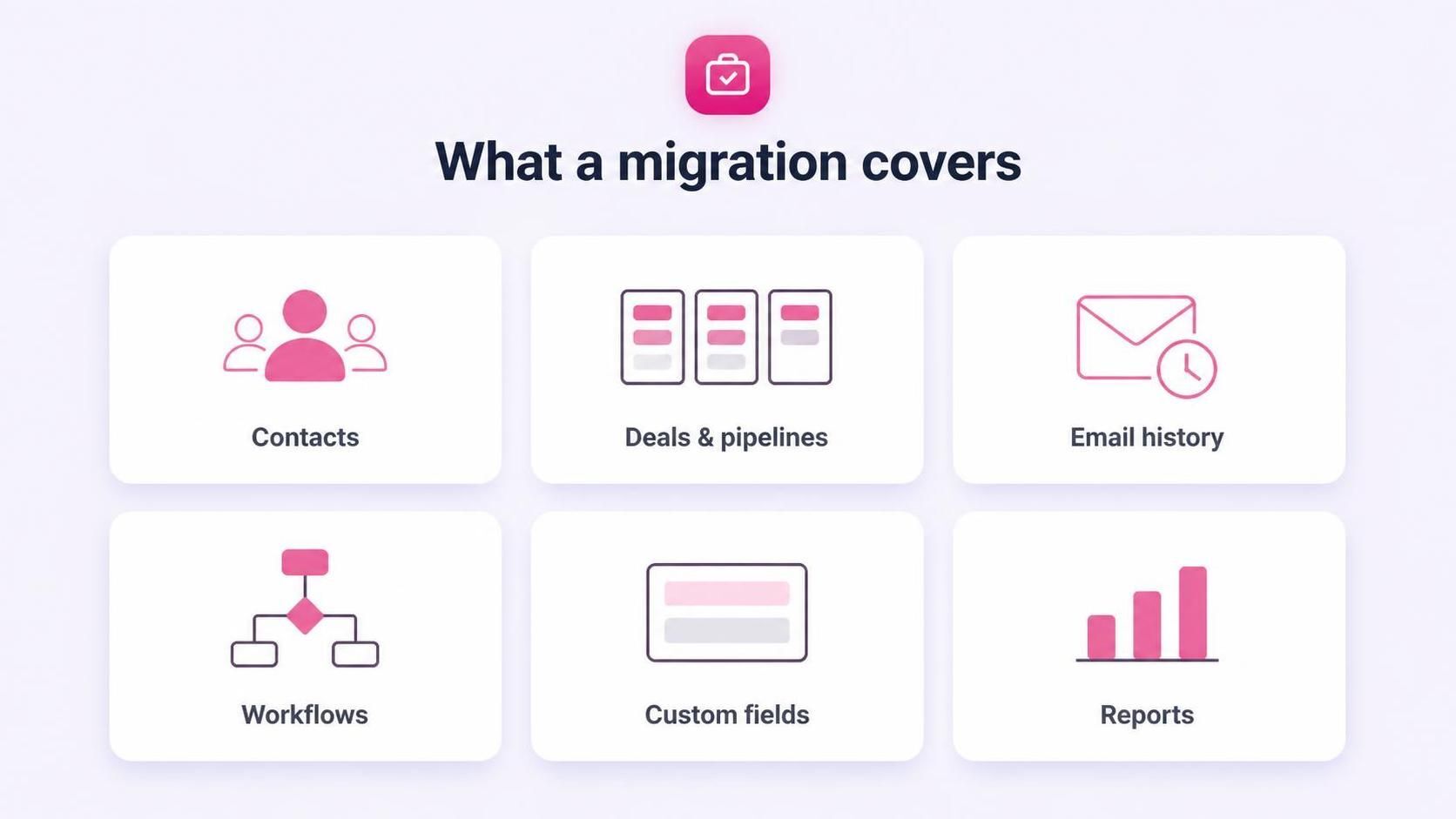
Contacts, deals, email and activity history, workflows, custom fields, reports and dashboards.
Stage Four: Migrate and Validate
Now the cleaned data moves into the configured HubSpot, and, crucially, it's checked before anyone trusts it. Record counts, key reports, and a sample of deals and contacts are confirmed to have come across intact.
This validation is the difference between a confident switch and a nervous one. Problems are found and fixed here, before go-live, not discovered afterwards by a frustrated sales team.
Stage Five: Go Live, With Training
Only when the data is validated do you fully switch to HubSpot and retire the old system. And you don't just hand over a new tool, you train the team on it, because a perfect migration means nothing if nobody knows how to work the new CRM.
Done this way, the switch feels less like a rupture and more like an upgrade that happened on a Tuesday.
Timing the Migration
When you migrate matters almost as much as how. Moving toward the end of your current contract avoids paying for two systems at once, and choosing a quieter period for your business gives the team room to adjust without a peak-season scramble.
There's rarely a perfect moment, but a little planning around your renewal date and your busy season takes a lot of the pressure out of the switch. A good partner builds the timeline around those realities rather than forcing an awkward date, so the migration lands when your business can absorb it comfortably.
How Amwhiz Runs the Migration
Amwhiz is a HubSpot partner, and we run migrations as a controlled data project, not a risky dump. We audit your current CRM, map and clean the data, build HubSpot to fit how you work, migrate, reconcile against the source, and train your team before we retire the old system.
Your business keeps running throughout, and your team lands in a clean, working HubSpot with numbers they can trust. That's what a complete migration should feel like.
Frequently Asked Questions
How long does a HubSpot migration take?
It depends on data volume and complexity. A careful, staged approach with validation is what keeps it safe. Scoping the audit first sets a realistic timeline.
What's the most important stage?
Mapping and cleaning. Getting fields and relationships right, and leaving junk behind, is where a migration is won or lost.
Should I build HubSpot before or after migrating?
Before. Configuring HubSpot first gives the data a correct place to land, rather than dumping it into an empty system.
Will my business be disrupted during migration?
A well-managed migration keeps you running throughout, with the switch happening only after the data is validated. Disruption is minimal when it's staged properly.
Do you train the team as part of the migration?
Yes. Training is part of the project, because a clean migration still fails if the team doesn't know how to use the new CRM.
The Short Version
A complete HubSpot migration is a data project: audit, map and clean, build HubSpot first, migrate, validate, then go live with training. Treat it as a careful staged move, not a quick export-import, and you arrive with clean data, working reports, and a team ready to use it.
Book a free HubSpot migration consultation.
Amwhiz will plan and run your migration as a controlled project. Visit amwhiz.com or email sales@amwhiz.com.