-1.png?width=134&height=66&name=amwhiz-logo%20(1)-1.png)


When Your Till and Your Website Disagree Two customers want the last blue jacket. One is standing...
The Evening Data-Entry Ritual Nobody Signed Up For
Somewhere in a lot of online businesses, there's a person whose evening job is copying the day's orders into the accounting system. Order by order. Line by line. Fixing the stock count as they go. It's nobody's idea of a good time, and it's a mistake waiting to happen.
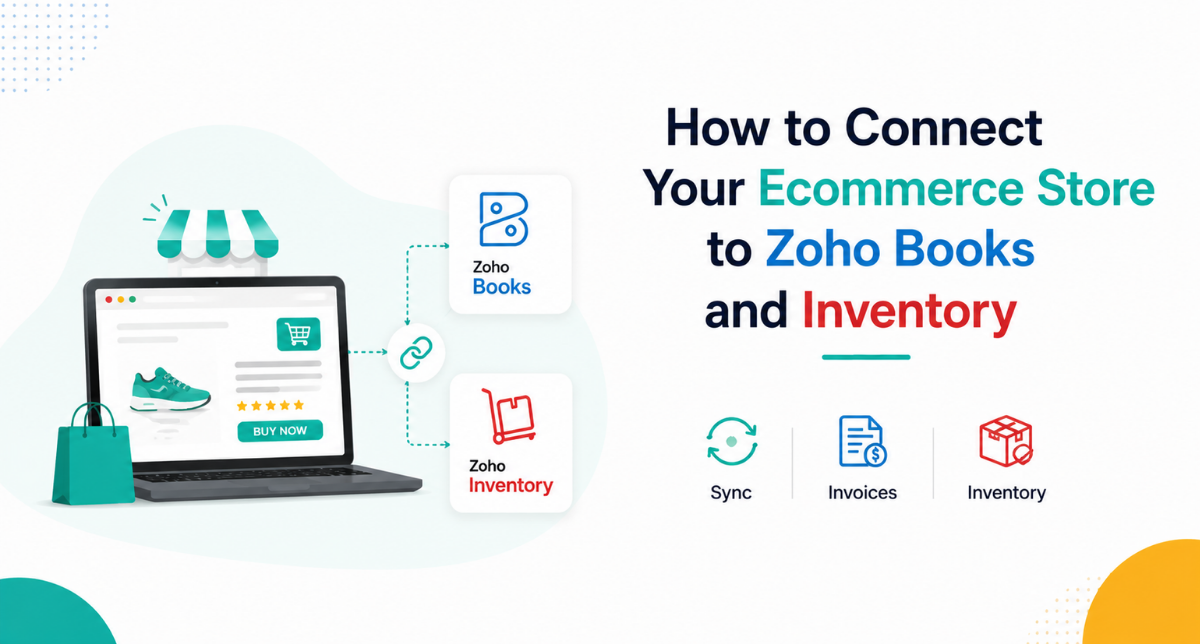
That whole evening ritual exists for one reason: the store and the back office don't talk to each other. Connect your ecommerce store to Zoho Books and Zoho Inventory and the ritual just... stops. The order does the work itself.
Here's how that connection works, and what it quietly takes off your plate. It's one of the most satisfying things we set up for online sellers at Amwhiz.
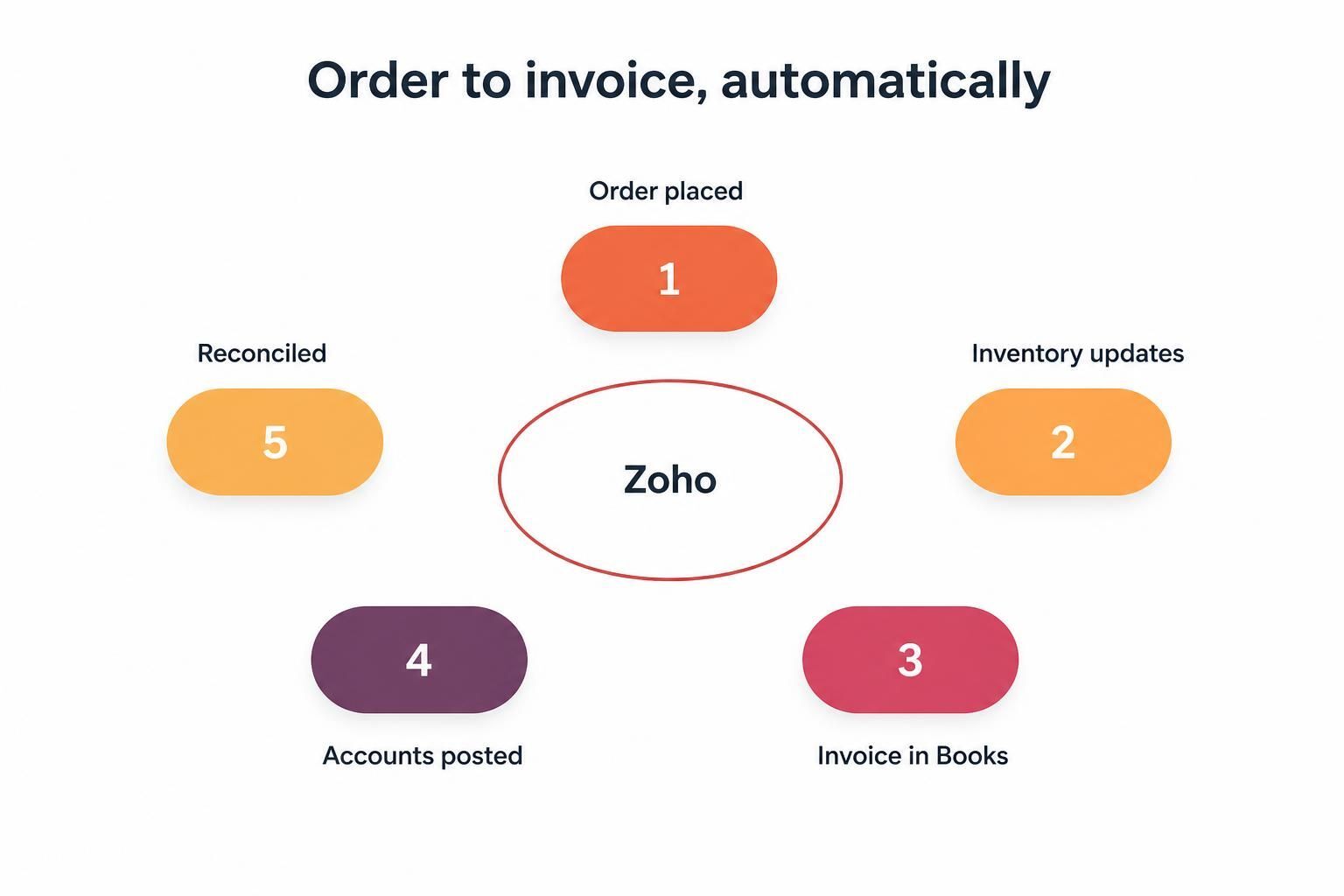
An order comes in, stock drops, an invoice appears, the accounts update. Nobody re-types a thing.
What the Connection Actually Does
When a customer places an order, a chain of things needs to happen. Stock has to come down. An invoice has to be raised. The sale has to hit your accounts. The customer needs to exist in your records. Tax has to be right.
Done by hand, that's a stack of small tasks, repeated for every order, every day. Connected to Zoho Books and Zoho Inventory, it all happens automatically the moment the order lands. One event, and the whole chain runs itself.
Here's what the connection takes care of:
- Orders turned into invoices in Zoho Books, automatically.
- Stock deducted in Zoho Inventory the instant something sells.
- Tax applied correctly, without anyone thinking about it.
- Customer records created and kept up to date.
- Refunds and returns flowing back through the same system.
- Financial and stock reports that reflect reality, live.
Where the Hours Actually Go
The obvious saving is the data entry. No more copying orders into the accounts, no more manually knocking down stock. For a busy store that's easily hours back every week.
The less obvious saving is the reconciliation you don't have to do. When the store and the books share one flow, they can't drift apart, so there's no month-end hunt for where the numbers stopped agreeing. The mismatch simply never happens.
.jpeg?width=1536&height=1024&name=Duck-ai-image-2026-08-05-03-44%20(1).jpeg)
Orders, stock, tax, customers, refunds, reports. All handled by the connection, not by hand.
The Stock Side Is a Big Deal
It's easy to focus on the accounting, but the inventory side is just as valuable. Because stock drops the moment a sale happens, the number you see is the number you actually have. That means you can set reorder points that fire at the right time, avoid selling things you've run out of, and value your stock accurately without a manual count.
Try running that on a spreadsheet updated once a day and you'll always be a step behind. The live connection is what keeps you current.
Getting It Set Up Properly
The connection is powerful, but it's only as good as the setup underneath it. Your products, tax rules and accounts all have to be configured so both sides agree on what's what. A rushed setup that mismatches products or misfires tax just automates confusion, which is worse than doing it by hand.
This is the part worth getting right the first time. Clean product mapping, correct tax handling, sensible account structure. Then the automation runs quietly and correctly for years.
It Gets Better the More You Sell
Manual order processing has a nasty quality: it scales with your success. Double your orders and you roughly double the evening data entry, which means growth arrives wearing a workload you didn't want.
The connection breaks that link. Processing five hundred orders is barely more effort than processing fifty, because each one runs down the same automated path. So the busier you get, the more the connection is worth, and the more it protects you from having to hire simply to keep up with admin. For a store with any ambition to grow, that's not a convenience, it's part of the foundation.
Selling in More Than One Place
Plenty of stores don't sell in just one channel. There's the website, maybe a marketplace, maybe a physical shop. Each one generates orders, and each one needs stock and accounting kept straight.
When every channel feeds the same Zoho Inventory and Zoho Books, that sprawl becomes manageable. Stock is one shared pool, so channels can't oversell each other. Accounting is one flow, so your books reflect the whole business rather than one slice of it. This single, synced picture is exactly what multi-channel sellers struggle to build with disconnected tools, and it's precisely what the Zoho connection gives you.
How Amwhiz Connects It All
Amwhiz is an authorized Zoho partner, and we connect ecommerce stores to Zoho Books and Zoho Inventory so orders run themselves. We map your products, configure tax and accounts so both sides line up, migrate what needs migrating, and test the full flow from order to booked invoice before you rely on it.
Whether you're on Zoho Commerce, Shopify, WooCommerce or something else, we get the store and the back office talking, so that evening data-entry ritual becomes a thing you used to do.
Frequently Asked Questions
Which stores can connect to Zoho Books and Inventory?
Zoho Commerce connects natively, and popular platforms like Shopify and WooCommerce can be integrated too, so most online stores can feed orders into Zoho.
Will stock update automatically?
Yes. Once connected, a sale deducts stock in Zoho Inventory in real time, so your stock figure stays accurate without manual updates.
Does it handle tax correctly?
It does, once tax is configured properly at setup. Every order then applies the right tax automatically, which is a big reason to get the configuration right first.
What about refunds and returns?
Refunds and returns flow back through the same connection, so your stock and accounts stay accurate rather than needing manual correction.
How long does it take to set up?
A straightforward store can be connected quickly. A large catalog or complex tax needs more configuration. Getting the product and tax mapping right is what takes the care.
The Short Version
Connect your store to Zoho Books and Zoho Inventory and every order updates your stock, raises an invoice and posts to your accounts on its own. You get hours back, your numbers stop drifting, and your stock stays real. Just make sure the products and tax are mapped properly at setup.
Book a free store integration consultation.
Amwhiz, an authorized Zoho partner, will connect your ecommerce store to Zoho so orders run themselves. Visit amwhiz.com or email sales@amwhiz.com.