-1.png?width=134&height=66&name=amwhiz-logo%20(1)-1.png)



One Question That Cuts Through the Pricing Page Zoho has a slightly awkward superpower: there's a...
Impressive Is Not the Same as Worth It
Zoho One implementation by Amwhiz helps small and mid-sized businesses decide whether the 50-plus app bundle beats their current software stack. We run the real cost-benefit numbers, pick the right pricing model, and roll the suite out department by department so it actually pays off.
One Licence, 50+ Apps: Worth It or Overkill?
Is Zoho One Actually Worth the Money?
Zoho markets One as the operating system for business, a single subscription that unlocks 50-odd integrated apps spanning sales, finance, HR, support, marketing, operations, and productivity. If you are a small business wrestling a patchwork of disconnected tools, that pitch lands.
But 50-plus apps is also the easiest thing in the world to oversell. The question worth answering is not whether Zoho One is impressive. It plainly is. The question is whether it is worth it for you, specifically.
The answer turns on two things: how many separate tools it would replace, and how many of your people would actually use them. Get those two facts straight and the decision is usually obvious within minutes. The rest of this guide gives you the numbers and the trade-offs to make that call with confidence, including the cases where the honest advice is to walk away.
.jpeg?width=1536&height=1024&name=Duck-ai-image-2026-08-05-03-52%20(1).jpeg)
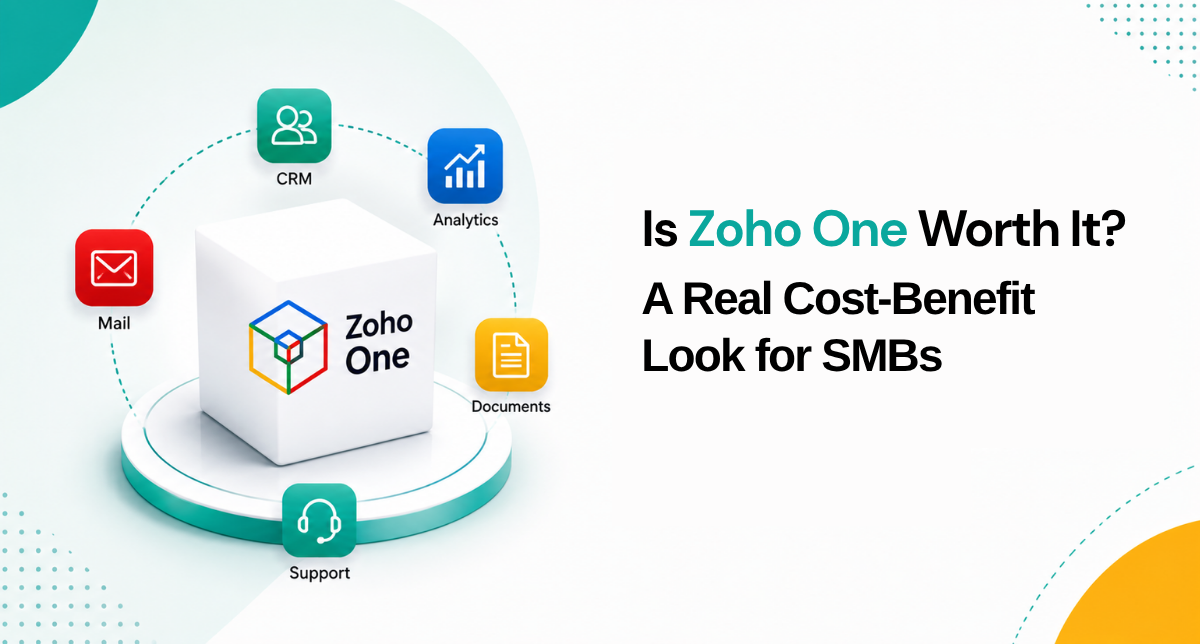
Zoho One folds CRM, Books, People, Desk, Projects, and 45-plus more into a single licence.
How the Pricing Actually Works
There are two models, and which one you pick genuinely changes the answer.
- All-Employee: around $37 per employee a month on annual billing. The catch is in the name, you license every employee on the books, not just the ones using the apps. Best when most of your people will touch at least some Zoho tools.
- Flexible User: around $90 per user a month annually. You license only the people who actually use it, which suits businesses where the software sits with a subset of the team.
Treat both figures as approximate, since they move by region and billing term. The working rule: if a clear majority of your headcount will touch the tools, all-employee is usually far cheaper. If it is just sales and finance, flexible can win.
Where the Savings Genuinely Come From
The sticker price is only half the story. The cost-benefit case rests on three things, and only the first is obvious.
.jpeg?width=1536&height=1024&name=Duck-ai-image-2026-08-05-03-52%20(2).jpeg)
Priced tool by tool, a typical SMB stack climbs fast. Zoho One replaces it under one licence.
You Retire a Stack of Tools
Total up what you pay today: CRM, accounting, help desk, an HR or payroll tool, email and documents, a marketing platform, project management. For a lot of SMBs that stack clears $150 per user a month across vendors. Zoho One folds equivalents of all of it into one licence.
Integration You Do Not Have to Build or Buy
Separate tools need connectors, middleware, or someone copying data by hand to stay in sync. Inside Zoho One, CRM, Books, Desk, and People already share customers, contacts, and records natively. The money and hours you would otherwise burn on integrations is a real saving.
One Vendor, One Bill, One Login
The soft benefits stack up: a single vendor to deal with, one invoice instead of eight, one place to add and remove users, one security and access model. For a lean SMB with no big IT function, less admin overhead is worth actual money.
The Consolidation Benefits Nobody Prices In
Beyond raw cost, the quiet advantage of Zoho One is that the apps are built to work together. A lead in CRM becomes a customer in Books, a ticket in Desk, and a project in Projects without anyone re-typing a name or an email address.
That native connection removes a category of low-value work that most SMBs never think to measure: the hours staff spend copying records between systems, and the errors that creep in when they do. It also means reporting can pull from across the business instead of from seven disconnected exports. None of this shows up on a pricing page, but it is often where the day-to-day payoff actually lives.
When Zoho One Is Not Worth It
A fair look has to name the cases where it flops. Skip Zoho One if you will honestly only ever use one or two apps, since buying those individually is cheaper. Skip it if you are wedded to best-in-class point solutions in every category and have no appetite for switching. And all-employee pricing can sting if you carry a big headcount where most people would never log in. The suite rewards breadth of use. Take that away and the value thins out fast.
A Worked Example: A 15-Person Business
Picture 15 people currently paying for a CRM, cloud accounting, a help desk, an HR and leave system, business email, and a project tool. Even at modest rates, that stack routinely clears $150 per user a month once you add it all up, before the connectors and manual entry needed to keep it in sync.
Put those same 15 people on Zoho One all-employee at roughly $37 each and you drop dramatically, for a suite that covers all of those jobs and dozens more. Even if the team uses only six or seven apps, it is not a close call on cost. This is the textbook easy yes.
Now flip one variable. Say only four of the 15 would ever touch software and the other eleven are on the shop floor. All-employee would force you to license all 15. Here, flexible pricing for four seats may come in cheaper, or a couple of standalone apps may simply beat the suite. Same product, opposite verdict, entirely because of who uses it.
How to Decide In Five Minutes
If you want a quick self-test before you talk to anyone, work through these:
- Count the paid tools you would replace. Four or more, and Zoho One is very likely cheaper.
- Estimate how many of your people would actually log in. Most of them favours all-employee pricing; a small subset favours flexible.
- Add up your current monthly software spend per user. If it is near or above $90, the maths tilts hard toward the suite.
- Ask whether your tools currently talk to each other. If they do not, the integration savings alone may justify the switch.
This will not give you a final answer, but it tells you quickly whether Zoho One is even in the running, which saves everyone time.
How Amwhiz Makes Zoho One Actually Pay Off
Buying Zoho One is the easy bit. Getting value out of it is where businesses need a hand, and that is what Amwhiz, an authorized Zoho partner, does. Authorized means our team is Zoho-certified and works inside the official partner programme, deploying the suite to Zoho's standards.
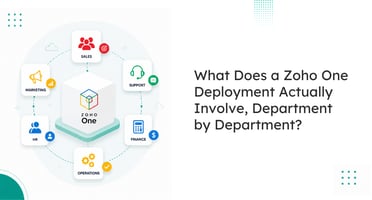
We run the cost-benefit against your current software spend, recommend the right pricing model for your headcount, and then do the part that matters most: implement only the apps that will move the needle for you, rather than flipping on all 50 at once. A typical rollout goes department by department, from CRM for sales to Books for finance, Desk for support, and People for HR, all connected so data flows between them.
Frequently Asked Questions About Zoho One
How Much Does Zoho One Cost?
Zoho One runs around $37 per employee a month on all-employee pricing, where every employee is licensed, or about $90 per active user on flexible pricing, billed annually. Rates vary by region and billing term.
Is Zoho One Cheaper Than Buying the Apps Separately?
For most SMBs replacing four or more tools, yes. The savings come from consolidation and built-in integration, not just the per-app price.
Do I Have to Use All 50+ Apps for It to Be Worth It?
No, but you should use several. If you only need one or two, buying them on their own is usually cheaper. Zoho One pays off when it retires a whole stack.
Which Pricing Model Should I Choose?
If most of your headcount will use the apps, all-employee is usually cheaper. If only a subset needs them, flexible can cost less. A partner can model both against your actual numbers in a few minutes.
How Long Does a Zoho One Rollout Take?
You can switch the apps on instantly, but a rollout that sticks is phased department by department over several weeks, with migration and training at each step. Flipping all 50 on at once is the fastest way to overwhelm a team and stall adoption.
Conclusion
Zoho One runs about $37 per employee or $90 per user a month. It is worth it when it replaces four or more tools, because the win is consolidation and native integration. It is not worth it if you will only use one or two apps. The safest way to decide is to model both pricing options against your real headcount and your current software bill, rather than trusting a gut feeling either way.
Book a free Zoho One cost-benefit assessment.
Amwhiz, an authorized Zoho partner, will run the numbers against your current stack and plan a department-by-department rollout. Visit amwhiz.com or email sales@amwhiz.com to get started.