-1.png?width=134&height=66&name=amwhiz-logo%20(1)-1.png)



A CRM Migration Is Really a Data Project in Disguise People think of a CRM migration as switching...
The Fear That Keeps Businesses Stuck on the Wrong CRM
Plenty of businesses know they've outgrown Salesforce, Zoho, or Pipedrive. The renewal is painful, the system feels clunky, or it just doesn't fit anymore. And yet they stay, year after year, because one fear outweighs all of that: the fear of migrating and losing everything.
It's a reasonable fear. Your CRM holds your contacts, your deals, your history, the lifeblood of your sales. But it's also entirely manageable with the right approach. A well-run migration loses nothing.
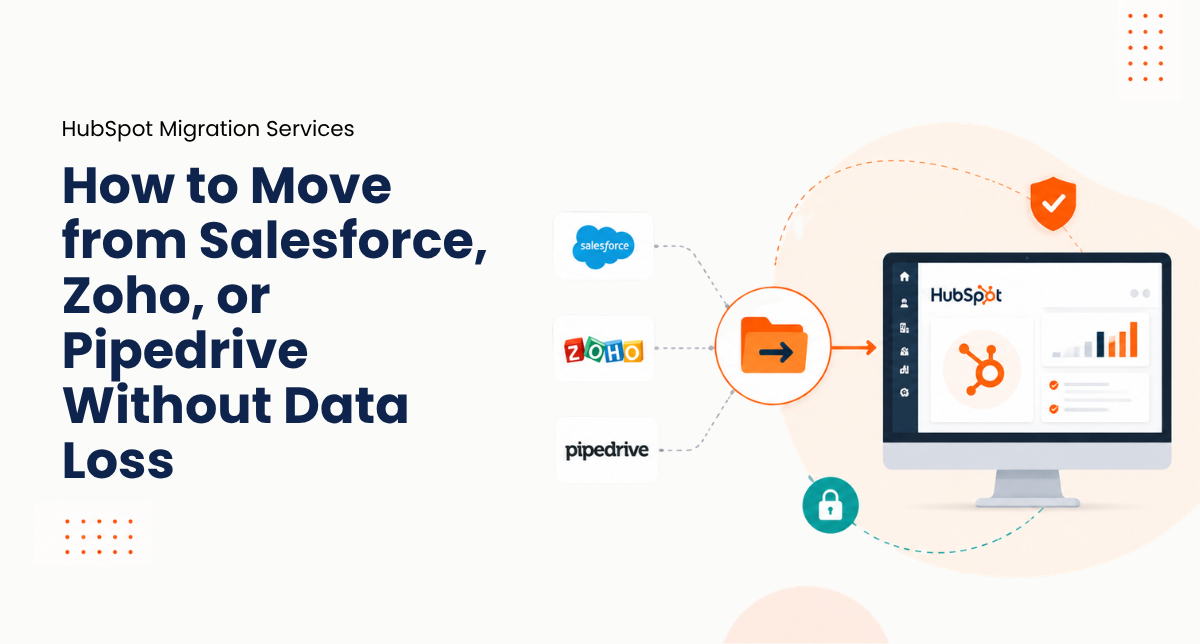
Here's how HubSpot migration from Salesforce, Zoho, or Pipedrive works without data loss, from Amwhiz, a HubSpot partner.
.jpeg?width=1672&height=941&name=Duck-ai-image-2026-08-10-15-34%20(1).jpeg)
People leave for cost and fit. The trick is arriving on HubSpot without dropping anything on the way.
Why the Fear Is Overblown (When It's Done Right)
Migrations go wrong when they're rushed, exported one day and imported the next, with fingers crossed. Done properly, it's the opposite: careful, staged, and checked at every step.
Your data is mapped, cleaned, moved, and then reconciled against the source before anyone relies on it. The horror stories come from cutting corners. Take it seriously and the fear mostly evaporates.
What Actually Moves Across
A complete migration brings the things that matter, not just a contact list. From Salesforce, Zoho, or Pipedrive, that means your full record of customers and deals.
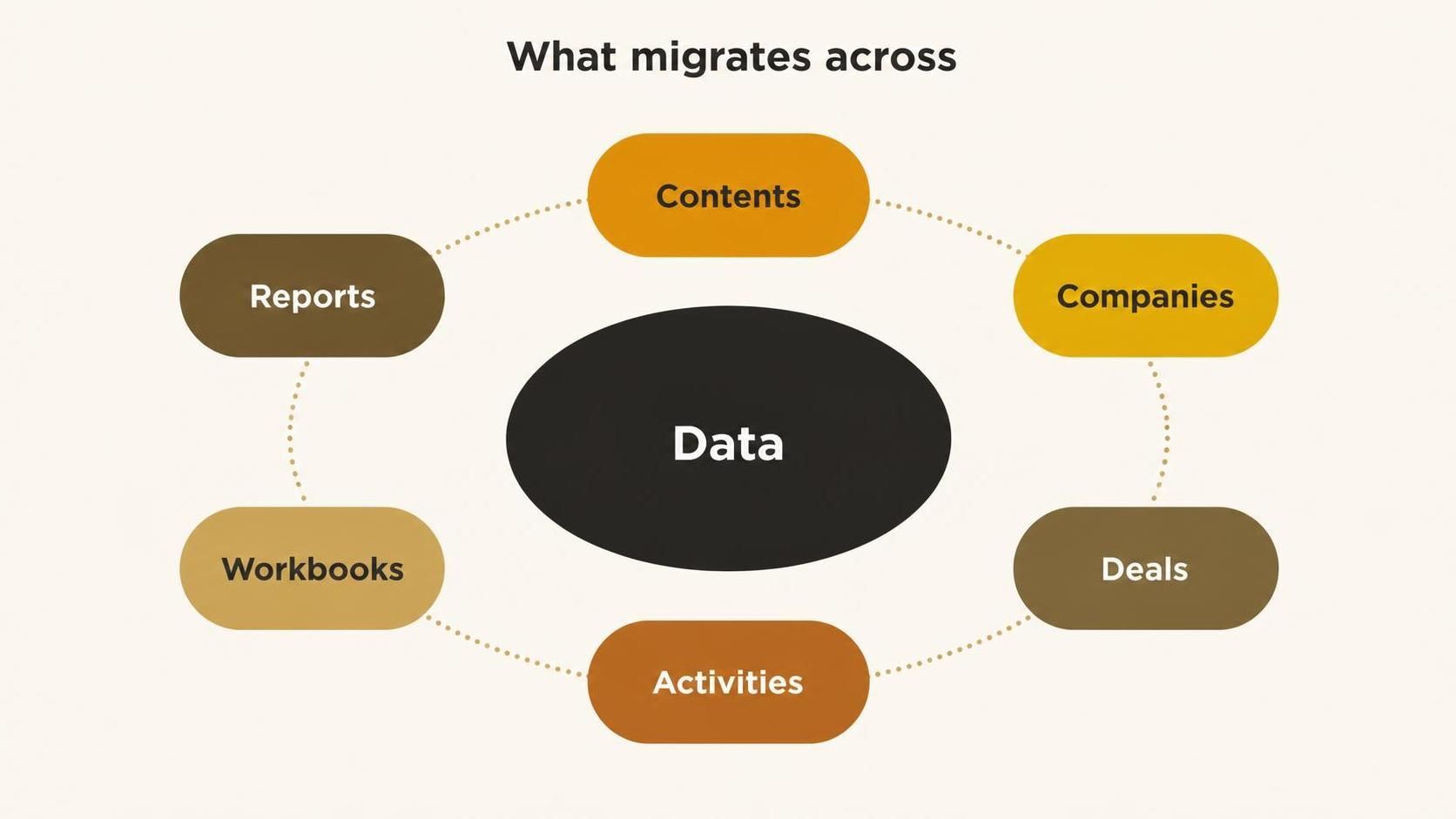
Contacts, companies, deals, activities, workflows, and reports, all mapped across carefully.
The Mapping Is Where the Skill Lives
Every CRM structures data slightly differently. A field in Pipedrive, a custom object in Salesforce, a module in Zoho, each has to be mapped to the right place in HubSpot. Get the mapping right and your data lands where it belongs. Get it wrong and you have a mess that's worse than what you left.
This is the part that rewards experience. Matching records across systems, preserving relationships between contacts, companies, and deals, and handling custom fields correctly is what makes a migration trustworthy rather than a gamble.
Clean As You Move
A migration is a rare chance to leave your junk behind. Years of duplicates, dead records, and inconsistent data don't have to make the trip. Cleaning as you move means you arrive in HubSpot with a tidier, more trustworthy database than the one you left.
Skip the cleaning and you simply relocate the mess. Do it well and the migration doubles as a fresh start.
Validate Before You Trust
The step that guarantees nothing is lost is reconciliation. After the data moves, it's checked against the source: record counts, key deals, contact details, and relationships all confirmed. Only when the numbers agree do you rely on HubSpot and retire the old system.
This validation is the safety net. It's what lets you switch with confidence rather than hope.
Why Businesses Make the Move
Understanding why businesses leave helps set expectations for the migration. Most move for a mix of cost and fit: the renewal quote that keeps climbing, the system that grew clunky, or a CRM that simply doesn't match how the team now works.
HubSpot tends to win on being unified and easier to use, with strong automation and marketing built in rather than bolted on. Knowing your own reason for moving matters, because it shapes what you prioritise in the migration, whether that's cost savings, better alignment, or simpler day-to-day use. The clearer the motivation, the smoother the project.
How Amwhiz Handles Your Migration
Amwhiz is a HubSpot partner, and we migrate businesses from Salesforce, Zoho, and Pipedrive to HubSpot without losing data. We audit your current setup, map every field and relationship carefully, clean the data on the way, move it, and reconcile the result against the source before you go live.
We also rebuild the workflows and reports you rely on, so your team lands in a HubSpot that works from day one. The migration people fear turns out to be a controlled, checked, uneventful move.
Frequently Asked Questions
Will I lose data migrating to HubSpot?
Not when it's done properly. Data is mapped, cleaned, moved, and then reconciled against the source, so nothing is lost and your history arrives intact.
What moves across from Salesforce, Zoho, or Pipedrive?
Contacts, companies, deals with their stages and values, activity history, workflows, and reports. A complete migration brings the whole picture, not just a contact list.
Can I clean up my data during the move?
Yes, and you should. Migration is a chance to leave duplicates and dead records behind, so you arrive in HubSpot tidier than you left.
How do I know nothing was lost?
Through reconciliation. After the move, the data is checked against the source, record counts and key details confirmed, before you rely on HubSpot.
Will my workflows and reports come across?
They're rebuilt in HubSpot as part of the migration, so your team lands in a working system rather than an empty one.
The Short Version
HubSpot migration from Salesforce, Zoho, or Pipedrive loses nothing when it's done right: careful field mapping, cleaning on the way, and reconciliation against the source before you trust it. The fear that keeps businesses stuck is real but manageable. Done properly, the move is uneventful.
Book a free HubSpot migration consultation.
Amwhiz will move you to HubSpot without losing a contact or a deal. Visit amwhiz.com or email sales@amwhiz.com.