-1.png?width=134&height=66&name=amwhiz-logo%20(1)-1.png)


The Evening Data-Entry Ritual Nobody Signed Up For Somewhere in a lot of online businesses, there's...
Getting Your Patchwork of Tools to Talk
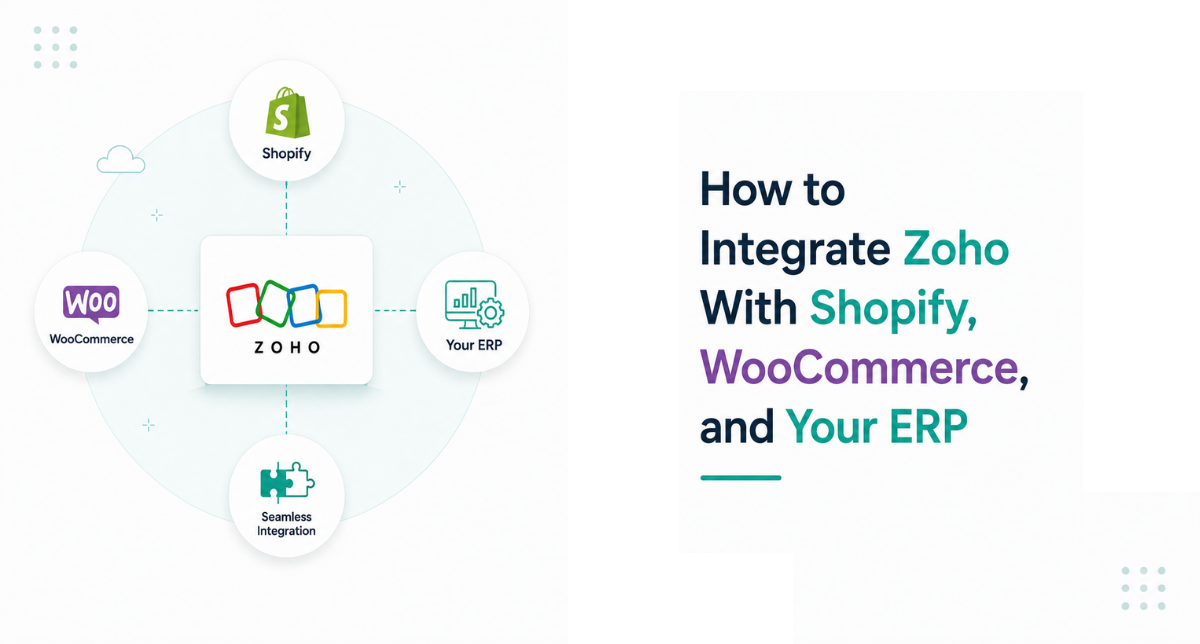
Most businesses don't run on one system. They run on a Frankenstein. A bit of Shopify here, some WooCommerce there, an ERP that's been around since before half the team joined, and Zoho in the middle trying to make sense of it all.
The question isn't whether to rip all that out. It's how to get the pieces talking, so a sale in one place shows up everywhere it needs to without a human ferrying data between them. That's what integrating Zoho with your other platforms is really about.
Here's how these integrations get built, and what makes them hold up rather than break the first time something unusual happens. It's a big part of what we do at Amwhiz.
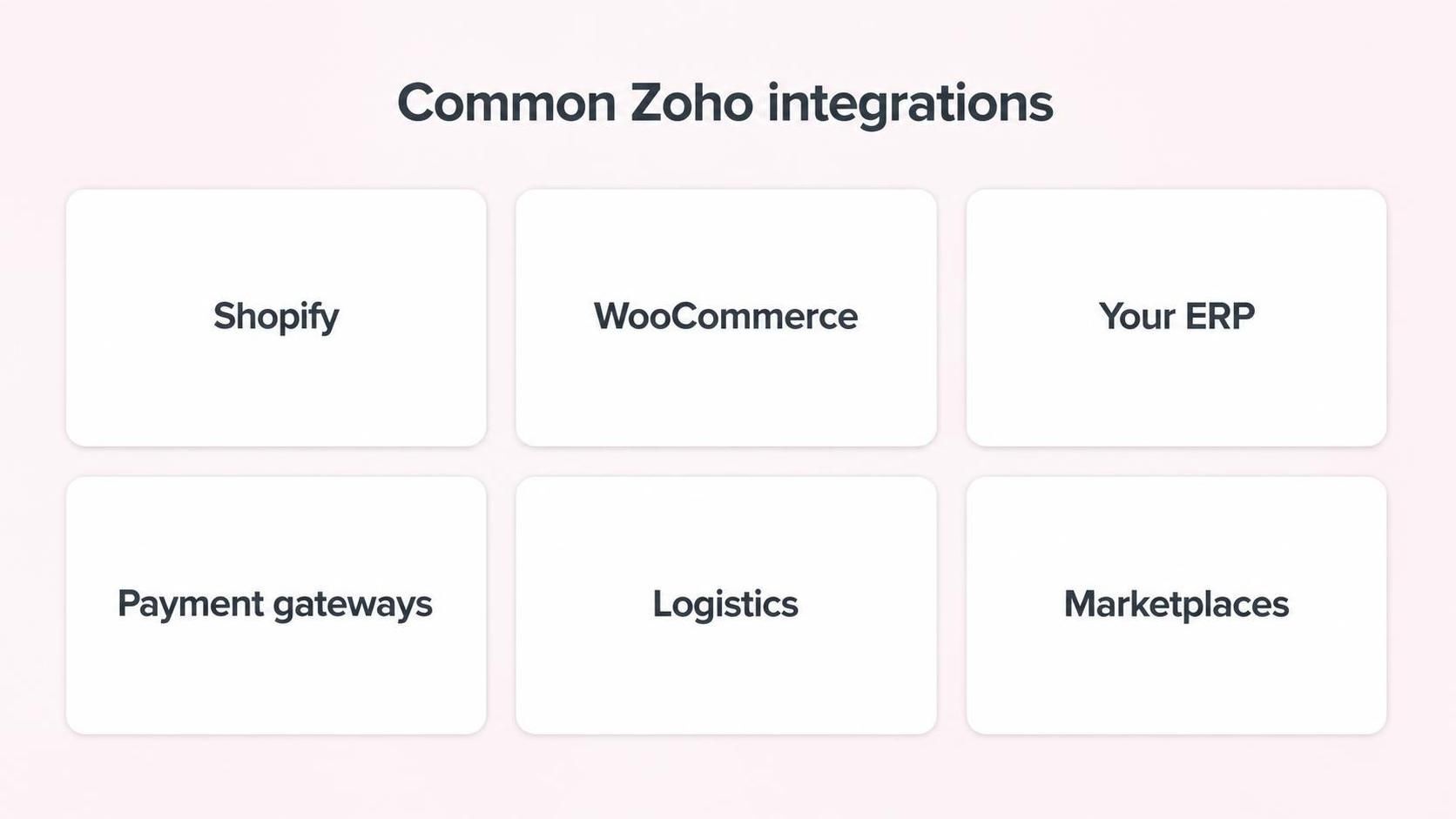
Shopify, WooCommerce, your ERP, payments, logistics, marketplaces. All candidates to connect to Zoho.
What "Integration" Actually Means Here
Integration is just getting two systems to share the right information automatically. When a Shopify order comes in, your Zoho Books should raise the invoice and your Zoho Inventory should drop the stock, without anyone lifting a finger. When your ERP updates a product, Zoho should know.
Simple in principle. The craft is in doing it reliably, so the data lands correctly every time, including on the messy days.
Connecting Shopify and WooCommerce
These are the common ones. A Shopify or WooCommerce store generates orders, and those orders need to flow into Zoho so your stock, invoicing and customer records stay current.
Done well, the store becomes a front end and Zoho becomes the engine room. Orders turn into invoices, stock adjusts, customers are recorded, refunds flow back. Your team stops copying orders by hand and your numbers stop drifting, which is usually the whole reason the project gets started.
Connecting Your ERP
The ERP is often the tricky one, because it's older, more central, and less forgiving. But it's also where a lot of your truth lives, products, pricing, stock, financial rules, so connecting it to Zoho is often the most valuable integration of the lot.
The approach depends on what your ERP can offer. Some have clean APIs. Some need a middle layer. Some need a more careful, scheduled exchange of data. The goal is the same either way: the ERP and Zoho agree, so nobody's maintaining the same information in two places and hoping they match.
.jpeg?width=1536&height=1024&name=Duck-ai-image-2026-08-05-04-04%20(1).jpeg)
Map the data, choose the method, build and connect, test the weird edge cases, then keep an eye on it.
The Part Everyone Underestimates: Edge Cases
Any integration works fine on a normal order. The real test is the abnormal one.
A partial refund. An order that's edited after it's placed. A product that exists in one system but not the other. A payment that fails halfway. These edge cases are where lazy integrations fall apart, silently dropping data or creating duplicates that someone discovers weeks later. A good integration is designed for these moments, so it behaves sensibly when things get weird, which they will.
This is the single biggest reason to build integrations carefully rather than flip on a generic connector and hope. The happy path is easy. The unhappy paths are where the value, and the risk, actually live.
It's Not "Set and Forget"
Platforms change. Shopify updates, your ERP gets patched, an API shifts. A good integration is monitored, so if something breaks it's caught quickly rather than quietly losing data for a month. Building the connection is the start; keeping it healthy is the ongoing part that a lot of businesses forget to plan for.
Which Integration to Build First
If your stack has several disconnected pieces, you don't have to connect them all at once, and you probably shouldn't. Start where the manual pain is worst.
Usually that's wherever someone is copying data by hand every day. If your team re-keys web orders into the accounts each evening, connect the store to Zoho first, that's the integration that hands back the most time immediately. If the daily grind is reconciling your ERP against everything else, start there. Prioritising by pain means you feel the benefit early, which builds the case for connecting the next piece.
Trying to integrate everything in one go tends to stall, because each connection has its own quirks and edge cases to work through. One solid, reliable integration is worth more than three half-finished ones, so build them one at a time and let each prove itself before moving on.
Native, Connector, or Custom?
Not every integration is built the same way, and choosing the right method matters. Some connections are native and just switch on. Some use a ready-made connector that covers the common cases. Some, especially with older ERPs or unusual requirements, need custom work or a middle layer. Picking the wrong method, forcing a rigid connector onto a complex need, is where integrations turn fragile. Matching the method to the job is a quiet but important part of getting it right.
How Amwhiz Builds Integrations
Amwhiz is an authorized Zoho partner, and we connect Zoho to Shopify, WooCommerce, ERPs and the rest of your stack so data moves on its own. We map exactly what needs to flow where, pick the right method for each system, build the connection, and, crucially, test the edge cases that break careless integrations.
We also keep an eye on it afterwards, because an integration that isn't watched is an integration waiting to fail quietly. The aim is a stack that behaves like one system, not a pile of tools held together with hope.
Frequently Asked Questions
Can Zoho integrate with Shopify and WooCommerce?
Yes. Both can be connected to Zoho so orders flow into your books and inventory, keeping stock, invoicing and customer records in sync automatically.
Can Zoho connect to my ERP?
Usually. The method depends on what your ERP supports, from clean APIs to a middle layer, but connecting the ERP is often the most valuable integration because so much core data lives there.
What usually breaks an integration?
Edge cases, partial refunds, edited orders, mismatched products, and platform updates. Designing for these and monitoring the connection is what keeps it reliable.
Do I need custom development?
Sometimes a standard connector suffices; sometimes custom work or middleware is needed for complex or older systems. The right approach depends on your specific stack.
Is an integration a one-time job?
The build is, but healthy integrations are monitored and maintained, because the platforms they connect keep changing. Planning for that upkeep avoids nasty silent failures.
The Short Version
Integrating Zoho with Shopify, WooCommerce and your ERP means getting them to share the right data automatically, so orders, stock, invoicing and records stay in sync without manual copying. The build is straightforward; the value is in handling the edge cases and keeping the connection monitored.
Book a free Zoho integration consultation.
Amwhiz, an authorized Zoho partner, will connect Zoho to your store and ERP and keep the whole thing running as one system. Visit amwhiz.com or email sales@amwhiz.com.