-1.png?width=134&height=66&name=amwhiz-logo%20(1)-1.png)


When Your Till and Your Website Disagree Two customers want the last blue jacket. One is standing...
written by: Renuka M
Shopify POS,
Inventory Management,
Retail Technology,
Shopify POS Integration Guide,
Point of Sale,
Omnichannel Commerce
Shopify POS Integration Guide to Unify Your Retail and Online Sales
You run an online store. You also have a physical location or sell at markets. Managing both separately is consuming your time and creating disconnects with your customers.
You're tracking inventory in two places. Customer data is scattered. One customer buys online, then walks into your store and you don't know who they are. They see different prices. The experience feels fragmented.
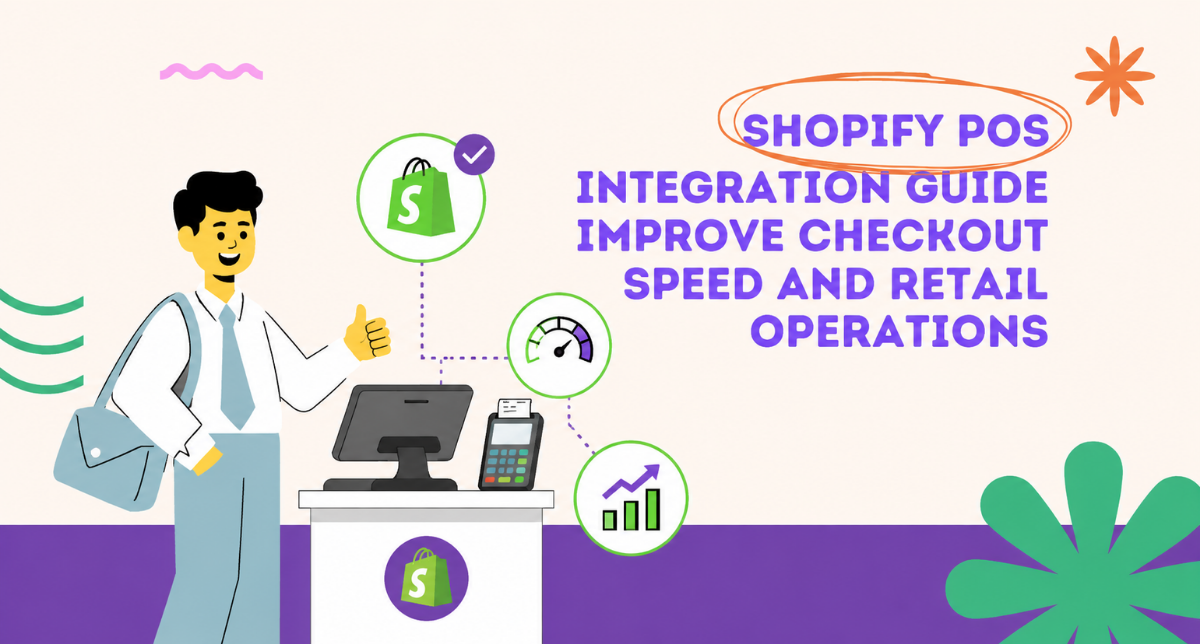
Shopify POS integration fixes this completely. It connects your online and offline operations into one seamless system. One inventory. One customer database. One unified commerce experience.
Why Shopify POS Is Essential for Multi-Channel Retailers
The problem most retailers face is that their online store and physical locations operate independently. This creates multiple headaches.
First, inventory nightmares. You sell five units online. You have three in your store. But your system doesn't know this. You oversell. Customer ordered online gets delayed because you oversold from your physical stock. They're unhappy. You lose the sale.
Second, customer experience suffers. Customer researches online, comes to your store, and they're treated like a stranger. No record of their past purchases. No personalization. No loyalty recognition. They feel like just another transaction.
Third, operational inefficiency. You're manually updating inventory. You're managing separate payment systems. You're dealing with multiple reports and analytics. Your team is duplicating work.
Shopify POS integration eliminates all of these problems at once.
What Is Shopify POS and How Does It Work
Shopify POS is a point-of-sale system that works seamlessly with your Shopify store. It lets you process in-person payments on an iPad or Android tablet while keeping complete sync with your online inventory and customer database.
Think of it as an extension of your Shopify store that works offline at your physical location. When a customer makes a purchase at your register, that sale is recorded instantly in Shopify. Their customer profile updates. Inventory counts down. Loyalty points are tracked. Everything flows together.
How Real-Time Sync Works
When you sell one unit in your store, the same unit instantly becomes unavailable online. No overselling. No inventory disasters. Your customers on both channels shop from the exact same, up-to-date inventory count.
When a customer makes a purchase in-store, they automatically get added to your Shopify customer list. If they also buy online, you see their complete purchase history across both channels. You understand your customer better. You can market smarter.
Key Benefits of Shopify POS Integration
- Unified inventory across all channels: Sell online and in-store from one inventory pool. Never oversell. Never disappoint customers.
- Complete customer data: Every purchase, every touchpoint, tracked in one place. Build better customer relationships through unified insight.
- Flexible payment acceptance: Accept cards, mobile payments, digital wallets anywhere. Multiple payment methods supported.
- Real-time sales analytics: See what's selling, where it's selling, when customers are buying. Data flows instantly.
- Lower processing fees: Shopify payment processing fees are typically 2.7% + 30¢ for online and in-store, competitive and transparent.
- Offline capability: The system works even if internet drops. Transactions sync when reconnected. No lost sales.
- Multiple location support: Run multiple stores or pop-ups. Each has its own register but shares one inventory and customer database.
Who Benefits Most From Shopify POS
Brands with physical stores. Pop-up sellers. Market vendors at weekend markets. Service businesses adding retail. Wholesalers selling direct to customers. Anyone selling through multiple channels.
If you're already on Shopify and have in-person sales happening somewhere, Shopify POS integration is a game-changer. The ROI comes from reduced inventory mistakes and better customer experiences, both of which boost revenue immediately.
Real World Example
A brand makes candles. They sell online via Shopify. They also sell at farmers markets and a pop-up store on weekends.
Without Shopify POS: They manually track which candle scents they have at the market. Customer buys lavender online Thursday. Friday at the market, someone else wants lavender. They sell the last one. But the system doesn't know. Saturday morning, three more orders come in for lavender. They're out of stock. Customer cancels. Lost sales.
With Shopify POS: Customer buys lavender online Thursday. The lavender inventory in Shopify drops by one, immediately. At the market Friday, their register shows they have three lavenders left. When they sell the last one, inventory drops to zero in Shopify. No more orders can be placed online for lavender. Next morning when they restock, they update Shopify and online orders start flowing again. Everything coordinates perfectly.
Implementation and Setup Process
Hardware You'll Need
iPad (7th generation or newer) or compatible Android tablet, a Shopify-approved card reader (Square Reader for contactless and chip or similar), optional barcode scanner for faster checkout, optional receipt printer.
Total hardware investment: $400-600 one-time for a basic setup. This is a one-time cost.
Software Setup
Download the Shopify POS app on your tablet. Connect it to your Shopify store. Configure your payment processing. Set up your locations in Shopify (each register gets mapped to a location). That's it. Setup takes a few hours.
Staff Training
Staff needs to learn the POS app. Processing payments. Returns. Discounts. Customer lookup. This takes 2-3 days of practice but is straightforward. Most retail staff pick it up quickly.
Addressing Common Concerns About Shopify POS
What If Internet Goes Down?
Shopify POS has offline mode. You can process sales without internet. They're stored locally on the tablet. When internet comes back, all transactions sync to Shopify automatically. No sales are lost. You won't miss a beat.
Can I Use Multiple Registers?
Yes. Set up as many iPads/tablets as you need. Five registers? Ten? No problem. They're all synced to your Shopify store. Inventory updates across all registers in real-time. Staff can see if another register just sold your last item.
What About Security?
Shopify POS is PCI compliant. Payment data is encrypted. Your customer data is secure. Shopify handles all the security infrastructure. You're not managing payment card data yourself.
Advanced Shopify POS Features Worth Knowing
Loyalty program integration directly in the register. Customer applies points at checkout. Barcode scanning for faster transactions. Discount codes applied instantly. Staff management with permission levels. Real-time reporting showing today's sales, top products, customer count. Returns and exchanges processed smoothly.
FAQ
How much does Shopify POS actually cost?
Hardware (iPad + card reader): $400-600 one-time. Monthly: nothing extra, POS is included with any Shopify plan. Payment processing fees are 2.7% + 30¢ per transaction (competitive rate). Total cost: much lower than other POS systems.
Does Shopify POS really work offline?
Yes, absolutely. Limited offline mode lets you process sales without internet. Full functionality returns when you reconnect. No transactions are lost. Your data stays safe.
Can I use Shopify POS with multiple registers at once?
Yes. Multiple iPads, all synced in real-time. Inventory updates across all registers instantly. You can support busy periods without infrastructure headaches.
Is Shopify POS complicated to set up?
No. Setup takes a few hours. You download the app, connect to your store, configure payments. Staff training takes 2-3 days but is straightforward. Most retailers are running smoothly within a week.
What if I need WiFi at my market booth?
You have options. Mobile hotspot from your phone. WiFi from the venue if available. Or use offline mode and let transactions sync when you get back. No sales are lost either way.
Can I integrate loyalty programs with Shopify POS?
Yes. Shopify has built-in loyalty features. Customers earn points on every purchase (online or in-store). They can redeem them at your register instantly. One unified loyalty system across all channels.
What payment methods does Shopify POS accept?
Credit cards, debit cards, Apple Pay, Google Pay, contactless cards, and more. Multiple payment options create better customer experience and increase completion rates.
Can I see sales reports from my POS?
Yes. Real-time reports in Shopify show today's sales, top products, customer count, average order value. Drill down into details. Export to analyze. All built in.
What happens if my register crashes or tablet breaks?
Your transactions are already synced to Shopify. Just grab another iPad, log in, and you're back in business. Your data is safe in Shopify. Hardware is replaceable.
Does Shopify POS work for service businesses?
Yes. Salons, gyms, beauty services. You can take payments, capture customer info, track services, manage appointments. Any service business can benefit.