-1.png?width=134&height=66&name=amwhiz-logo%20(1)-1.png)




Last month, a friend asked ChatGPT to find her a good yoga mat under 2,000 rupees. She bought the...
Be honest: when did you last actually use Sidekick? Most merchants we work with tried it once in 2024, got a polite paragraph about their conversion rate, and never opened it again. Fair enough. But the Spring '26 version is a different tool wearing the same name, and if you wrote it off back then, it's time for a second look.
Shopify Sidekick used to be a Q&A tool. Useful for questions, useless for actual work. The Spring '26 Edition changes its job description: Sidekick is now an active task assistant that plugs deeper into your business data, takes real actions in your store, and can be extended by developers with custom AI extensions. In this post I'll cover what genuinely changed, which tasks are worth delegating first, and where the developer extensions get interesting for stores with complicated operations.
What Actually Changed
The short version: the old Sidekick could tell you about your store, the new one can work in it. Three upgrades carry most of the weight.
1. It knows your business data properly now
Sidekick draws on much more of your live store data than before: sales, products, customers, performance. Ask it why conversion dipped last week and you get reasoning grounded in your numbers, not a generic listicle about cart abandonment. That difference sounds subtle. In daily use, it isn't.
2. It does things instead of describing them
This is the headline change. Previously Sidekick would explain how to create a discount, and then you'd go click through the admin yourself, mildly annoyed. Now it can execute the task. You describe what you want, review, approve, done. Once you've worked this way for a week, going back feels like writing directions instead of just driving.
3. It follows you across devices
Insights now surface across your business devices, so the context you had at your desk is the same context you have on your phone at the warehouse. Small thing. Adds up.
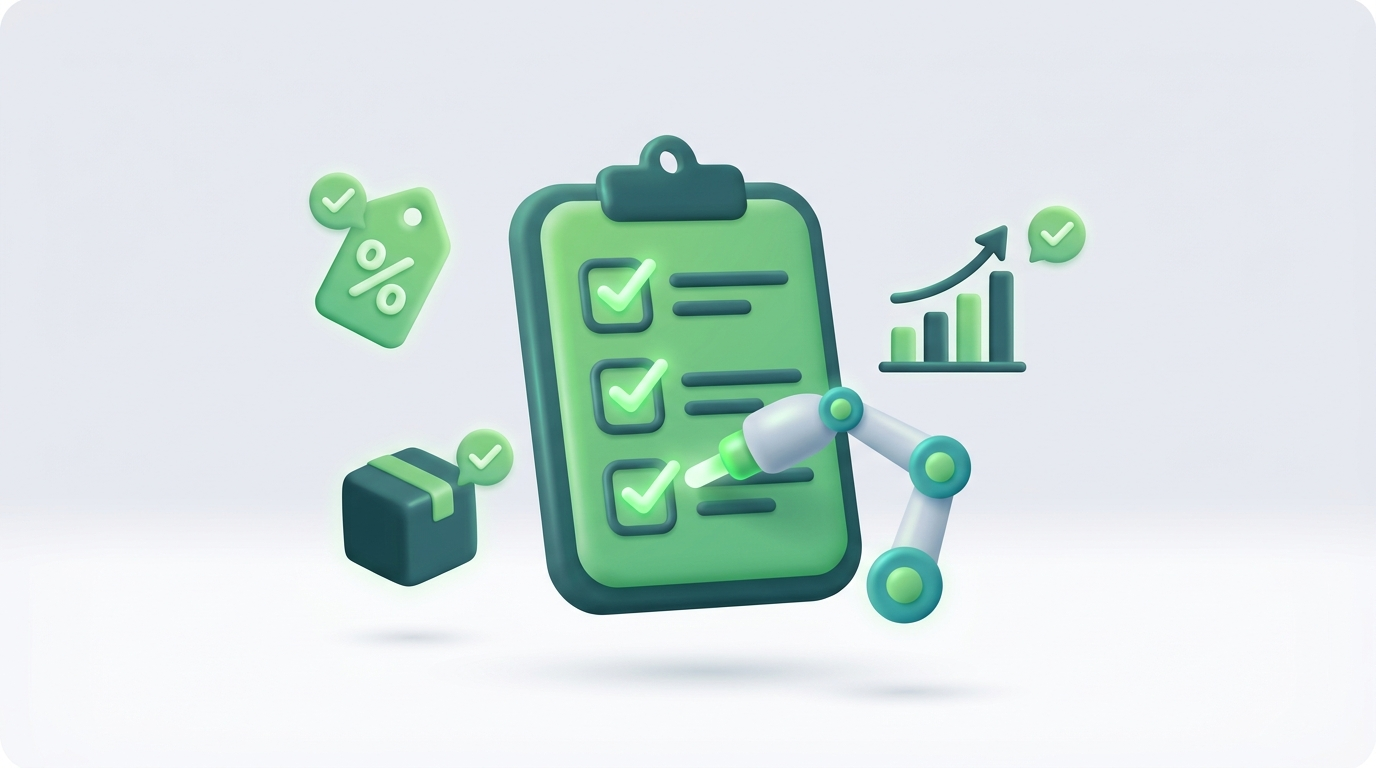
Sidekick now executes tasks instead of just describing them
What to Delegate First
We've been testing this with a handful of client stores. The tasks where Sidekick earns its keep fastest:
- The morning check-in. Ask what changed, what looks odd, and what needs attention today, instead of opening five reports to reconstruct the same answer.
- Catalog edits described in plain language. Bulk updates, description rewrites, status changes.
- Building discounts. Describe the offer and let it do the setup. This pairs nicely with the new discount stacking rules from the same release.
- Customer and order lookups mid-conversation, while you're answering a support email.
- The "why" questions that used to mean exporting CSVs and losing an afternoon to a spreadsheet.
Start with one. Verify the output for a week before you trust it with more. That's not caution for its own sake; it's how you learn where the tool is strong and where it still needs a human eye.
For Developers: The Extensions Are the Sleeper Feature
Spring '26 adds developer-focused Sidekick AI extensions, which means agencies and developers can teach Sidekick new actions specific to one business: custom workflows, third-party systems, store-specific logic. Off the shelf, Sidekick is a generic assistant. Extended properly, it becomes your assistant, one that knows your fulfillment quirks and your reporting conventions. For Shopify Plus stores with messy, real-world operations, this is where the compounding value sits.
Have a workflow Sidekick can't handle out of the box? amwhiz builds custom AI extensions for exactly that.
The Honest ROI Math
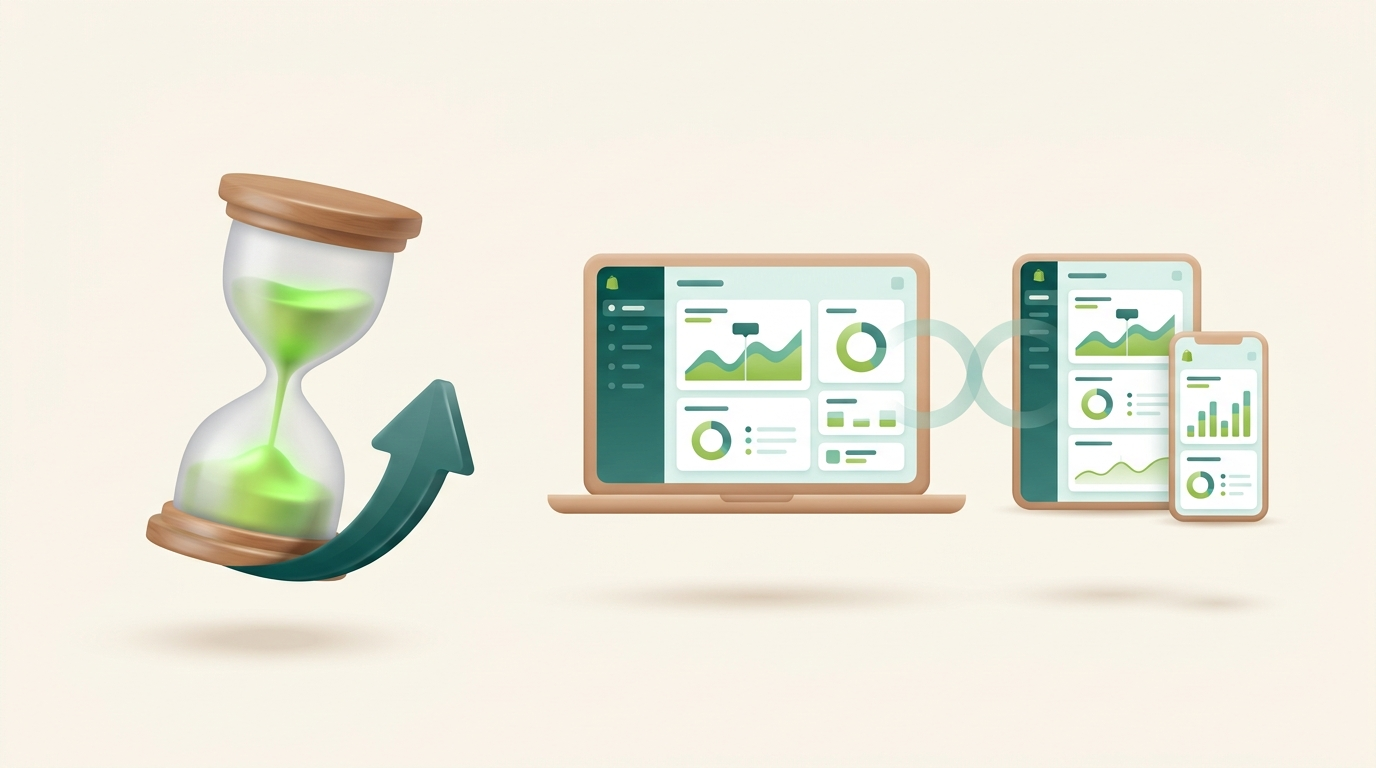
The same context follows you across desktop, tablet and phone
Forget the AI hype for a second and just do arithmetic. If Sidekick saves you five hours a week on reporting, catalog upkeep, and promotion setup, that's roughly 260 hours a year. Six and a half working weeks, redirected from admin work to work that grows the business. Multiply by your team size. The merchants getting ahead with AI for ecommerce operations this year aren't the ones posting about it; they're the ones who quietly handed over their busywork months ago.
Frequently Asked Questions
What can Shopify Sidekick do now?
As of the Spring '26 Edition, Sidekick is an active task assistant. It can execute specific actions in your store, like building discounts and updating products, draw on your live business data for insights, and surface those insights across your devices.
Is Shopify Sidekick free?
Sidekick is included with Shopify plans at no extra cost, making it one of the most accessible AI assistants for ecommerce operators.
Can developers extend Shopify Sidekick?
Yes. Spring '26 introduced developer-focused AI extensions, letting agencies and developers teach Sidekick custom, business-specific actions connected to custom workflows and third-party systems.
Is Sidekick the same as Shopify's AI shopping channels?
No. Sidekick is an internal assistant that helps merchants run their store. AI shopping channels (ChatGPT, Google AI Mode, Copilot) are external sales surfaces where customers discover and buy products. Spring '26 upgraded both.
Conclusion
The Spring '26 Sidekick, with its deeper data integration, real task execution, cross-device context, and developer extensions, has grown from a novelty into something closer to an operational teammate. You don't need a strategy deck to start. Delegate one recurring task this week, check its work, and expand from there. The hours you get back are the whole point.
Want Sidekick working like a full-time employee for your store?
amwhiz builds custom AI workflows and Sidekick extensions for Shopify and Shopify Plus brands, from automated reporting to bespoke task automation wired into your exact operations.
Book a free AI automation consult with amwhiz →
We'll map the 5 highest-ROI tasks you can automate in your store in one call.